How to Even Old Epson: Printing Waterproof AP Film ID Cards
How to Even Old Epson: Printing Waterproof AP Film ID Cards
Using legacy hardware for modern identification needs is a cost-effective strategy for many Indian businesses. At Abhishek Products in Secunderabad, we specialize in helping clients maximize their existing equipment. If you have an older Epson printer, you can still achieve professional-grade results by following our specialized techniques for AP film printing.
Before you start
You can use old Epson printers to print high-quality ID cards by switching to AP film media instead of standard paper. This allows legacy hardware to produce modern, waterproof identification solutions for schools and businesses. The process involves using the printer's existing ink system to bond with the specialized coating on the AP film, ensuring the output is both durable and professional.
Many users in the Indian market believe that old printers are obsolete for ID card production. However, Epson’s Piezoelectric technology is remarkably consistent. By utilizing AP film, you can create cards that are resistant to water and wear, which is essential for the humid conditions often found in cities like Hyderabad or Mumbai. This method is particularly popular for school ID cards where high volume and low cost are primary concerns.
Old Epson printers work with AP film by utilizing Piezoelectric print head technology to deposit ink onto a specialized coating. This coating absorbs the ink while maintaining waterproof properties, making it suitable for long-term ID card use. Unlike thermal printers, the Epson system does not use heat to transfer color, which prevents the AP film from warping during the printing process. The science behind this involves the micro-porous layer of the AP film, which is engineered to trap ink molecules. Even if the printer is several years old, the precision of the Epson head allows for sharp text and vibrant colors. This is why Abhishek Products, with over 32 years of experience in Secunderabad, continues to recommend this method for clients who want the best quality guaranteed without the high overhead of new machinery.
Setup steps
Design and layout configuration
Create your design using professional software, ensuring the resolution is at least 300 DPI. Beginners should start by designing a standard CR80 size card (85.60 x 53.98 mm) to ensure the layout fits perfectly on the film.
Printer driver settings
For businesses in Secunderabad looking to optimize their workflow, we recommend setting the media type to 'Premium Glossy' or 'Ultra Glossy' in the printer driver. This tells the Epson printer to slow down the feed and apply ink more precisely. Selecting the 'High Quality' paper setting or 'Best Photo' mode ensures the maximum ink density for vibrant ID card colors.
How to use the printer
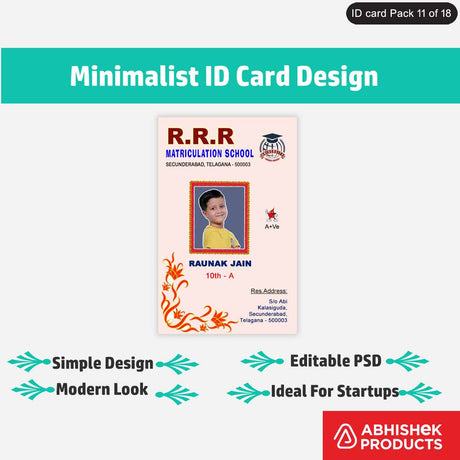
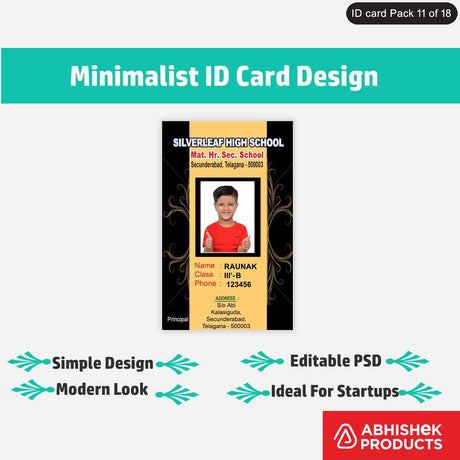
The process involves loading AP film into the printer and following a structured workflow to reduce waste and increase profit margins. This method is ideal for creating sticker ID cards or standard school IDs that need to withstand daily wear and tear.
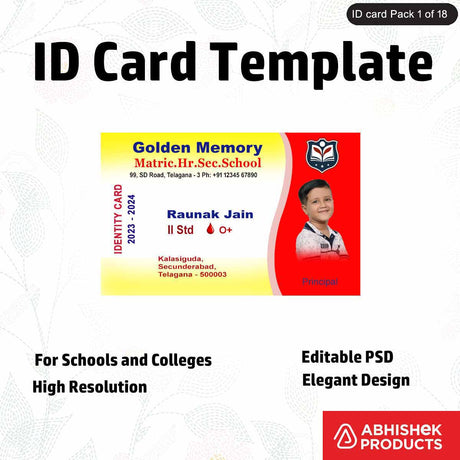
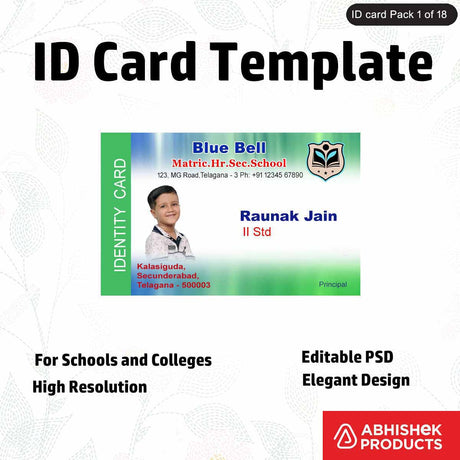
- Design Preparation: Use high-resolution templates to ensure that text and photos are sharp. Set your document size to match the AP film dimensions.
- Printer Calibration: Perform a head cleaning on your old Epson printer to ensure clear ink flow. This prevents banding on the waterproof film.
- Media Loading: Place the AP film in the manual feed tray or rear tray. Ensure the printable side is facing the correct direction and the film is flat and free of dust to avoid print artifacts.
- Print Execution: Select 'High Quality' or 'Photo' mode in your printer settings. Print the design and let it dry.
- Finishing: Once printed, allow the film to rest for 60 seconds or a few minutes to ensure the best longevity. For sticker ID cards, peel the backing and apply the film directly to your PVC or plastic substrate for a permanent, waterproof bond.
Troubleshooting or common issues
You should always ensure that the printer heads are clean and that you are using high-quality ink to prevent smudging on the film surface. When you first use AP film with an old Epson, it is helpful to run a nozzle check to ensure no lines appear in the final print. Because this film is waterproof, any imperfections in the print head will be more visible than on standard paper, so maintaining the machine is the first step toward professional results.
Abhishek Products provides lifetime free support for all printing problems, which is invaluable for beginners starting their ID card business.
Related products
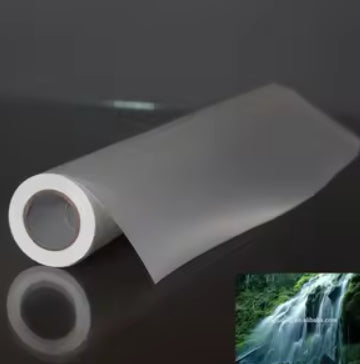
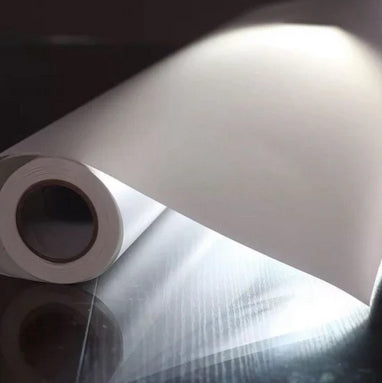
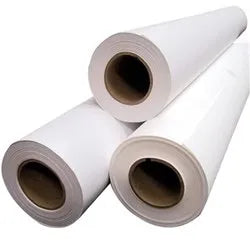
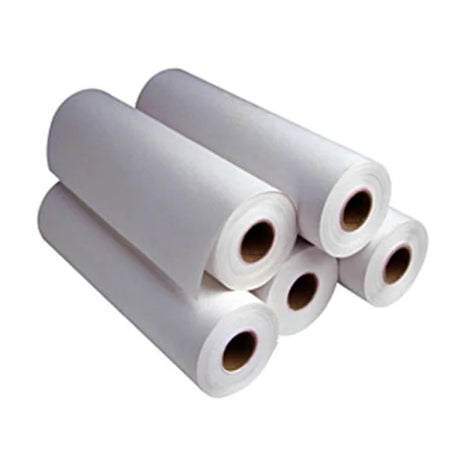
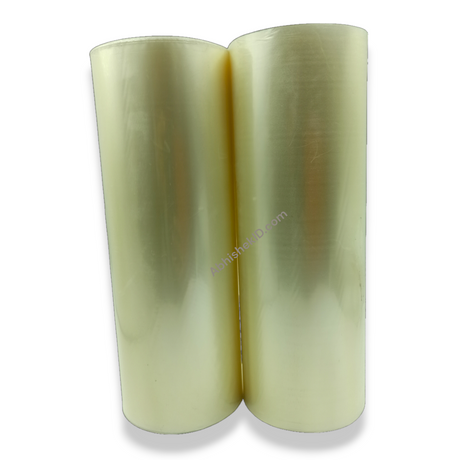
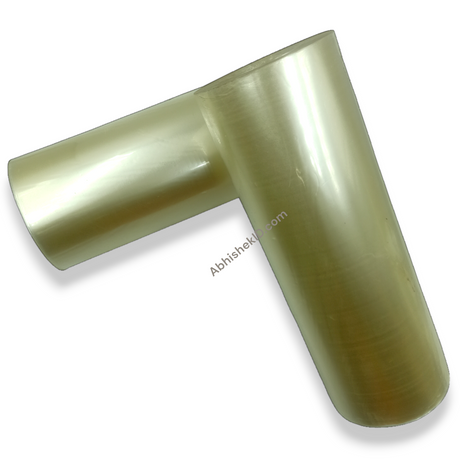
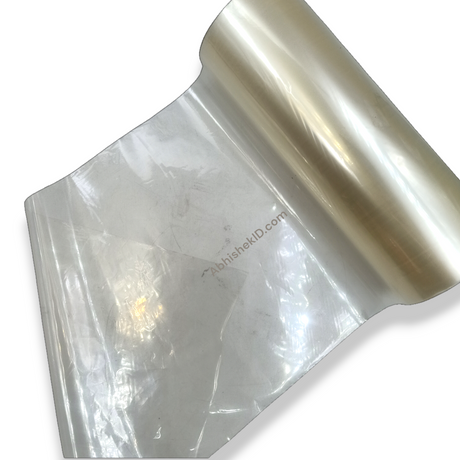
- AP Film for Epson Printers: Ideal for creating waterproof ID cards because it features a specialized coating that bonds instantly with standard inkjet inks. This product is the backbone of the sticker ID card process, allowing for a versatile application on various surfaces.
- Epson L-Series Printers (Legacy Models): Ideal for small business use-cases because their refillable tank systems significantly lower the cost per print for ID cards. When paired with AP film, these printers become powerful tools for school and business identification projects.
Frequently Asked Questions
⚡ Fast Answers Summary
- Yes, most Epson printers using Piezoelectric technology are compatible with AP film.
- The ID cards produced using AP film are completely waterproof once the ink has dried.
- Sticker ID cards are created by printing on a specialized adhesive-backed AP film.
Yes, most Epson printers using Piezoelectric technology are compatible with AP film. This includes older models that are often found in Indian small businesses. The key is to ensure the printer is in good working condition and that you use the correct high-quality settings to allow the ink to bond with the waterproof coating of the film.
The ID cards produced using AP film are completely waterproof once the ink has dried. The specialized coating on the film is designed to lock the ink inside a protective layer, preventing it from smudging or running when exposed to moisture. This makes them ideal for school students and employees who work in outdoor environments across India.
Sticker ID cards are created by printing on a specialized adhesive-backed AP film. Once the design is printed, the film can be peeled and stuck onto a rigid PVC card or other surfaces. This is a popular method for upgrading existing cards or creating custom identification tags without needing a dedicated card laminator or expensive plastic card printer.
When printed correctly using an Epson printer and high-quality AP film, these ID cards can last for several years. The durability is comparable to standard PVC cards, especially if they are kept inside a protective card holder. Abhishek Products offers lifetime support to help you maintain the quality of your prints over the long term.
No, you do not need special ink; standard Epson dye or pigment inks work perfectly with AP film. The film is specifically engineered to be compatible with the ink sets provided with Epson L-series and older Stylus models. This keeps your operating costs low while maintaining the high quality required for professional school and business ID cards.
You can purchase high-quality AP film and all related printing equipment from Abhishek Products. We are located at Shop No. 37, Ground Floor, Minerva Complex, S.D. Road, Secunderabad, Telangana. We have over 32 years of experience in the industry and provide detailed timing and temperature charts for all our products to ensure your success.