How to Golden Canvas Print with Foil?
How to Golden Canvas Print with Foil?
Golden canvas printing is a specialized technique that combines the textured elegance of canvas with the premium brilliance of metallic foil. This process is widely used in India for creating high-end religious frames, wedding decor, and corporate awards. By using toner-reactive technology, businesses can produce luxury prints without the need for expensive traditional die-stamping equipment.
TL;DR: Golden canvas printing involves transferring metallic foil onto a laser-printed canvas surface using heat and pressure.
- Requires a laser printer with high-density black toner for proper foil adhesion.
- A thermal laminator or heat press is essential to activate the foil's bonding agent.
- Ideal for premium Indian market applications like wedding portraits and religious art.
Before you start
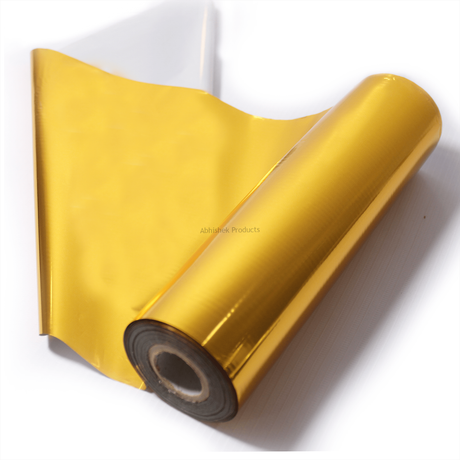
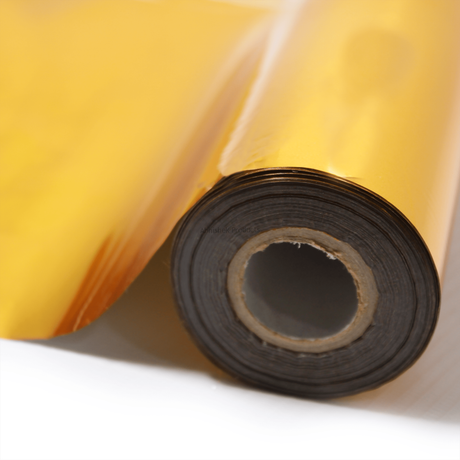
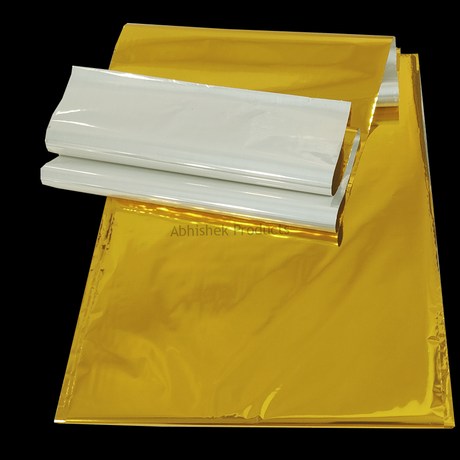
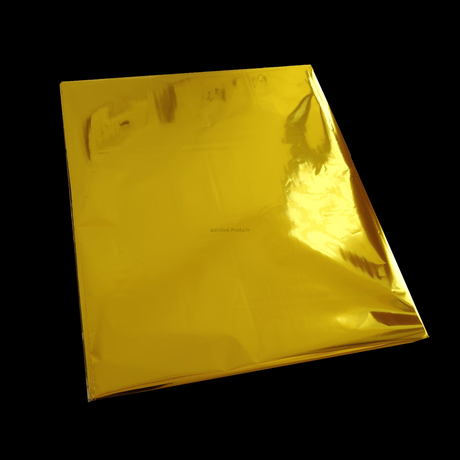
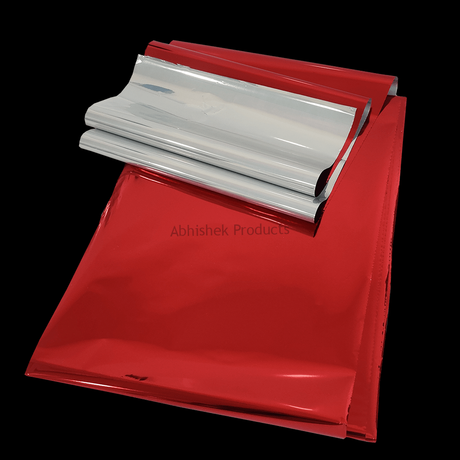
To golden canvas print, you must first print your desired design onto a specialized canvas sheet using a laser printer. The foil only adheres to the areas covered in black toner, so high-density printing is critical for a clean finish. Once printed, place the metallic foil over the design and pass it through a thermal laminator at a controlled temperature.
A beginner's guide to golden canvas printing starts with understanding your equipment. You cannot use an inkjet printer for this process because inkjet ink does not contain the plastic polymers required to bond with the foil. You must use a dry-toner laser printer. Beginners should start with small A4-sized canvas sheets to practice heat settings
⚡ Fast Answers Summary You must use a laser printer that uses dry toner. Inkjet printers, which use liquid ink, will not work because the foil requires the plastic resins found in toner to create a bond. Most office-grade laser printers are compatible, provided they can handle the thickness of the canvas media. While a household iron can technically provide heat, it is not recommended for professional results. A laminator provides consistent, even pressure and a stable temperature across the entire surface. An iron often leads to patchy results and uneven foil transfer due to the lack of controlled pressure. Foil failure is usually caused by insufficient heat or low toner density. Ensure your printer is set to its highest quality/density setting and that your laminator has reached the correct operating temperature. If the canvas is very thick, you may need to pass it through the laminator twice to ensure the heat penetrates the material. Yes, once the foil has properly bonded to the toner and cooled, it is permanent. It will not flake off under normal handling. However, like any metallic surface, it can be scratched by sharp objects, so it is best to frame the finished canvas behind glass or handle it carefully. Generally, you cannot print standard laser toner over the top of the foil because the foil surface is too slick for the toner to grip. The standard workflow is to print your colors first, then print the black toner for the foil, and finally apply the foil as the last step in the process. The ideal temperature typically ranges between 130°C and 150°C (266°F to 302°F). The exact setting depends on the thickness of your canvas and the speed of your laminator. Thicker canvas materials act as a heat sink, often requiring a slightly higher temperature or a slower pass speed to achieve a perfect bond.Frequently Asked Questions