How to Neat Mobile Sticker: The Ultimate Inkjet Mobile Skin Guide
How to Neat Mobile Sticker: The Ultimate Inkjet Mobile Skin Guide
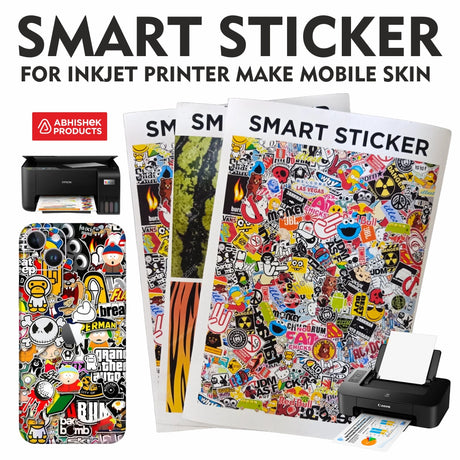
Quick Summary: Creating a Neat Mobile Sticker involves printing designs onto specialized heat-proof smart sticker sheets using a standard inkjet printer. These stickers are waterproof, matte-finished, and become stretchable when applied with a hot air gun.
- Works with Epson, HP, Canon, and Brother ink tank printers.
- Heat-proof and stretchable material for perfect corner fitment.
- Waterproof matte coating ensures a premium, durable product life.
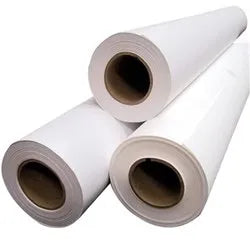
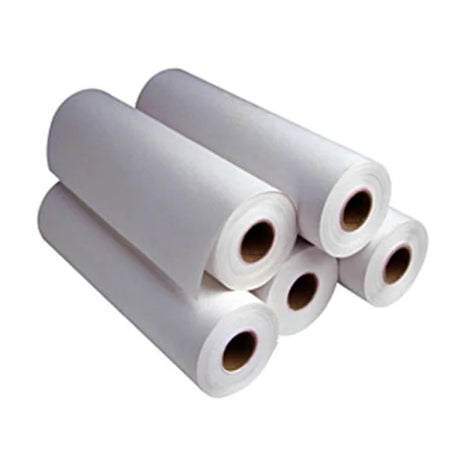
To create a Neat Mobile Sticker, you must use a specialized inkjet-based smart sticker sheet that is heat-proof and flexible. This process allows you to print high-quality mobile skins using a standard home or office inkjet printer, such as an Epson EcoTank or HP Ink Tank. The material is specifically engineered to handle the heat of a hot air gun without melting, which is essential for stretching the sticker over the curved edges of modern smartphones.
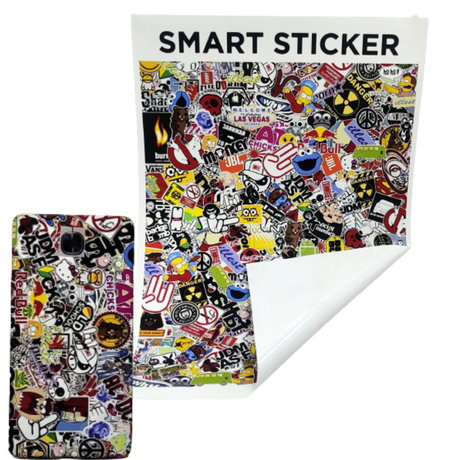
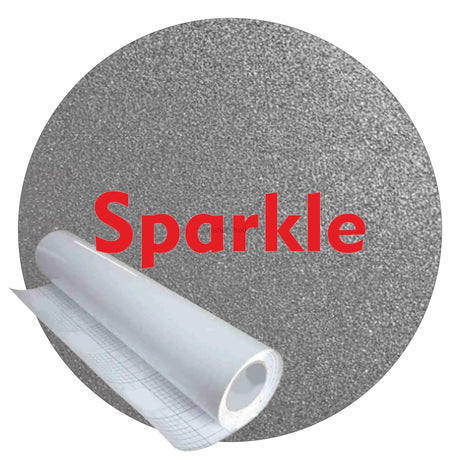
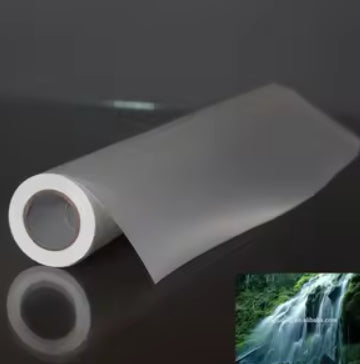
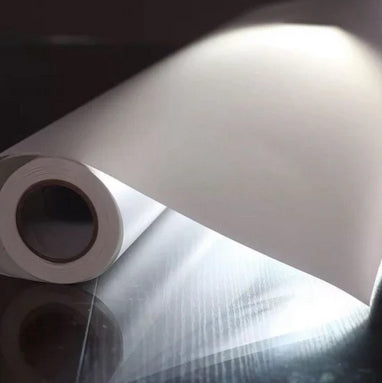
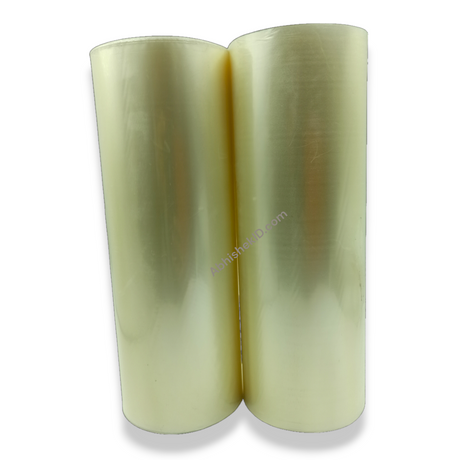
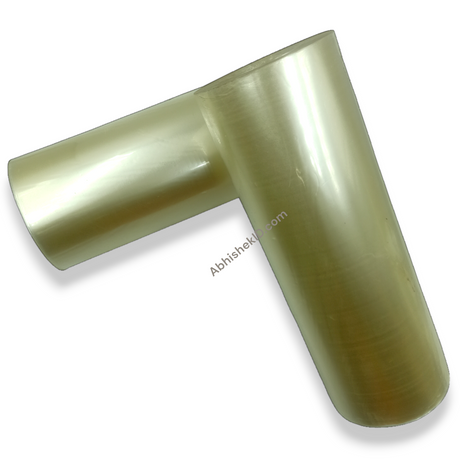
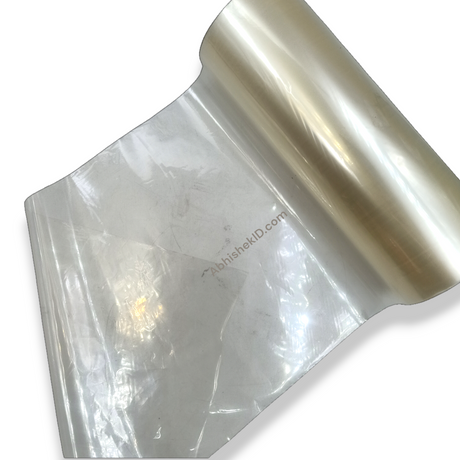
The Smart Sticker material from Abhishek Products is the core component of this hack. It features a matte coating that provides a rich, premium finish while remaining durable and waterproof. This method is a cost-effective business idea for mobile shop owners in India, as it eliminates the need for expensive industrial skin-cutting machines or specialized solvent printers.
Before you start
For beginners, the Neat Mobile Sticker process starts with selecting the right paper. You need an inkjet-based heat-proof smart sticker sheet, which is different from standard sticker paper. Standard paper will burn or shrink under a heat gun, whereas this specialty material is designed to be flexible and stretchable. Beginners should practice on flat surfaces before attempting the complex curves of a smartphone's camera bump or side rails.
Abhishek Products, located in Secunderabad, Telangana, provides lifetime free support for all printing problems and quality issues. With over 32 years of experience in the industry, they offer a detailed timing and temperature chart for various heat-related applications. Beginners can contact the sales team via WhatsApp for guidance on selecting the right inkjet printer and sticker material for their specific business needs.
Setup steps
Step 1: Design and Print
Create your mobile skin design and print it onto the Smart Sticker sheet using any inkjet or ink tank printer. Ensure the printer is set to "Matte Paper" or "High Quality" mode.
Step 2: Preparation
Clean the back of the mobile phone thoroughly to remove oil and dust. This ensures the adhesive bonds correctly to the surface.
Step 3: Alignment
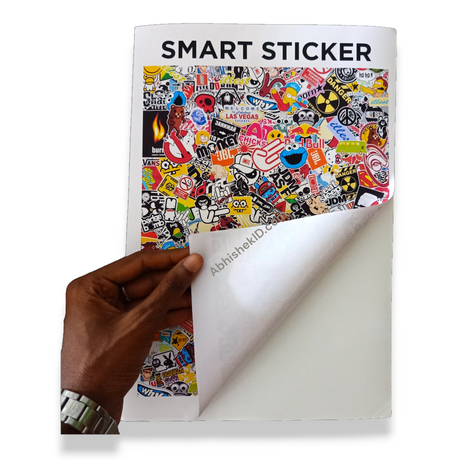
Peel the printed sticker and align it with the camera and charging port holes of the mobile device.
Step 4: Heat Application
Use a hot air gun to gently heat the edges of the sticker. As the material becomes flexible, stretch it over the corners for a seamless fit.
Step 5: Finishing
Press down firmly on all edges to ensure the waterproof matte coating is securely sealed.
How to use the printer
The best way to use a Neat Mobile Sticker is to combine high-resolution inkjet printing with a controlled heat application process. You should print your design on the matte side of the smart sticker sheet using high-quality print settings on your Epson, HP, Canon, or Brother printer. Once printed, the sticker should be precisely cut to the mobile's dimensions and applied starting from the center of the device.
Using a hot air gun is the most critical step for a professional finish. When heat is applied, the smart sticker becomes stretchable, allowing it to wrap around the corners and edges of the phone without creating wrinkles or air bubbles. This heat-proof property ensures the material maintains its integrity while you manipulate it for a perfect fit. For those looking to expand their mobile service business, adding Mobile Lamination can further protect the device.
The Neat Mobile Sticker works through a specialty matte coating and a heat-sensitive base material. The coating is designed to absorb inkjet inks from Epson, HP, Canon, and Brother printers, locking the color in a waterproof layer. This prevents the design from smudging or fading over time, even with heavy daily use. The "smart" aspect of the sticker refers to its ability to change physical properties when exposed to heat.
When the sticker is at room temperature, it is firm and easy to handle. Once a hot air gun applies heat, the molecular structure of the sticker becomes temporarily stretchable. This allows the user to pull the material around the 3D curves of a mobile phone. Once the heat is removed, the sticker cools and "remembers" its new shape, providing a tight, professional-grade skin that looks like a factory finish. This technology is supplied by Abhishek Products across India, including states like Maharashtra, Karnataka, Tamil Nadu, and West Bengal.
Related products
- Smart Sticker: (₹ Price available on request) Ideal for mobile skin businesses because it is an inkjet-based, heat-proof material that remains flexible and stretchable when heated with a hot air gun. It is compatible with all major ink tank printers like Epson and HP.
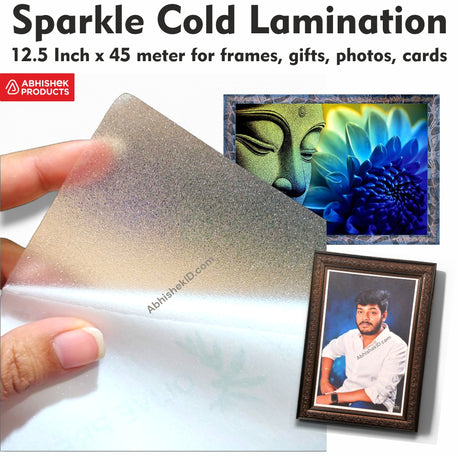
- Mobile Lamination Film: (₹ Price available on request) Ideal for providing an extra layer of protection over your printed stickers, ensuring the design remains scratch-resistant and durable for the long term.
Frequently Asked Questions
⚡ Fast Answers Summary
- Yes, you can use any standard inkjet, EcoTank, or ink tank printer such as Epson, HP, Canon, or Brother.
- Yes, the Smart Sticker material is waterproof and durable.
- A hot air gun is necessary because the Smart Sticker material is designed to be flexible and stretchable only when heated.
Yes, you can use any standard inkjet, EcoTank, or ink tank printer such as Epson, HP, Canon, or Brother. The Smart Sticker paper is specially matte-coated to accept standard inkjet inks while maintaining a rich, premium finish. This makes it a highly accessible business idea for anyone who already owns a basic office printer.
Yes, the Smart Sticker material is waterproof and durable. The specialty matte coating is designed to protect the printed image from moisture and daily wear. This ensures that the mobile skin does not smudge or peel when exposed to sweat or light rain, making it a reliable product for long-term use on smartphones.
A hot air gun is necessary because the Smart Sticker material is designed to be flexible and stretchable only when heated. Heating the sticker allows you to mold it around the curved edges and corners of a mobile phone. Without heat, the sticker would be too rigid to wrap smoothly, resulting in wrinkles and poor adhesion on non-flat surfaces.
Smart Stickers are heat-proof and specifically engineered for mobile skins. Regular sticker paper will often melt, burn, or lose its adhesive properties when exposed to the high temperatures of a hot air gun. Smart Stickers, however, become stretchable under heat, allowing for a professional 3D wrap that regular paper cannot achieve.
You can buy Smart Sticker materials and mobile lamination products from Abhishek Products, located at Shop no 37, Ground floor, Minerva Complex, S.D. Road, Secunderabad, Telangana. They have over 32 years of experience and supply products across all Indian states and neighboring countries like Nepal, Bangladesh, and Sri Lanka.
Yes, this is an excellent low-investment business idea for mobile repair and accessory shops. Since it uses a standard inkjet printer and a simple hot air gun, the startup costs are minimal. It allows shop owners to offer customized, premium mobile skins to customers without needing expensive industrial equipment or large inventory stocks.