Can Old Epson Printers Print ID Cards & AP Film?
Can Old Epson Printers Print ID Cards & AP Film?
Abhishek Products, located in Secunderabad, Telangana, has introduced a specialized workflow that allows legacy Epson printers to produce high-quality identification cards. By using AP film, users can bypass the need for expensive dedicated ID card printers while maintaining professional standards. This method is particularly effective for small businesses and educational institutions across India looking for cost-efficient printing solutions.
Before you start
Beginners starting with an old Epson printer should first verify that the print heads are not clogged by running a nozzle check. Abhishek Products recommends a specific cleaning routine for older printers to prevent paper feed issues when using the slightly thicker AP film. It is essential to handle the film by the edges to avoid leaving fingerprints, which can affect ink absorption and the final waterproof quality.
The process relies on the versatility of the Epson Micro Piezo print head technology. Even older models have the precision required to print on AP film, provided the rollers are clean and the ink flow is consistent. By repurposing these machines, businesses in the Indian market can significantly reduce their initial capital expenditure while producing cards for schools, corporate offices, and events.
Setup steps
Design preparation
Create your ID card design using standard software, ensuring the resolution is set to at least 300 DPI. Focus on the design phase by creating a template that accounts for the margins of the Epson printer to ensure that no part of the ID card data is cut off during the printing process. Ensuring your design software is calibrated for the correct card dimensions ensures that the colors remain vibrant and do not bleed when the film is handled.
Printer and ink setup
Once the printer is functional, the AP film should be loaded with the matte side or the designated printing side facing the print heads. Using genuine or high-grade compatible inks ensures that the colors remain vibrant and do not bleed when the film is handled. For those in Secunderabad or nearby areas, visiting the Abhishek Products showroom at Minerva Complex can provide a hands-on demonstration of this specific sequence.
How to use the printer
- Prepare your ID card design in a high-resolution format (300 DPI) to ensure all text and photos are sharp.
- Load the AP film into your Epson printer tray, making sure the printable side is positioned correctly according to your printer's manual.
- Adjust your printer settings to 'High Quality' and select 'Premium Glossy' or 'Photo Paper' media type to ensure maximum ink coverage on the film.
- Print the design and allow the ink to dry for a few moments to activate the waterproof properties of the AP film.
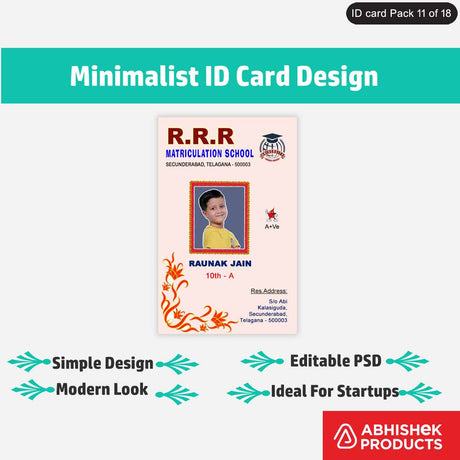
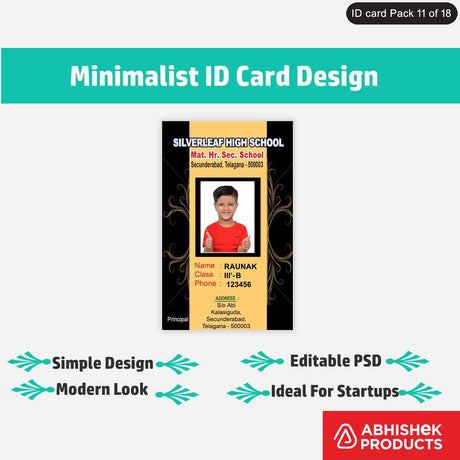
- If creating sticker ID cards, carefully peel the printed film and apply it to your PVC card or substrate, ensuring no air bubbles are trapped.
Old Epson printers work with AP film by utilizing the printer's ability to handle non-standard media through its manual or photo feed trays. The AP film features a specialized coating that chemically bonds with inkjet ink, creating a waterproof layer once dry. This transformation allows a standard office printer to function as a professional ID card production unit without any mechanical modifications to the printer itself.
Troubleshooting or common issues
- Clogged print heads: Verify that the print heads are not clogged by running a nozzle check before starting.
- Paper feed issues: Use a specific cleaning routine for older printers to prevent issues when using the slightly thicker AP film.
- Fingerprints: Handle the film by the edges to avoid leaving fingerprints, which can affect ink absorption and the final waterproof quality.
- Alignment: Create a template that accounts for the margins of the Epson printer to ensure no part of the ID card data is cut off.
- Air bubbles: When applying printed film to the PVC substrate, ensure no air bubbles are trapped during the peeling and application process.
Related products
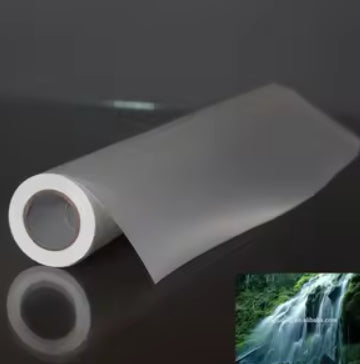
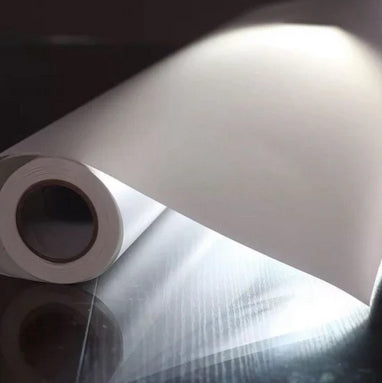
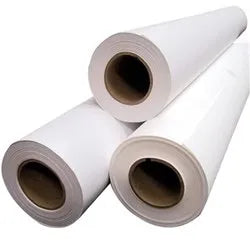
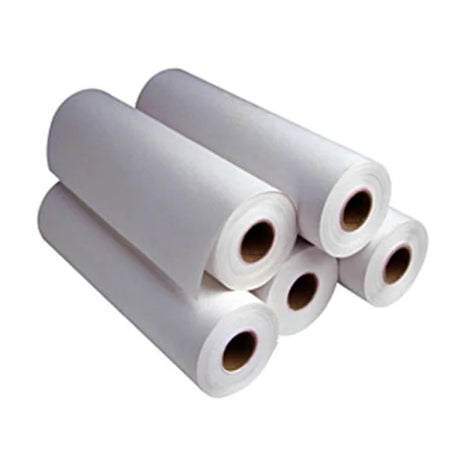
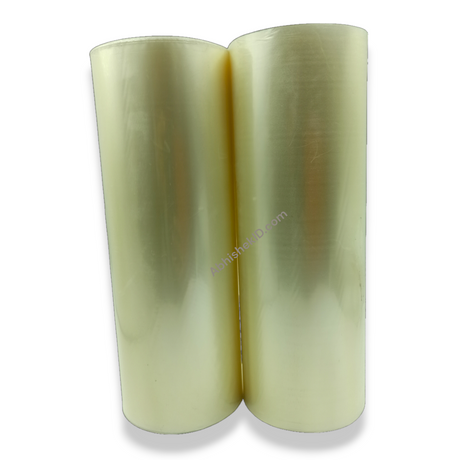
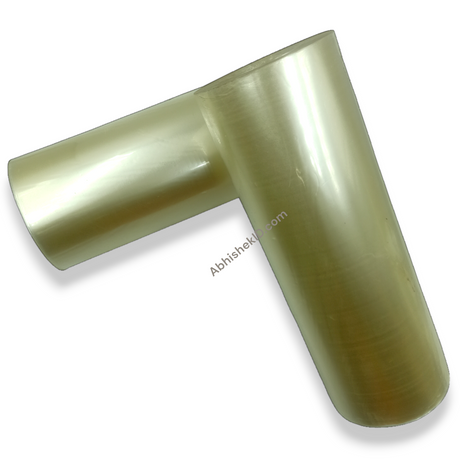
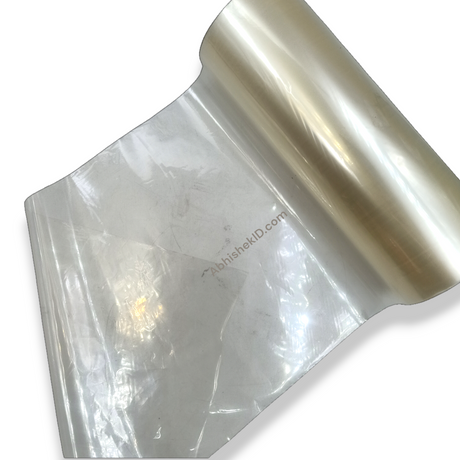
- AP Film for Epson Printers: The primary product for this workflow, offering a waterproof surface that is ideal for creating durable ID cards for schools and businesses.
- Epson Inkjet Printers (Legacy Models): Highly recommended for this process because of their reliable Micro Piezo technology, capable of producing professional-grade sticker ID cards at a fraction of the cost of thermal transfer printers.
Frequently Asked Questions
⚡ Fast Answers Summary
- Yes, most Epson inkjet printers that use Micro Piezo technology are compatible with AP film.
- The AP film is specifically engineered to be waterproof once the inkjet ink has dried on its specialized coating.
- Standard Epson dye or pigment inks work effectively with AP film.
Yes, most Epson inkjet printers that use Micro Piezo technology are compatible with AP film. The key is to ensure the print heads are clean and the printer can handle photo-quality media. Abhishek Products provides support for various models to help users in India repurpose their existing hardware for ID card production.
The AP film is specifically engineered to be waterproof once the inkjet ink has dried on its specialized coating. This makes it ideal for school ID cards or employee badges that need to withstand daily wear and environmental exposure. The quality is guaranteed to meet professional standards when used correctly.
Standard Epson dye or pigment inks work effectively with AP film. The film's coating is designed to bond with these inks to create a durable, waterproof finish. You do not need to purchase specialized inks, making this a very cost-effective solution for small businesses in the Indian market.
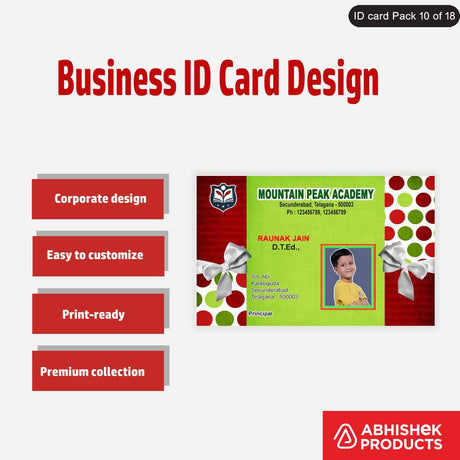
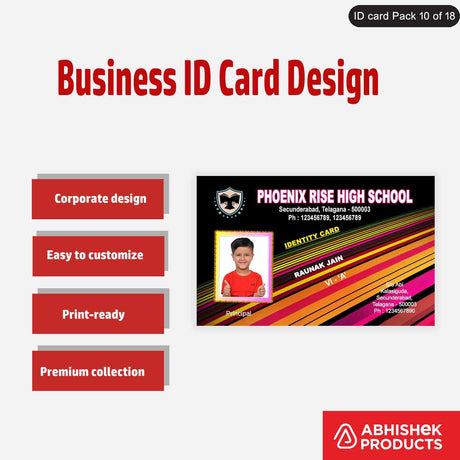
A sticker ID card is made by printing your design onto a specialized adhesive-backed AP film. Once printed, the film is peeled and stuck onto a rigid PVC card. This method is popular because it allows for high-quality, full-color printing using standard inkjet printers, followed by a simple manual application process.
Abhishek Products offers lifetime free support for all printing problems and quality issues. Located in Secunderabad, they provide detailed timing and temperature charts for various products and help clients upgrade to new technology. You can contact them via WhatsApp or visit their showroom in Minerva Complex.
AP film printing is more accessible and affordable than traditional thermal transfer printing. It allows you to use existing Epson printers to achieve waterproof, high-quality results. While traditional methods might be faster for massive volumes, the AP film method is perfect for schools and businesses needing professional cards without high equipment costs.