- The Challenge of School ID Photos: Quantity Meets Consistency
- Introducing Face Crop Studio: Your Browser-Based Batch Cropping Solution
- Step-by-Step Guide: Batch Cropping School ID Photos with Face Crop Studio
- Beyond Cropping: Completing Your School ID Card Solution
- Maximizing Efficiency: Tips for Print Shops and Schools
- Conclusion: The Future of School ID Photo Processing is Here
- Frequently Asked Questions
- Shop These Products
- References
✨ Featured Products

Face Crop Studio - Unlimited Use Batch Photo Cropper for 1 Year
₹499

Epson Special Quality Inkjet Printable Pvc Cards Glossy White - Cards For L8050, L18050, L800, L805, L810, L850
₹1169

A3 17 Inch Rim Cutter | A3/17 Inch Heavy Duty Guillotine Paper Trimmer Rim Cutter A3+ Size Commercial Metal Base With Large Capacity Of 400 Sheets For Home, Office(Multicolor)
₹13000

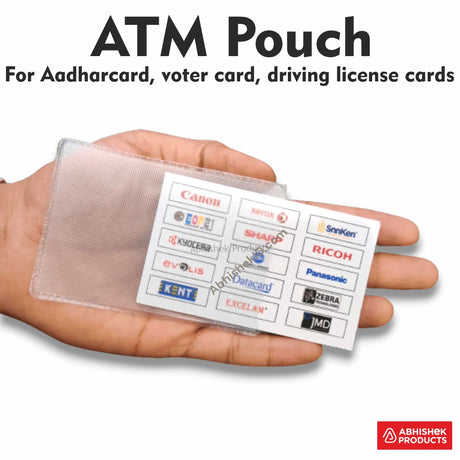
Texture Atm Card Cover, Pvc Pouch, Ready Made For Id Cards
₹230

T738V Crystal Locking 54×86 mm Vertical PVC ID Card Holder
₹319

4X9 Inch Big Aadhar 125 Mic Hot Lamination Pouch Glossy For Aadhar Cards
₹260

A3 Rim Cutter Replacement Blade for 858+ Model | AbhishekID
₹2800

Red Press Patti Square Pipe for A3 858+ Rim Cutter - Square Plastic Spare Part
₹1000
Batch Passport Photo Crop for Schools in Browser
Batch Passport Photo Crop for Schools in Browser
Quick Summary
Revolutionize school ID photo processing with Face Crop Studio, an online tool for batch cropping. It automatically detects and centers faces, eyes, or noses for consistent results, saving time and effort for high-volume ID card printing.
- Batch process hundreds of photos in minutes.
- Ensure consistent cropping for all student IDs.
- Integrate with your existing ID card printing workflow.
How to Batch Crop Passport Photos for School IDs in Your Browser?
The Challenge of School ID Photos: Quantity Meets Consistency
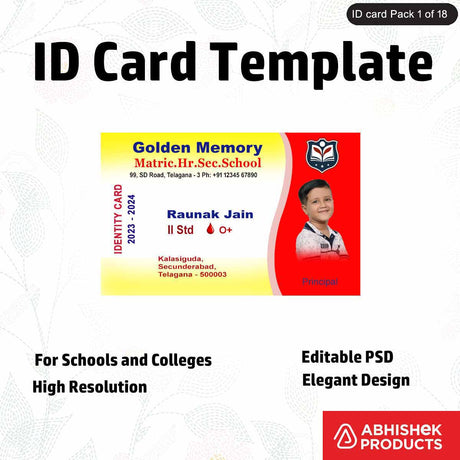
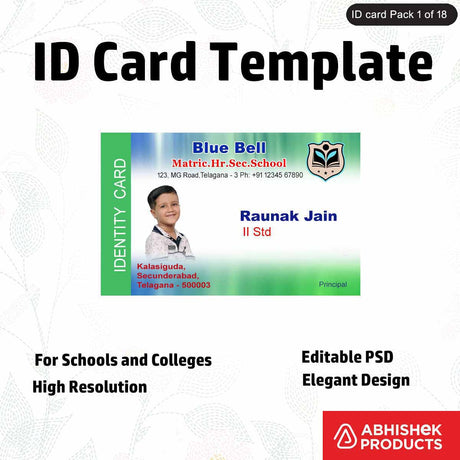
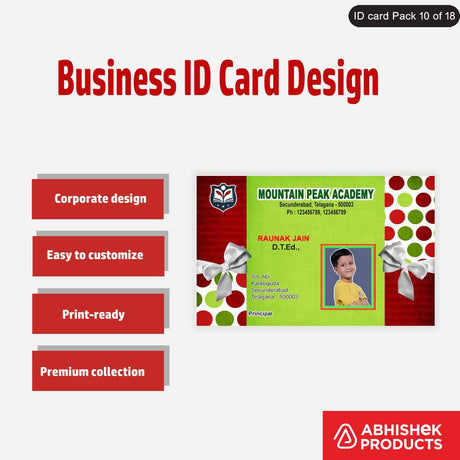
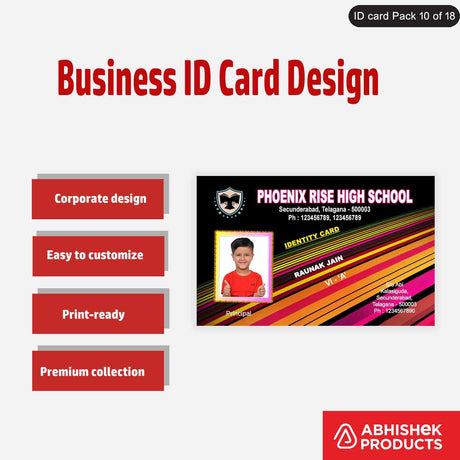
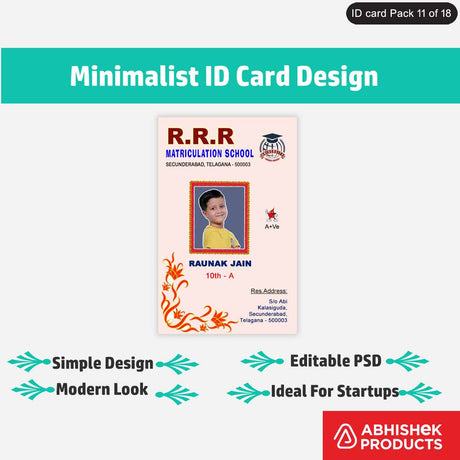
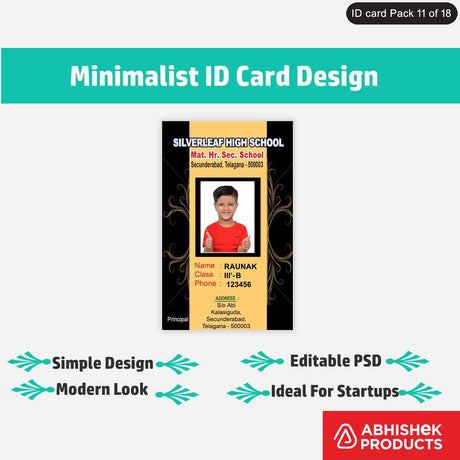
Every academic year, schools face the monumental task of creating ID cards for hundreds, sometimes thousands, of students. This involves collecting individual photos, ensuring they meet specific size and proportion requirements, and then preparing them for printing. Manually cropping each photo is not only tedious but also prone to inconsistencies, leading to variations in ID card appearance. For print shop owners serving educational institutions, this translates to significant labor costs and potential delays.
This is where a dedicated tool for batch passport photo crop becomes indispensable. It's about transforming a laborious, manual process into an automated, efficient workflow, guaranteeing professional and uniform results every time.
Related supply: Face Crop Studio - Unlimited Use Batch Photo Cropper for 1 Year
Introducing Face Crop Studio: Your Browser-Based Batch Cropping Solution
Face Crop Studio - Unlimited Use Batch Photo Cropper for 1 Year is a powerful, browser-based application designed to tackle high-volume photo processing with ease. It's specifically engineered for tasks like school ID photo creation, where consistency and speed are paramount. The application automatically detects and centers faces, eyes, or noses, allowing you to crop multiple portrait photos simultaneously into predefined or custom shapes. This makes it an invaluable asset for high-volume ID-card printing, student database management, and professional photo studios across India.Step-by-Step Guide: Batch Cropping School ID Photos with Face Crop Studio
Getting started with Face Crop Studio is straightforward. Here's a detailed walkthrough to help you streamline your school ID photo production:
- Launch the App: Once you have your license, open the Face Crop Studio application in your preferred web browser. The beauty of this tool is its accessibility – no software installation required.
- Upload Images: Drag and drop or browse to upload multiple portrait photos. Face Crop Studio supports common image formats like PNG, JPG, and WEBP, making it compatible with most camera outputs.
- Choose Crop Shape: Select a crop shape that matches your school ID card requirements. Options include Circle, Square, Rounded, Egg, Heart, Star, Hexagon, or Curved Hex. For unique designs, you can even add a custom shape.
- Set Centering Preference: This is where Face Crop Studio's intelligence shines. Select whether the cropping boundary should center on the entire Face, the Eyes, or the Nose. This ensures that every student's face is perfectly positioned within the ID card frame.
- Adjust Margins: Use the intuitive slider to increase or decrease the crop margin around the face. This allows for fine-tuning to meet specific ID card specifications or aesthetic preferences.
- Run Batch Crop: With your settings in place, click the "Crop Images" button. The application will then process all uploaded files in a batch, saving you countless hours of manual work.
- Inspect and Fine-tune: After the batch crop, you can inspect individual results. If any image requires minor adjustments, click the edit icon to manually adjust the crop by panning or zooming (using your mouse scroll wheel). This ensures every ID photo is perfect.
- Download Output: Once satisfied, click "Download All (.zip)" to package the processed photos. The files will be transparent .png and automatically append "-cropped" to their original filenames, making organization simple.
- Extract Files: Unzip the downloaded folder to access your perfectly cropped, ready-to-print school ID photos.
For a visual guide on how Face Crop Studio works, you can watch this helpful video: https://www.youtube.com/watch?v=RVG476UKZu0
Related supply: Epson Special Quality Inkjet Printable Pvc Cards Glossy White - Cards For L8050, L18050, L800, L805, L810, L850
Beyond Cropping: Completing Your School ID Card Solution
While Face Crop Studio handles the crucial cropping phase, AbhishekID.com offers a comprehensive range of supplies to complete your school ID card production. From printing materials to finishing touches, we have everything you need.


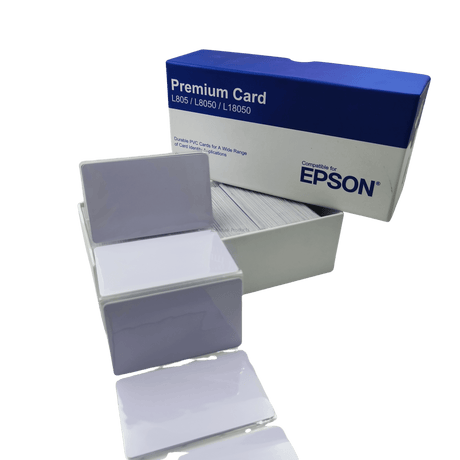
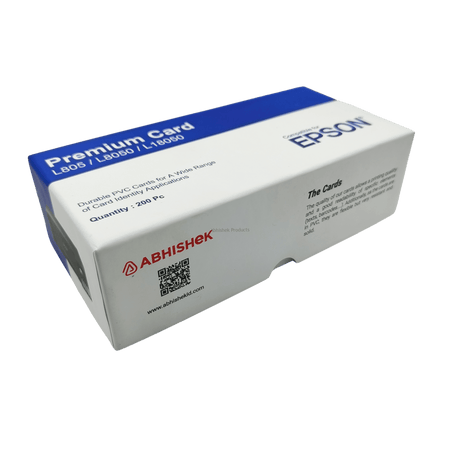
- Printing: For high-quality, durable ID cards, consider using Epson Special Quality Inkjet Printable Pvc Cards Glossy White - Cards For L8050, L18050, L800, L805, L810, L850. These PVC cards provide a professional finish and are compatible with popular Epson inkjet printers.
- Lamination: To protect ID cards from wear and tear, lamination is essential. We offer various lamination pouches, such as 65X95 mm 250 Mic Hot Lamination Pouch Glossy - For Id Cards, Aadhar Card for standard ID sizes, and 4X9 Inch Big Aadhar 125 Mic Hot Lamination Pouch Glossy For Aadhar Cards for larger documents. For larger volume lamination, the Excelam Eco 12 12 Inch A3 250 Mic Lamination Machine Up To 250 Mic Lamination - 1 Pcs For Id Cards, Certificates Etc is an excellent choice.
- Card Holders & Covers: Provide students with durable protection for their ID cards. Options like the T738V Crystal Locking 54×86 mm Vertical PVC ID Card Holder or the Glossy ATM Card Cover — PVC Pouch Ready-Made for ID Cards ensure longevity and ease of display.
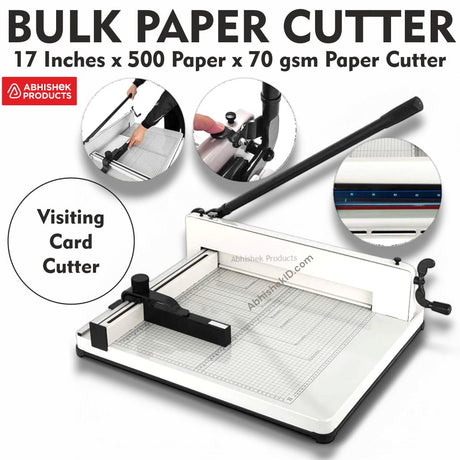
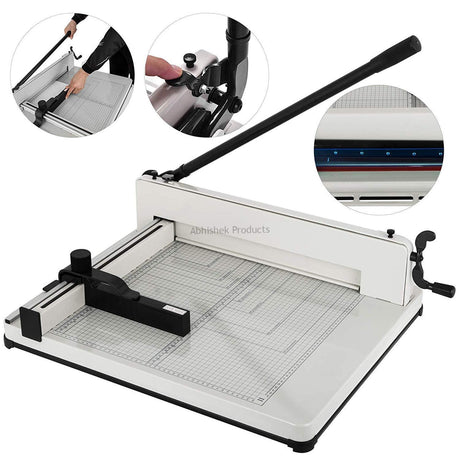
- Cutting Tools: For precise cutting of printed sheets or laminated documents, consider our range of paper cutters. The A4 12 Inch Rim Cutter Heavy Duty Guillotine Paper Trimmer is perfect for standard sizes, while the A3 17 Inch Rim Cutter | A3/17 Inch Heavy Duty Guillotine Paper Trimmer Rim Cutter A3+ Size Commercial Metal Base With Large Capacity Of 400 Sheets For Home, Office(Multicolor) handles larger formats with ease.


Maximizing Efficiency: Tips for Print Shops and Schools
To get the most out of Face Crop Studio and your ID card production process, consider these additional tips:
- Standardize Photo Submission: Encourage schools to provide student photos with consistent lighting and background. While Face Crop Studio is intelligent, better input always leads to better output.
- Batch in Smaller Groups: For extremely large batches, processing in smaller, manageable groups can sometimes make the review and fine-tuning process more efficient, especially if you anticipate a few images needing manual adjustment.
- Leverage Multi-Device Use: A single license for Face Crop Studio - Unlimited Use Batch Photo Cropper for 1 Year allows the tool to be run on multiple tabs, devices, and office locations simultaneously. This is ideal for larger print shops or school districts with multiple administrative offices.
- Regularly Check License Status: Keep track of your subscription status by checking the "License valid until" date displayed at the bottom-left corner of the application interface to ensure uninterrupted service.
- Consider Custom Shapes for Branding: If a school has specific branding guidelines, utilize the custom shape import feature to create truly unique and branded ID cards.
Conclusion: The Future of School ID Photo Processing is Here
For Indian print shop owners and schools, the days of tedious, inconsistent manual photo cropping are over. Face Crop Studio offers a powerful, accessible, and efficient solution for batch passport photo crop, ensuring every student ID card is produced with professional quality and uniformity. Coupled with AbhishekID.com's extensive range of printing and finishing supplies, you have a complete ecosystem to meet all your ID card production needs. Embrace the future of efficiency and elevate the quality of your school ID cards today.
Frequently Asked Questions
📋 Questions Covered
- What is Face Crop Studio?
- Can I use Face Crop Studio for school ID photos in India?
- What file formats does Face Crop Studio support for uploads?
- Can I customize the crop shape for school ID cards?
- What if some images have low resolution after cropping?
- How do I get started with Face Crop Studio?