How to Best Machine for Digital Print Shop Success
How to Best Machine for Digital Print Shop Success
The Indian digital printing market requires versatile equipment that can handle high volumes with precision. For a Xerox shop or a new printing business in India, the Roll-to-Roll Thermal Laminator is the most efficient solution for finishing documents, ID cards, and promotional materials. This machine is designed to handle continuous lamination tasks while maintaining a professional finish that prevents bubbles and creases.
Before you start
To find the best machine for a digital print shop, you must prioritize versatility, heating efficiency, and ease of use. A professional roll-to-roll laminator should offer both hot and cold lamination modes to accommodate various film types. In the Indian context, where electricity costs and turnaround times are critical, machines with lesser warm-up times and digital temperature displays are the most cost-effective choices for small to medium businesses.
The best machine for a printing business must support double-sided lamination. By fixing one thermal lamination roll at the top and another at the bottom, a shop owner can laminate both sides of a document in a single pass. This feature significantly increases productivity for high-volume orders like school certificates or corporate ID cards. Abhishek Products in Secunderabad provides machines with lightweight plastic bodies that offer a smart look while remaining portable enough for small shop counters.
Durability is another factor when selecting the best machine for a Xerox shop. Machines equipped with special rollers ensure uniform pressure, which is essential for bubble-free results. Whether you are laminating standard A4 sheets or specialized thermal foils, the machine must have a reliable temperature control system to prevent melting or inadequate adhesion. Abhishek Products, with over 32 years of industry experience, recommends machines that include a reverse function to easily clear any misfeeds without damaging the internal rollers.
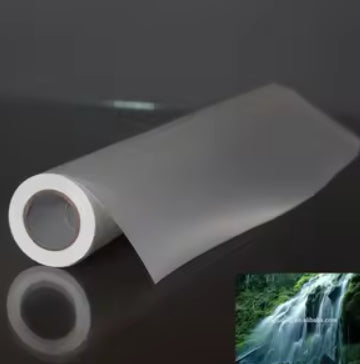
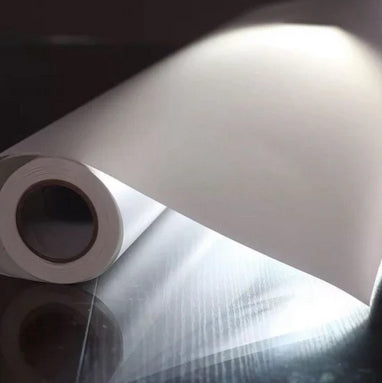
Beginners should start by understanding the difference between hot and cold lamination. Hot lamination uses heat to melt the adhesive on thermal rolls, creating a permanent bond, while cold lamination is used for heat-sensitive materials. The digital display on modern machines makes it easy for beginners to monitor these settings without guesswork. Accessories play a vital role in a beginner's setup, including Thermal Rolls and Golden Thermal Foil Rolls for decorative work.
The light signals on the machine body indicate when the heating element is active and when the rollers are at the target temperature. The lightweight plastic body is designed for safety and aesthetics, making it suitable for home offices, schools, and retail environments. Beginners should always ensure the stands are fitted correctly to provide a stable base for the machine during the roll-to-roll feeding process.
Setup steps
Assembly and operation
Setting up the best machine for your shop requires a systematic approach to assembly and operation. Follow these steps to ensure your roll-to-roll laminator is ready for production:
- Assemble the Stands: Begin by fitting the side stands to the machine body. This provides the necessary clearance for the large thermal rolls to rotate freely.
- Load the Thermal Rolls: Fix the first thermal lamination roll on the top bracket and the second roll on the bottom bracket. Ensure the adhesive side is facing the correct direction according to the machine's feed path.
- Power On and Pre-heat: Turn on the power switch and set the desired temperature on the digital display. Wait for the READY indicator light to turn red, indicating the rollers are hot enough for thermal lamination.
- Feed the Media: Place your picture or document between the two layers of thermal film. Gently guide the leading edge into the rollers.
- Start Laminating: Use the forward function to pull the media through the machine. The special rollers will apply uniform pressure for a bubble-free finish.
Gold foiling process
For gold foiling, the process is similar but requires a Thermal Foil Roll. The foil must be placed over the printed area (usually laser-printed toner) before passing through the heated rollers. The heat transfers the foil only to the toner, creating a professional metallic effect used frequently in Indian wedding card printing.
How to use the printer
The best way to use a roll-to-roll laminator is to follow a standardized temperature and speed workflow. Before starting, always check the digital display to ensure the machine has reached the required temperature for the specific film thickness you are using. Abhishek Products provides a detailed item-wise timing and temperature chart to help operators avoid quality issues. Using the correct temperature prevents the film from becoming cloudy or peeling off over time.
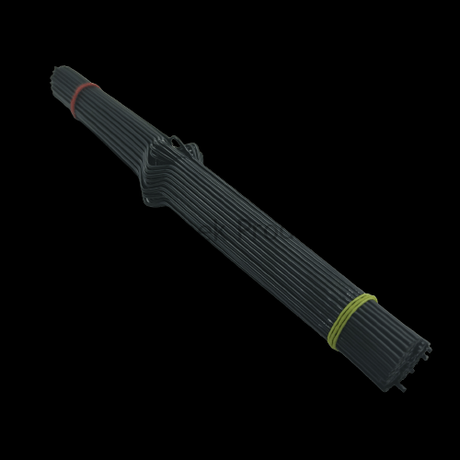
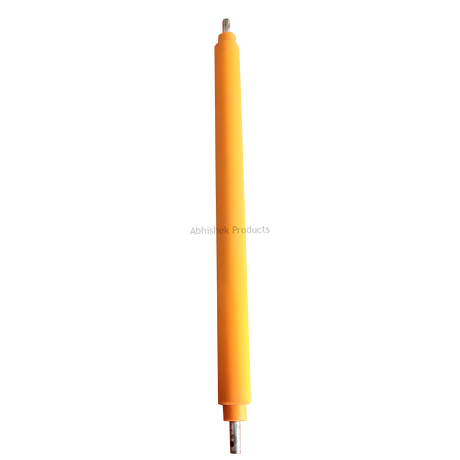
For premium results, the best way to use this machine involves selecting the right roller type. Steel rollers are typically used for high-heat applications and specific finishes, while rubber rollers are excellent for general-purpose lamination and gold foiling. When the READY indicator light turns red, it signals that the machine is prepared for operation. Feeding the media straight into the rollers between the thermal films ensures a smooth, professional finish every time.
The roll-to-roll laminator works by using a combination of heat and pressure to bond plastic film to a substrate. The machine features internal heating elements that warm up either steel or rubber rollers. As the film passes over these heated rollers, the thermal adhesive becomes tacky. The pressure from the rollers then squeezes the film onto the paper, creating a protective and aesthetic layer. The digital display allows the operator to control this process with high precision.
In terms of mechanics, the machine uses a motor-driven gear system to maintain a consistent speed. This consistency is what prevents bubbles and ensures that the lamination is uniform across the entire surface. The lightweight plastic body houses these components while providing a smart, modern look for a professional shop environment. Abhishek Products ensures that these machines are built to handle the diverse needs of the Indian printing industry, from Secunderabad to Kolkata.
Troubleshooting or common issues
Maintenance is a key part of the best way to use a printing machine. Regularly cleaning the rollers prevents adhesive buildup, which can cause spots on future projects. If you are using the machine for gold foiling, ensure the speed setting is adjusted to allow the foil to bond correctly with the toner.
The machine's reverse function works by changing the rotation direction of the motor, which is essential for clearing jams. The reverse function should be tested periodically to ensure it is ready to handle any emergency stops or film jams during busy work hours. The temperature control system continuously monitors the rollers to ensure they do not exceed the set limit, which protects both the machine and the media being processed. Abhishek Products offers lifetime free support to help new business owners solve any printing or quality problems they encounter.
Related products
- Roll To Roll Laminator (Contact for Price): Ideal for Xerox shops because it features a digital display, fast warm-up time, and a reverse function to prevent film jams.
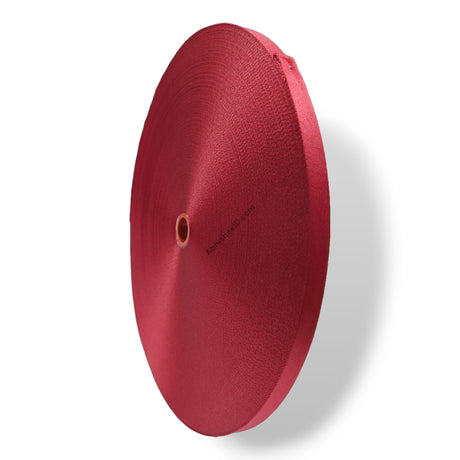
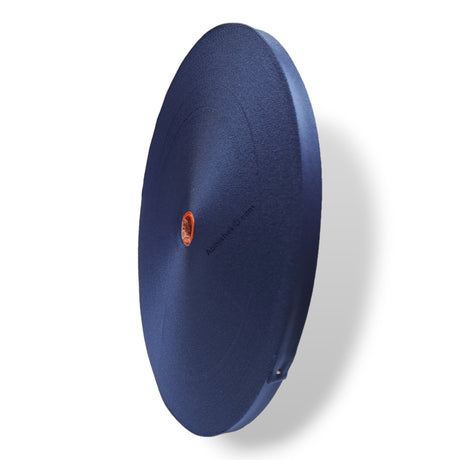
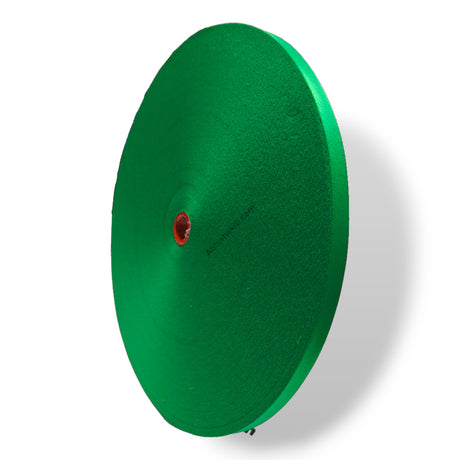
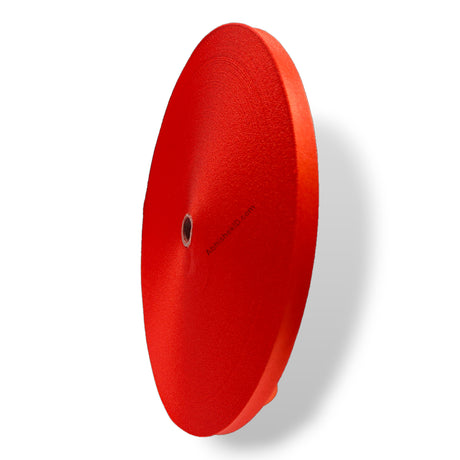
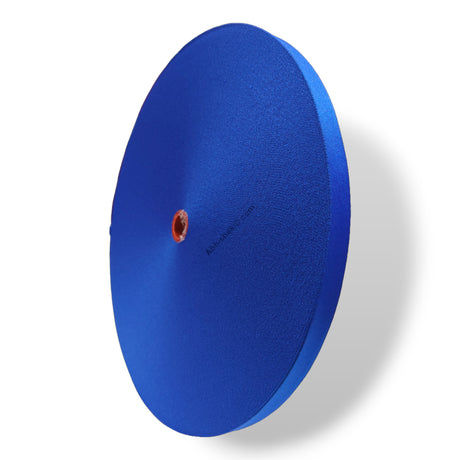
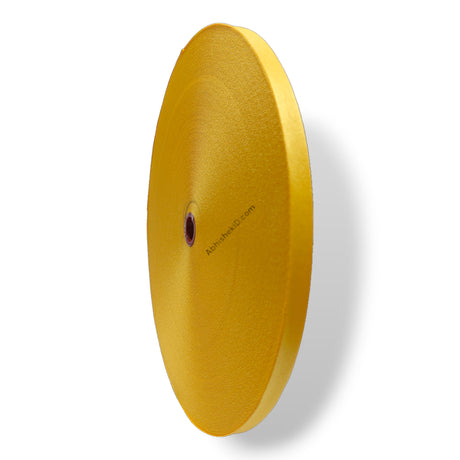
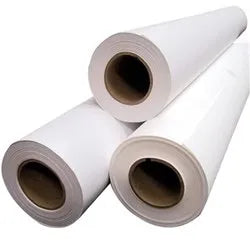
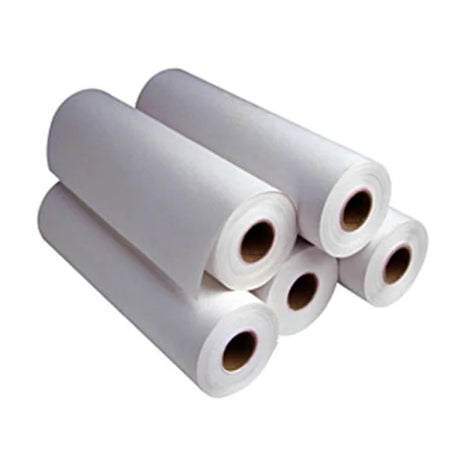
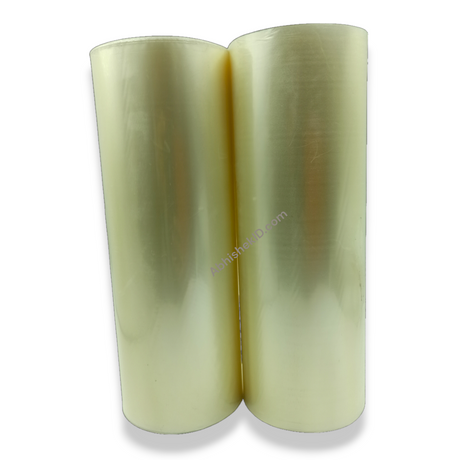
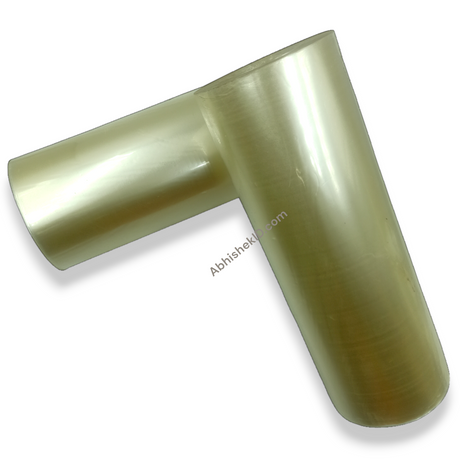
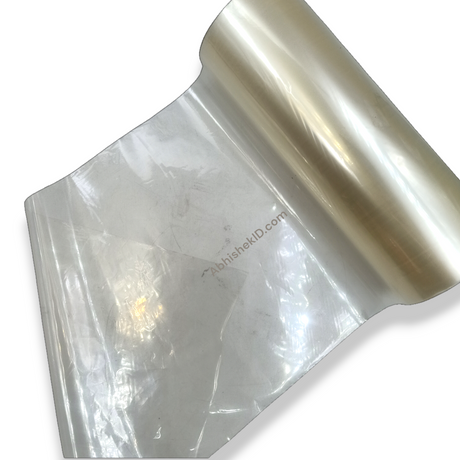
- Thermal Lamination Roll: Essential for standard document protection, providing a clear and durable finish for certificates and ID cards.
- Golden Thermal Foil Roll: Ideal for premium printing services because it allows shops to offer high-margin gold foiling for invitations and certificates.
Frequently Asked Questions
⚡ Fast Answers Summary
- Yes, you can perform double-sided lamination by installing two thermal lamination rolls—one on the top bracket and one on the bottom.
- Steel rollers are generally used for specific industrial finishes and high-heat applications, whereas rubber rollers are more common for general-purpose thermal lamination and gold foiling.
- The machine is equipped with a READY indicator light.
Yes, you can perform double-sided lamination by installing two thermal lamination rolls—one on the top bracket and one on the bottom. This allows the machine to coat both sides of the document in a single pass, which is highly efficient for bulk orders in a busy Xerox shop.
Steel rollers are generally used for specific industrial finishes and high-heat applications, whereas rubber rollers are more common for general-purpose thermal lamination and gold foiling. Rubber rollers provide excellent flexibility and uniform pressure, which helps in achieving a bubble-free finish on various paper thicknesses.
The machine is equipped with a READY indicator light. After you turn on the power and set your target temperature on the digital display, the light will signal (typically turning red) once the rollers have reached the required heat level for thermal lamination.
You should immediately use the reverse function located on the control panel. This reverses the roller rotation, allowing you to safely back out the jammed film or paper without damaging the internal components or the heating elements of the laminator.
Yes, this roll-to-roll machine is excellent for gold foiling. By using a thermal gold foil roll and adjusting the temperature and speed settings, you can transfer metallic foil onto toner-printed designs, which is a popular service for Indian wedding invitations and premium certificates.
Yes, the machine features a lightweight plastic body and a compact design that fits well in home offices, schools, or small retail shops. Its ease of use and wide application range make it a versatile tool for anyone starting a printing business from home.