✨ Featured Products
PD-219 Toner cartridge For Pantum Laserjet Printers
PANTUM M6559NW Multi Function LaserJet Printer - High Speed, Heavy Duty, WiFi with ADF Printer

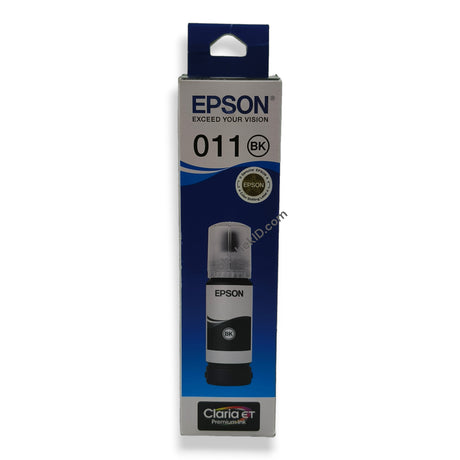
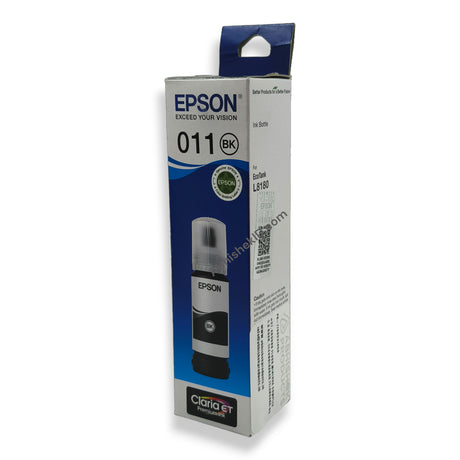
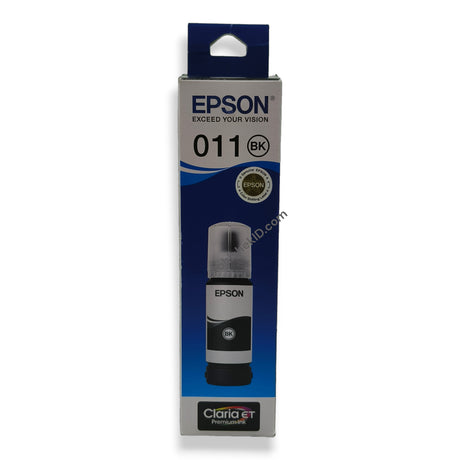
Epson 011 Black Ink Bottle for EcoTank Printers - High-Quality, Low-Cost Printing for L8180-L8160

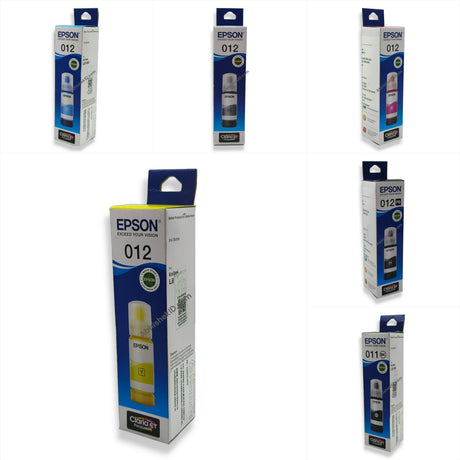
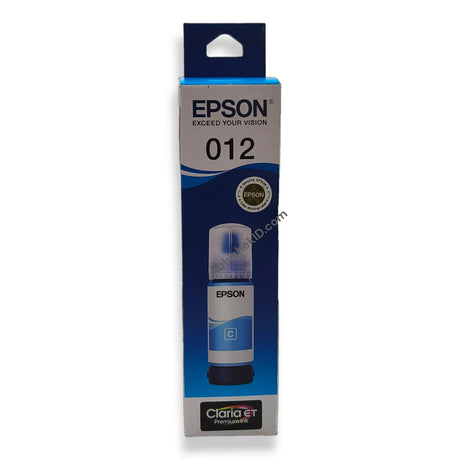
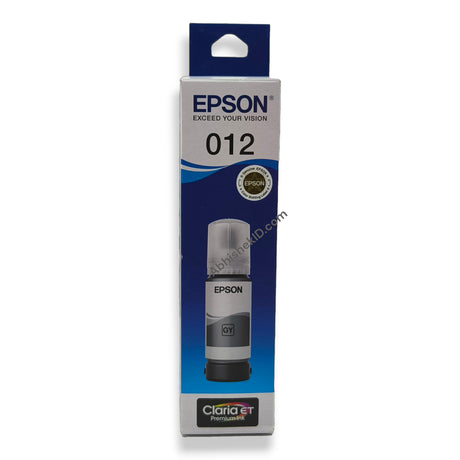
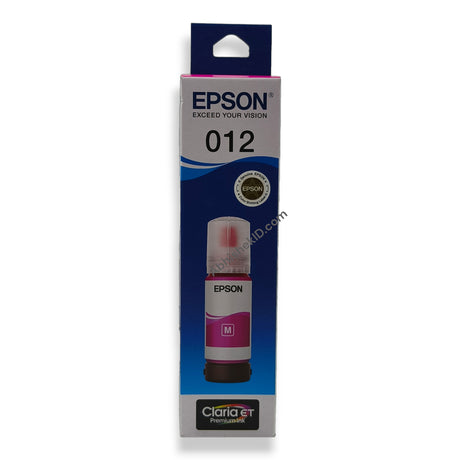
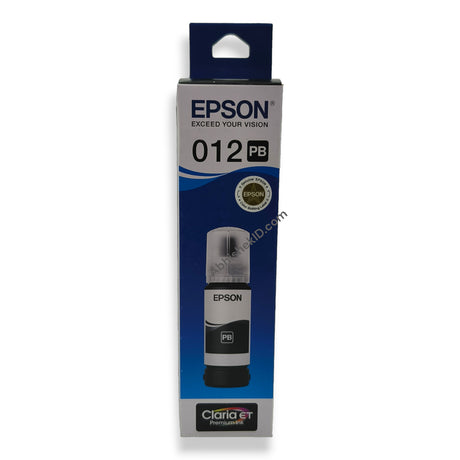
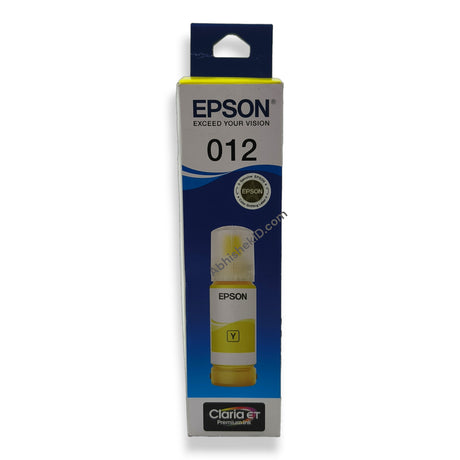
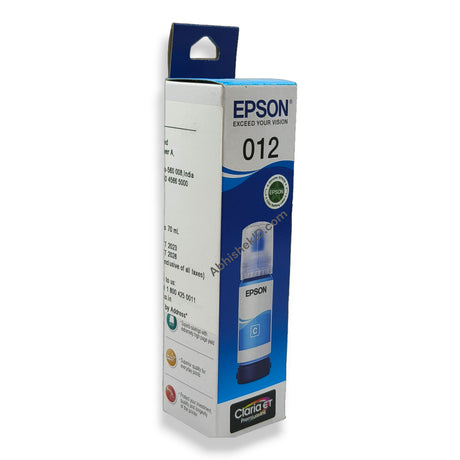
Epson 011 - 012 EcoTank Ink Bottle for L8180 and L8160 Printers - High-Quality, Low-Cost Printing
How to ExpessIDCards PantumLaserJet: A Complete Guide
How to ExpessIDCards PantumLaserJet: A Complete Guide
Using the PANTUM M6559NW for Express ID card services provides a reliable solution for Indian businesses requiring high-speed, monochrome photocopies. This heavy-duty multi-function printer is designed to handle the rigorous demands of ID card printing and document duplication in commercial environments.
Before you start
For beginners starting an ID card printing business in India, the Pantum LaserJet system is a cost-effective entry point. It is important to understand the consumables; the PD-219 toner is the primary consumable for this printer. Keeping a spare cartridge in stock ensures that your business does not face downtime during peak hours. For those also offering color photo printing alongside monochrome ID copies, integrating products like the Epson 011 Black Ink Bottle for secondary color machines can provide a complete service suite.
Setup steps
Unboxing and hardware setup
The setup involves unboxing the PANTUM M6559NW Multi Function LaserJet Printer, installing the toner, and configuring the paper tray for A4 or legal size paper. Ensure you are using the PD-219 Toner cartridge For Pantum Laserjet Printers, which is formulated to provide high-contrast black levels essential for the legibility of small text on Aadhaar cards, PAN cards, and driving licenses.
Network configuration
To optimize performance, connect the printer to your local shop's WiFi network. This allows you to receive ID card images directly from customers' smartphones via WhatsApp or email and print them instantly without needing a physical cable connection. This wireless workflow is the most efficient method for modern express ID services.
How to use the printer
To use the ExpessIDCards PantumLaserJet system, you must configure the printer for ID copy mode. This specific model features a dedicated ID copy function that allows you to scan both sides of an ID card and print them on a single side of paper automatically. The best way to use the setup is to utilize the Auto Document Feeder (ADF) for multi-page documents and the flatbed scanner for rigid ID cards.
- Power on the PANTUM M6559NW printer and ensure the paper tray is loaded with 75-80 GSM A4 paper.
- Lift the scanner lid and place the ID card (Aadhaar or PAN) face down on the top-left corner of the glass.
- Press the 'ID Copy' button on the printer's physical interface.
- Press 'Start' to scan the first side of the card.
- When prompted by the screen, flip the ID card over on the same spot and press 'Start' again.
- The printer will automatically composite both images and print them on one side of the paper.
If you are printing from a digital file, ensure your mobile device is connected to the same WiFi network as the printer. Use the Pantum mobile app to select the document and send it to the M6559NW for immediate output.
Troubleshooting or common issues
Regular maintenance is part of the best usage practices. Keep the scanner glass clean to avoid streaks on the ID photocopies. Using genuine PD-219 Toner cartridge For Pantum Laserjet Printers prevents drum damage and ensures that the heavy-duty cycle of the printer is maintained over thousands of copies.
The ExpessIDCards PantumLaserJet works through a combination of xerographic laser technology and digital image processing. When you scan an ID card, the printer's internal software captures a high-resolution monochrome image. This image is then transferred to the drum unit using a laser beam, which creates an electrostatic charge. The toner particles are attracted to the charged areas on the drum and fused permanently using heat and pressure from the fuser unit. If you experience slow output, note that the high-speed processor inside the PANTUM M6559NW is designed for fast first-print-out times, and the ADF uses a series of rollers to pull individual sheets across the scanner sensor for rapid multi-page copying.
Related products
- PANTUM M6559NW Multi Function LaserJet Printer (₹Contact for price) - Ideal for high-speed, heavy-duty ID card photocopying because it features WiFi connectivity and an ADF for efficient document handling.
- PD-219 Toner cartridge For Pantum Laserjet Printers (₹Contact for price) - Ideal for maintaining sharp text and deep blacks in ID copies because it is specifically engineered for Pantum monochrome laser engines.
- Epson 011 Black Ink Bottle for EcoTank Printers (₹Contact for price) - Ideal for businesses that also use Epson L8180 or L8160 printers for high-quality, low-cost color ID card printing.
Frequently Asked Questions
⚡ Fast Answers Summary
- The PANTUM M6559NW printer is compatible with the PD-219 Toner cartridge.
- Yes, you can print ID cards directly from your smartphone.
- The Auto Document Feeder (ADF) allows for the automatic scanning and copying of multiple pages.
The PANTUM M6559NW printer is compatible with the PD-219 Toner cartridge. Using this specific cartridge ensures the printer maintains its heavy-duty performance and print quality. It is designed for high-yield monochrome printing, making it suitable for busy Indian photocopy shops.
Yes, you can print ID cards directly from your smartphone. The PANTUM M6559NW features built-in WiFi, allowing users to connect via the Pantum mobile app. This is particularly useful for express services where customers provide digital copies of their documents via mobile platforms.
The Auto Document Feeder (ADF) allows for the automatic scanning and copying of multiple pages. For an ID card business, this is useful when a customer has multiple documents or multi-page application forms. It eliminates the need to manually place every single page on the scanner glass.
The PANTUM M6559NW is highly suitable for small Xerox and ID card shops in India. It is categorized as a high-speed, heavy-duty machine. Its multi-function capabilities and compact footprint make it an efficient choice for businesses with limited space but high volume requirements.
To use the ID Copy function, select the 'ID Copy' mode on the printer's menu. Place the front of the ID on the scanner glass and press scan. Then, flip the card to the back side when prompted and scan again. The printer will automatically arrange both sides on a single sheet.
Using original PD-219 toner cartridges ensures the longevity of your Pantum printer's drum and fuser unit. Genuine toner provides consistent particle size, which results in sharper text and prevents internal dust buildup, maintaining the express speed and reliability of your service.