✨ Featured Products

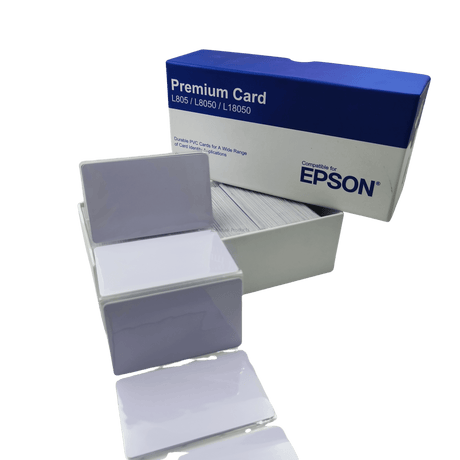
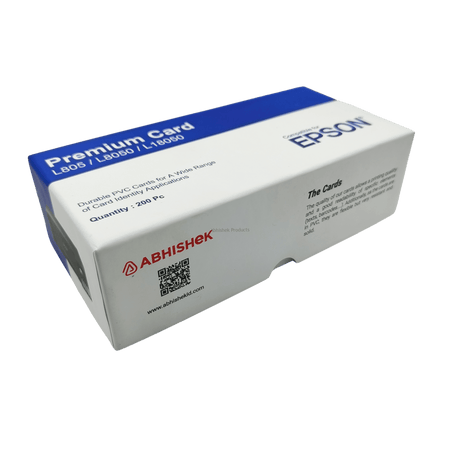
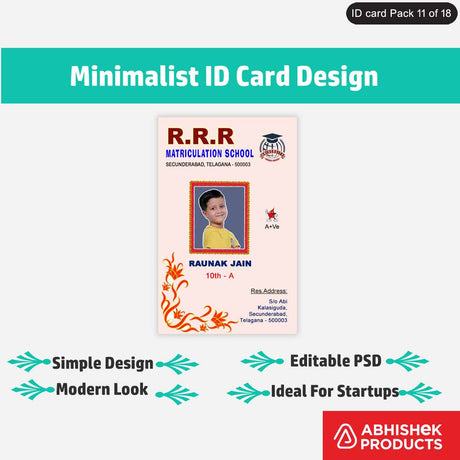
Epson Special Quality Inkjet Printable Pvc Cards Glossy White - Cards For L8050, L18050, L800, L805, L810, L850, L8050, L18050

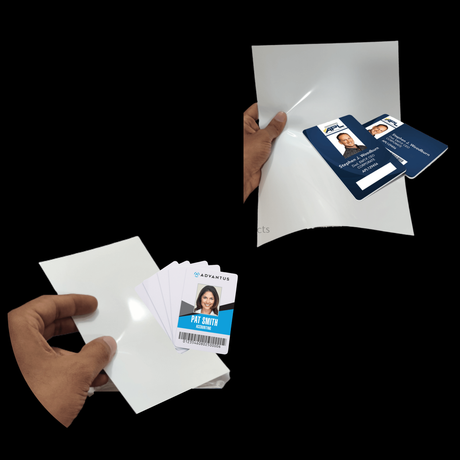
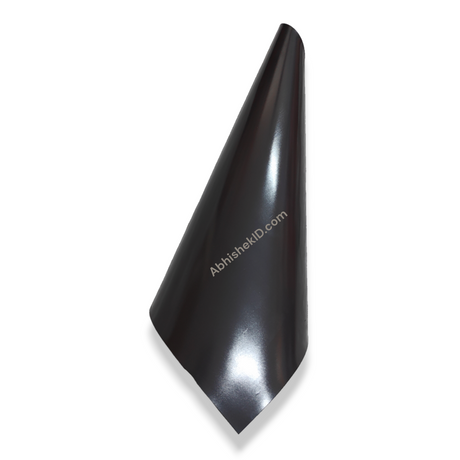
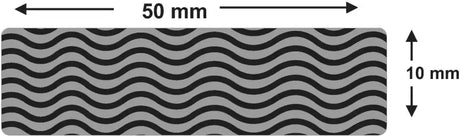
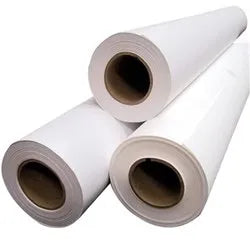
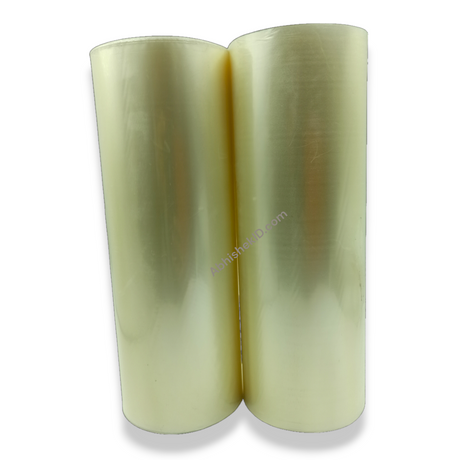
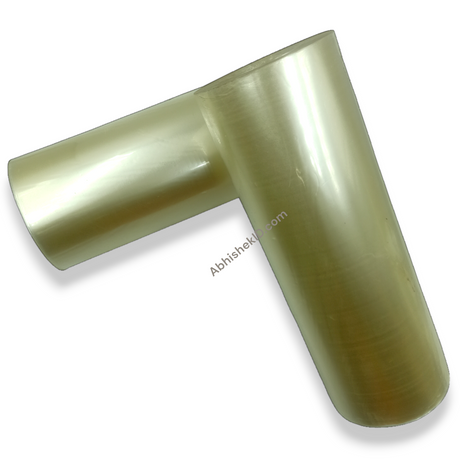
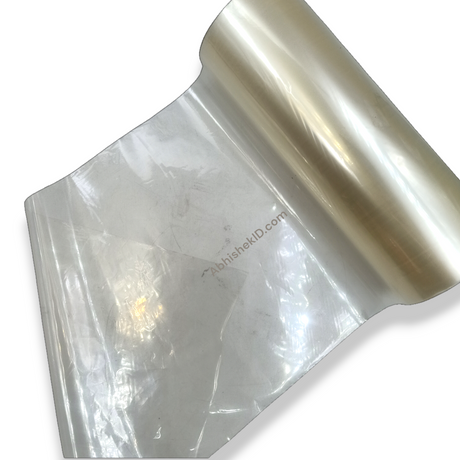
Ap Film Pack - 20 A4 Ap Film + 100 4X6 Ap Film Pack Only Sheets - For Inkjet

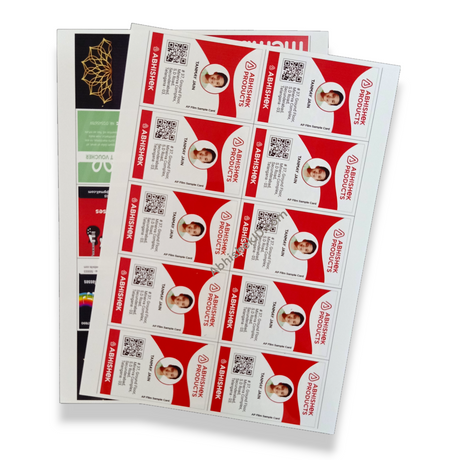
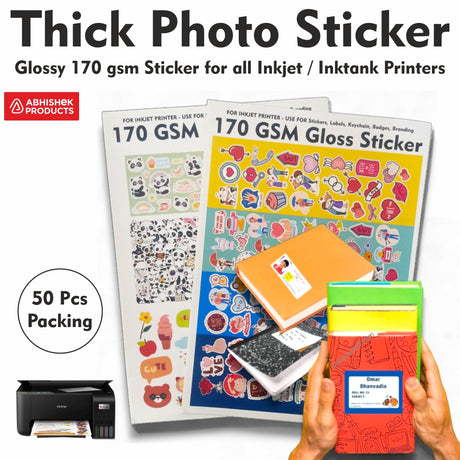
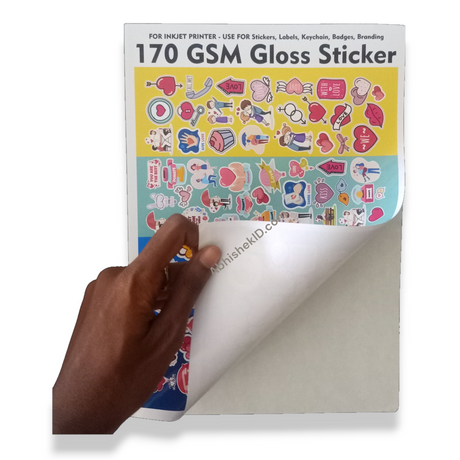
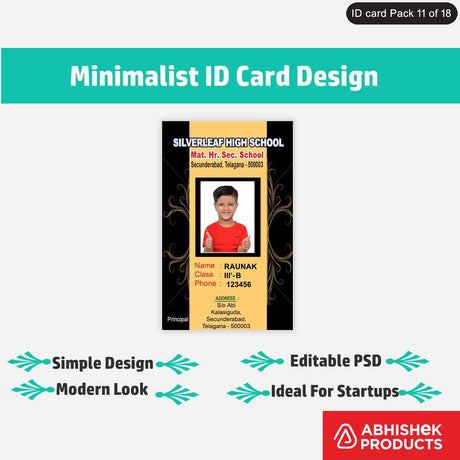
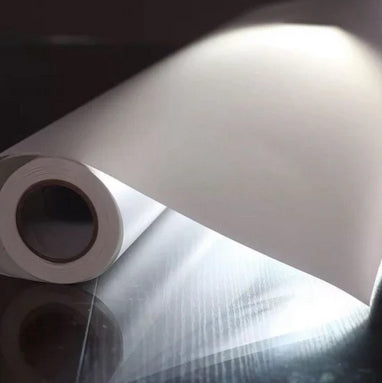
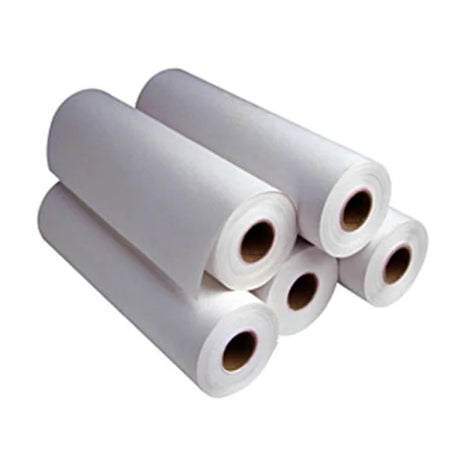
A4 170 Gsm Photo Sticker Adhesive - in Inkjet/inktank Printer Making Book Labels

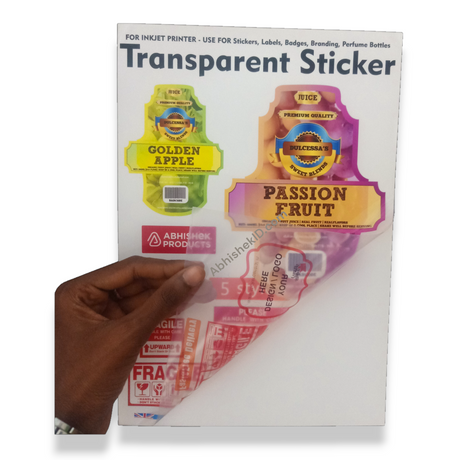
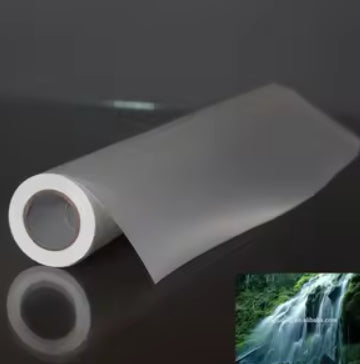
A4 Transparent Inkjet Sticker Waterproof Non Tearable Self Adhesive - LIGHT BLUE SHADE (Brand)
How to Print ID Cards with Epson Inkjet Printers?
How to Print ID Cards with Epson Inkjet Printers?
Printing professional ID cards in India has evolved with the introduction of inkjet-compatible PVC media. Business owners in Secunderabad and across India can now produce high-quality identification badges using standard Epson inkjet printers, significantly reducing the cost per card compared to traditional thermal transfer methods.
Before you start
To inkjet print on Epson printers, you need specialized PVC cards that feature a microporous coating designed to absorb liquid ink. Standard PVC cards used in thermal printers will not work as the ink will smudge and fail to dry on the plastic surface.
For beginners, the most important factor is understanding compatibility. You cannot print on just any plastic; you must use media specifically labeled as 'Inkjet Printable.' This includes products like the Ap Film Pack, which is designed for inkjet printers to create durable overlays or specialized inserts.
Inkjet printable Epson technology works through a chemical reaction between the liquid dye or pigment ink and a specialized topcoat on the PVC substrate. This coating is 'ink-receptive,' meaning it contains microscopic pores that pull the ink below the surface and lock it in place, making it waterproof once dry.
Setup steps
Design and Preparation
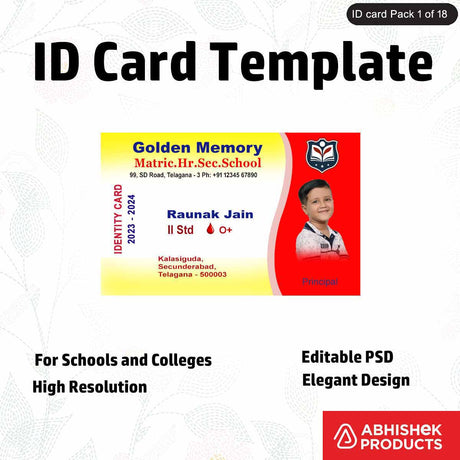
Printing on Epson media requires a systematic approach to avoid wasting expensive materials. First, prepare your design using a template that matches your specific PVC card tray layout. Most Epson trays hold two cards at a time, so your document should reflect this positioning.
Loading the Media
Second, load the Epson Special Quality Inkjet Printable PVC Cards Glossy White into the tray, ensuring the printable side is facing up. Insert the tray into the printer's front slot until the arrows align. In your print settings, select 'CD/DVD' or 'Card' as the source and 'Premium Glossy' as the paper type. Hit print and wait for the tray to eject automatically.
Step-by-Step Execution
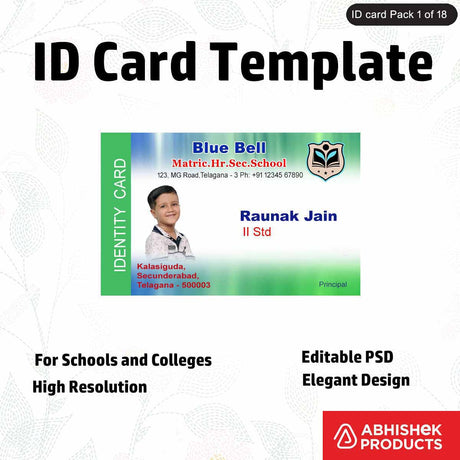
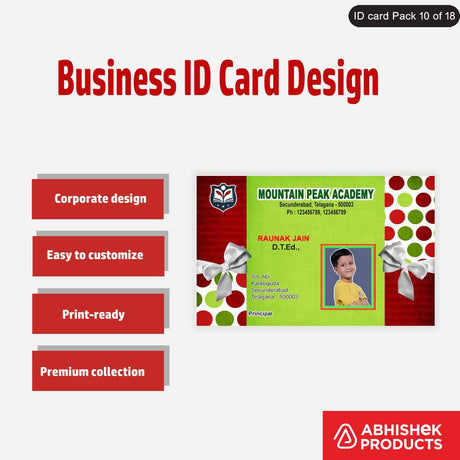
- Design the Layout: Create your ID card or sticker design in a software like CorelDraw, ensuring the dimensions match the 86mm x 54mm standard for PVC cards.
- Prepare the Media: Load the Epson Special Quality Inkjet Printable PVC Cards Glossy White into the printer's card tray, making sure the glossy side is clean and dust-free.
- Configure Printer Settings: Open the print dialog and select your Epson printer (e.g., L8050). Set the paper type to 'Premium Glossy' and the source to 'Tray'.
- Execute the Print: Insert the tray into the printer when prompted and click print. The printer will pull the tray in and apply the ink directly to the card surface.
- Drying and Curing: Remove the cards carefully from the tray and allow them to sit for 2-3 minutes. This ensures the ink is fully absorbed into the microporous coating for a waterproof finish.
How to use the printer
The process involves placing the Epson Special Quality Inkjet Printable PVC Cards Glossy White into a dedicated PVC card tray. These trays are compatible with models like the Epson L805, L850, and the newer L8050. Once the tray is inserted, the printer treats the card as a specialized photo medium, delivering high-resolution 5760 dpi prints directly onto the plastic surface.
The best way to use inkjet printable Epson media is to ensure your artwork is sized correctly at 86mm x 54mm and that your printer settings are optimized for 'Ultra Glossy' photo paper. This ensures the highest ink density and color vibrancy for professional-looking ID cards.
For businesses requiring labels or stickers alongside ID cards, using the A4 170 Gsm Photo Sticker Adhesive is highly effective. This media allows you to print high-quality book labels or product stickers using the same ink tank system. The best practice is to allow the prints to cure for a few minutes after printing to ensure the adhesive and ink have fully stabilized against environmental moisture.
This technology is also applied to sticker media. For instance, the A4 Transparent Inkjet Sticker Waterproof Non Tearable Self Adhesive uses a similar light blue shade brand coating that allows inkjet ink to adhere to transparent film without running. The 'non-tearable' aspect comes from the synthetic base of the sticker, which provides durability that standard paper labels cannot match.
Troubleshooting or common issues
Beginners should start by calibrating their printer's color settings. Since Epson L-series printers use a CMYK or 6-color ink system, ensuring your design software (like CorelDraw or Photoshop) matches the printer's ICC profile will prevent color shifts. Always perform a nozzle check before printing a large batch of cards to avoid horizontal lines or banding on the glossy white surface of the PVC cards.
Related products
- The Epson Special Quality Inkjet Printable PVC Cards Glossy White (₹Contact for price) is ideal for creating employee IDs and Aadhar card reprints because they are compatible with L8050, L18050, L800, L805, L810, and L850 printers. View Product
- The Ap Film Pack - 20 A4 Ap Film + 100 4X6 Ap Film Pack Only Sheets (₹Contact for price) is ideal for specialized inkjet printing projects where high-clarity film is required for overlays or professional documentation. View Product
- The A4 170 Gsm Photo Sticker Adhesive (₹Contact for price) is ideal for making book labels and product packaging because the 170 GSM thickness provides a premium feel and strong adhesion for inkjet/inktank printers. View Product
- The A4 Transparent Inkjet Sticker Waterproof Non Tearable Self Adhesive - LIGHT BLUE SHADE (₹Contact for price) is ideal for outdoor labels or branding because it is waterproof and resistant to tearing. View Product
Frequently Asked Questions
⚡ Fast Answers Summary
- No, you cannot use standard PVC cards in an inkjet printer.
- Several Epson L-series printers support direct PVC card printing using a tray.
- Yes, inkjet printed cards are waterproof provided you use the correct media.
No, you cannot use standard PVC cards in an inkjet printer. Standard cards have a smooth plastic surface that cannot absorb liquid ink, resulting in smearing. You must use specialized Epson Special Quality Inkjet Printable PVC Cards Glossy White which feature a microporous coating designed to lock in inkjet ink instantly.
Several Epson L-series printers support direct PVC card printing using a tray. This includes the L800, L805, L810, L850, and the newer high-speed L8050 and L18050 models. These printers are popular in the Indian market for their low cost per print and high-resolution output.
Yes, inkjet printed cards are waterproof provided you use the correct media. The coating on inkjet printable PVC cards is designed to absorb the ink and protect it from moisture. Similarly, products like the A4 Transparent Inkjet Sticker are specifically engineered to be waterproof and non-tearable.
The A4 170 Gsm Photo Sticker Adhesive offers a balance of thickness and flexibility. At 170 GSM, the paper is sturdy enough for professional book labels and product branding while remaining thin enough to feed smoothly through standard Epson inktank printers.
The Ap Film Pack is used by loading the A4 or 4x6 sheets into the rear feed of your inkjet printer. It is designed for high-clarity applications. Ensure you print on the treated side of the film and use high-quality print settings to achieve the best transparency.
Yes, you can print transparent stickers using a regular Epson Inktank printer if you use specialized media like the A4 Transparent Inkjet Sticker. This media features a light blue shade brand coating that allows standard inkjet inks to adhere to the transparent surface.