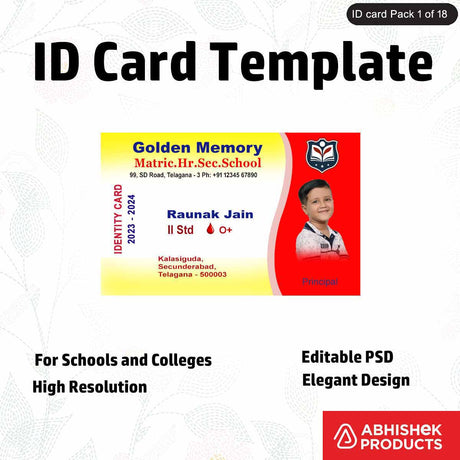
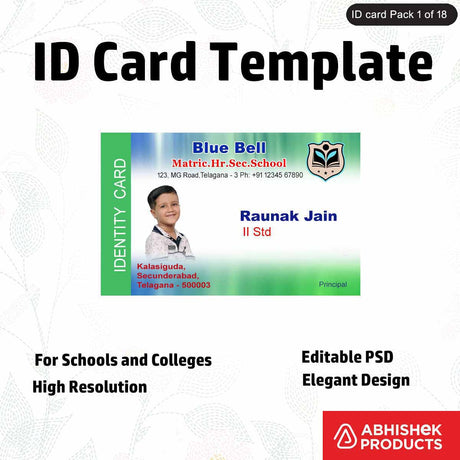
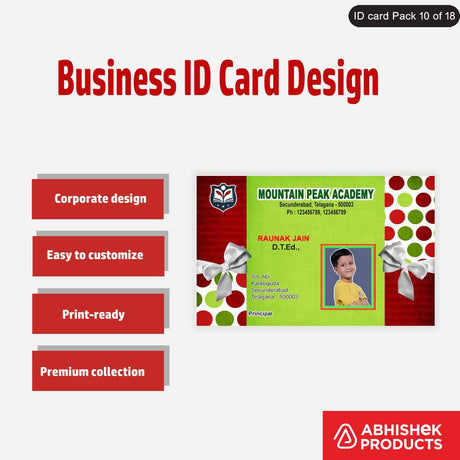
How to Print PVC ID Cards with Inkjet?
How to Print PVC ID Cards with Inkjet?
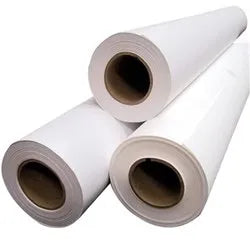
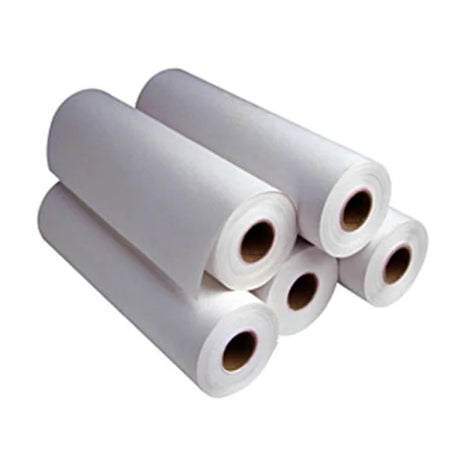
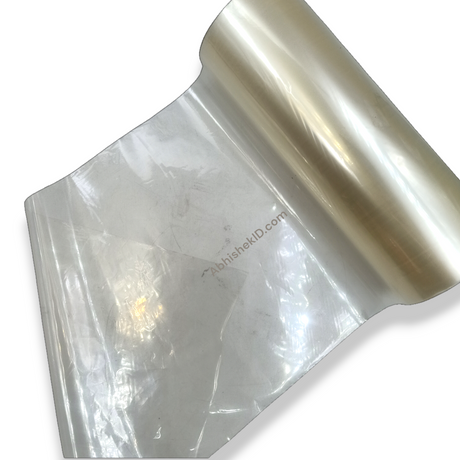
The production of PVC ID cards has traditionally required expensive specialized printers. However, the introduction of AP Film has revolutionized the industry by allowing businesses to use standard inkjet printers for high-quality results. Abhishek Products, located in Secunderabad, provides this innovative solution to help printing businesses scale with low capital investment.
Before you start
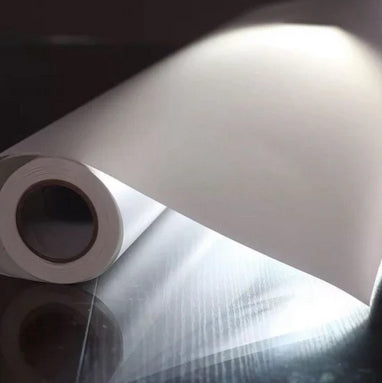
To effectively produce ID cards, you must use AP Film in conjunction with a standard inkjet printer. This method allows you to create PVC ID cards at virtually no additional cost beyond the film and ink, utilizing the original ink that comes with your printer. This ensures that the printer's print head remains undamaged and the manufacturer's warranty stays intact.
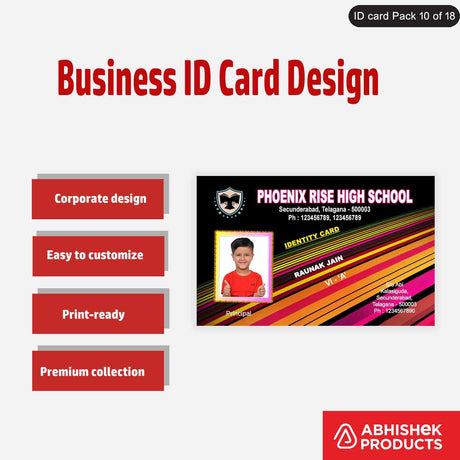
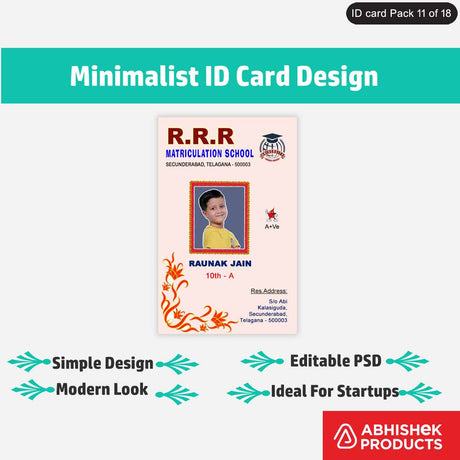
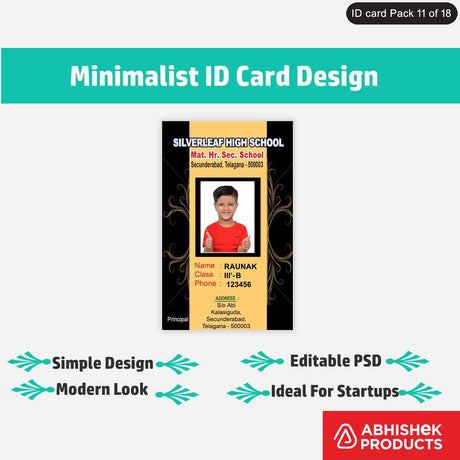
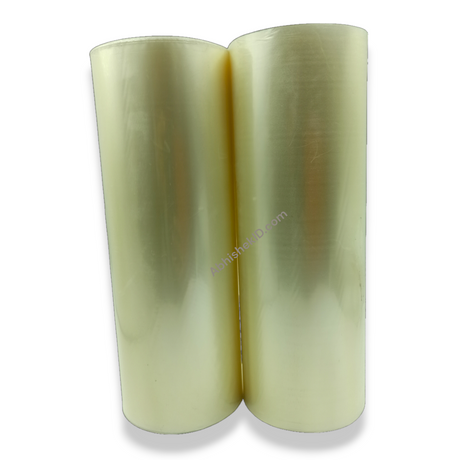
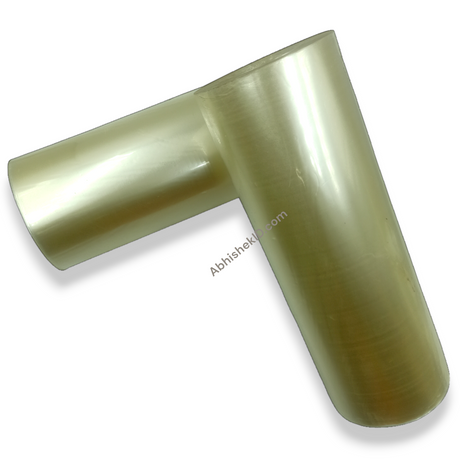
The process involves printing your ID card design directly onto the AP Film. Because the film is designed to absorb standard inkjet ink, the colors remain vibrant and the text stays sharp. This is particularly useful for schools and corporate offices in India that need to produce cards in small to medium batches without investing lakhs in thermal ID card printers.
Abhishek Products, with over 32 years of experience in the industry, recommends this method for those starting a printing business. By using AP Film, you can print up to 4000 ID cards without needing a refill, depending on your printer model. This high yield makes it a preferred choice for bulk orders in the Secunderabad and Hyderabad markets.
This guide for beginners focuses on the low-investment nature of the AP Film process. Beginners do not need advanced technical knowledge to start. If you can operate a basic computer and a printer, you can manufacture professional PVC ID cards. The primary equipment needed includes an inkjet printer, a lamination machine, and a manual die cutter.
The initial setup cost is significantly lower than traditional PVC printing methods. Instead of buying a dedicated card printer that uses expensive ribbons, you use the printer you likely already own. Abhishek Products offers a detailed item-wise timing and temperature chart to help beginners set their heat press or lamination machines correctly for the first time.
Setup steps
Step 1: Design and Print
Create your ID card layout and print the front side onto the AP Film using an inkjet printer with original ink.
Step 2: Backside Printing
Flip the film or use a second sheet to print the backside, ensuring the alignment matches the front.
Step 3: Alignment Check
Hold the printed films together to verify that the front and back graphics are perfectly centered.
Step 4: Lamination
Place the printed AP Film over a PVC rigid sheet or core and pass it through a lamination machine at the recommended temperature.
Step 5: Die Cutting
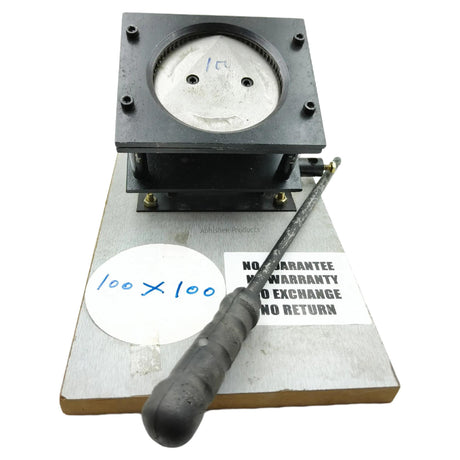
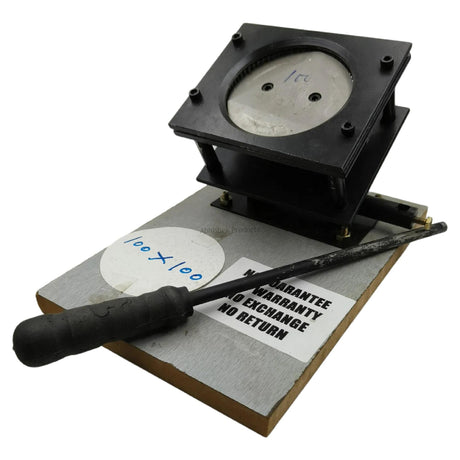
Use a manual or electric die cutter, such as the 48x72 Die Cutter, to punch out the individual ID cards from the sheet.
Step 6: Finishing
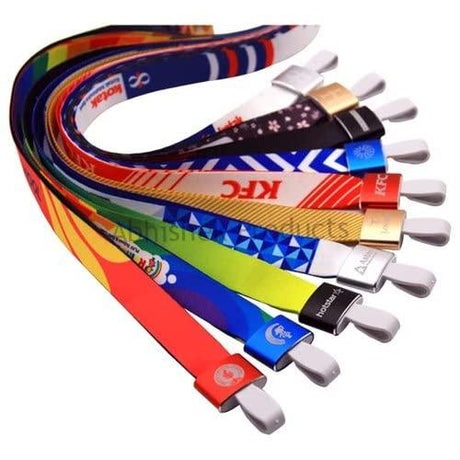
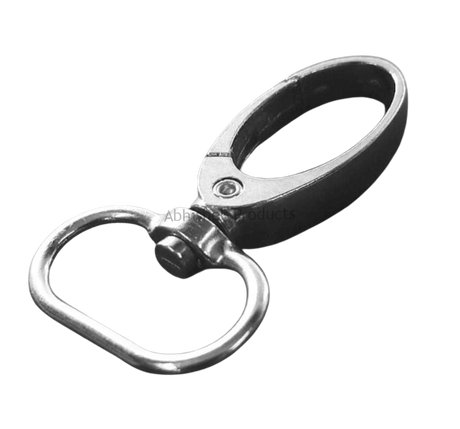
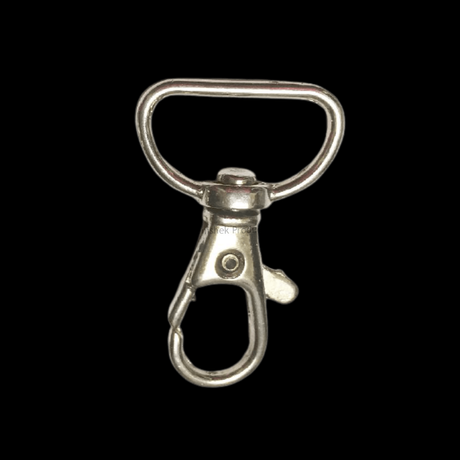
Add attachments like clips, hooks, or lanyards. Abhishek Products stocks a wide range of multi-color tags and lanyards for this purpose.
How to use the printer
For the best results, it is recommended to use Epson printers such as the L805 or L1800. These machines are known for their color accuracy and reliability when used with original inks. When the AP Film is passed through these printers, the ink sets quickly, preventing smudging during the subsequent cutting process.
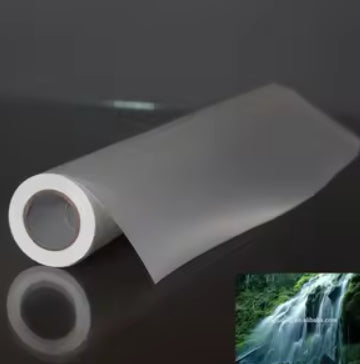
The technology works by utilizing a specialized coating on the AP Film that allows standard water-based inkjet ink to bond with a plastic surface. Normally, inkjet ink would bead up on plastic, but the AP Film acts as a bridge, absorbing the ink and then fusing to a PVC core during the heat lamination process.
The heat from the laminator activates the adhesive properties of the film and the core, creating a solid, waterproof, and durable card. This chemical and mechanical bond is what gives the card its "PVC" feel, making it indistinguishable from cards produced on much more expensive machinery. Because the ink is trapped beneath a protective layer of film, the print does not fade or scratch easily.
Troubleshooting or common issues
The best way to use the film is to ensure precise alignment between the front and back prints. Since ID cards are typically double-sided, checking the alignment before the final lamination step is critical for a professional finish. Using a light table or holding the film up to a light source can help verify that the edges match perfectly.
Another key factor in the best usage of this method is the environment. Working in a dust-free area prevents particles from getting trapped between the film and the PVC core. Abhishek Products provides lifetime free support to help clients troubleshoot any quality issues, ensuring that your production line remains efficient and your output remains high-quality.
Beginners should start by practicing on a few sheets of AP Film to understand how the ink absorbs and how the film reacts to heat. It is important to avoid voice calls and instead contact Abhishek Products via WhatsApp at +91 9666224275 for the latest price lists and technical assistance. Their showroom in Minerva Complex, Secunderabad, is also open for those who want to see the machines in person.
Related products
- AP Film (available at abhsk.com/apfilmbuy): The essential material for this process, allowing for high-quality printing with original inkjet inks.
- 48x72 Die Cutter: Ideal for finishing because it provides clean, rounded edges on every PVC card, ensuring a professional look for school and corporate IDs.
- Epson L805 Printer: Highly recommended for this setup because its 6-color ink system produces superior photographic quality on AP Film.
Frequently Asked Questions
⚡ Fast Answers Summary
- No, using AP Film does not damage your printer or its warranty.
- AP Film is specifically designed to work with original inkjet ink.
- Yes, you can print on both sides.
No, using AP Film does not damage your printer or its warranty. Unlike third-party inks or hardware modifications, AP Film works with the original ink provided by the manufacturer. This ensures the print head remains in good condition and the machine operates within its intended specifications.
AP Film is specifically designed to work with original inkjet ink. You do not need to purchase specialized sublimation or pigment inks. Using the standard ink that comes with your Epson or other inkjet printers will yield the best results in terms of color accuracy.
Yes, you can print on both sides. The process involves printing the front and back designs on the AP Film and then aligning them before lamination. This allows for full-color, double-sided ID cards perfect for schools and corporate use.
Abhishek Products is located in Secunderabad, Telangana. Their address is Shop no 37, Ground floor, Minerva Complex, S.D. Road, Secunderabad - 500003. They have over 32 years of experience in the printing and ID card industry.
The capital investment for an AP Film-based ID card business is relatively low. You primarily need an inkjet printer, a basic lamination machine, and a die cutter, making it much more affordable than dedicated thermal PVC printers.
Depending on the printer model and ink tank capacity, you can print up to 4000 ID cards without needing an ink refill. This high efficiency makes the AP Film method highly profitable for large orders.