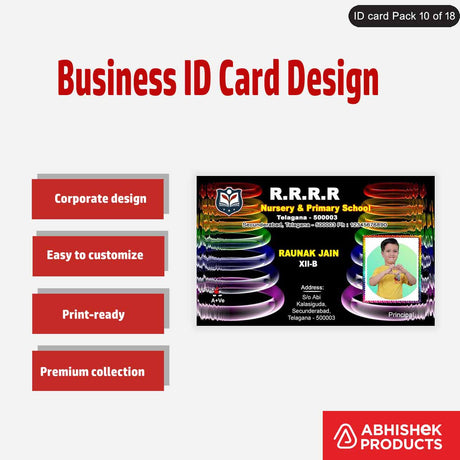
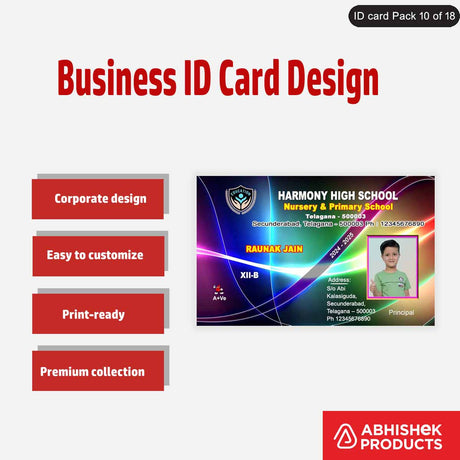
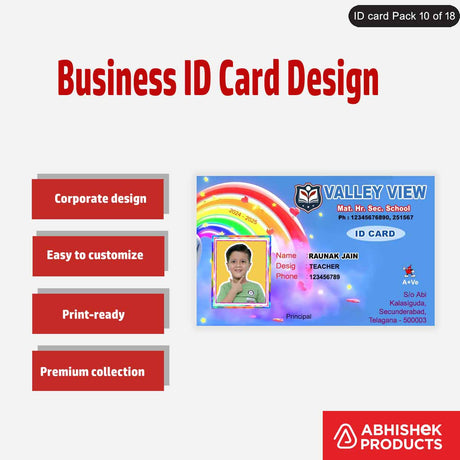
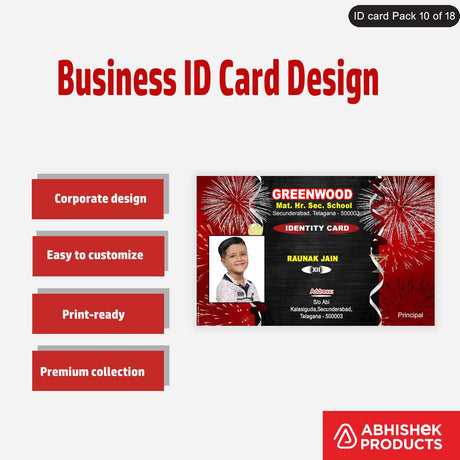
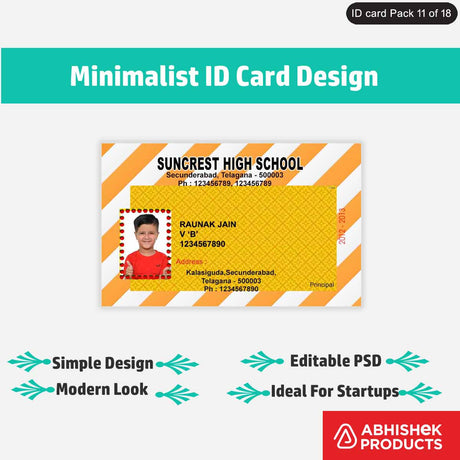
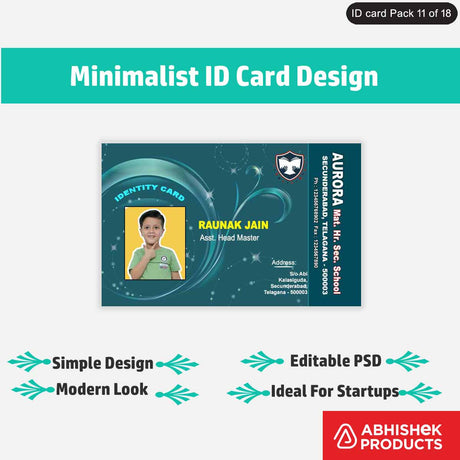
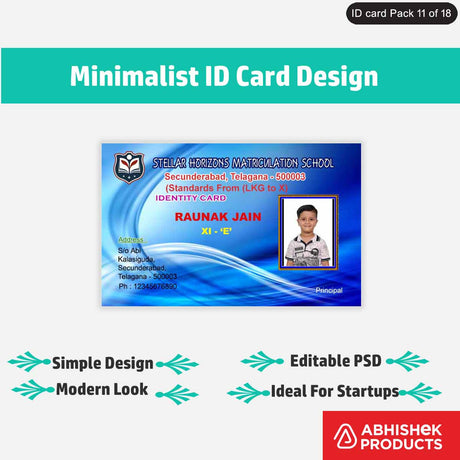
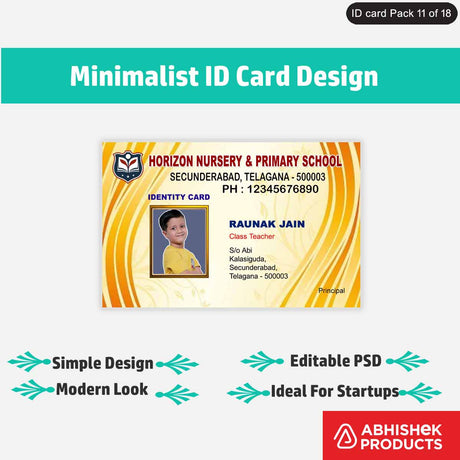
How to Print Chip Cards with Epson L805?
How to Print Chip Cards with Epson L805?
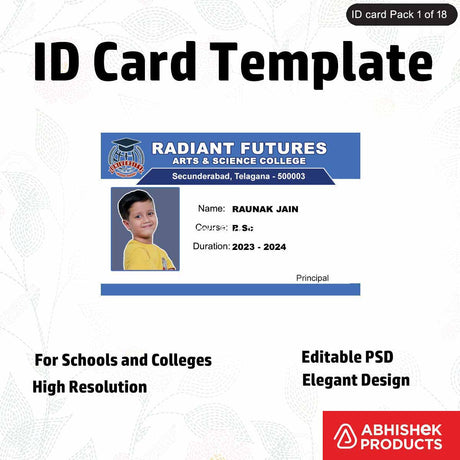
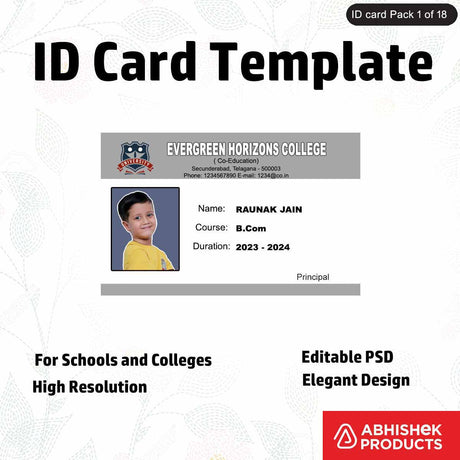
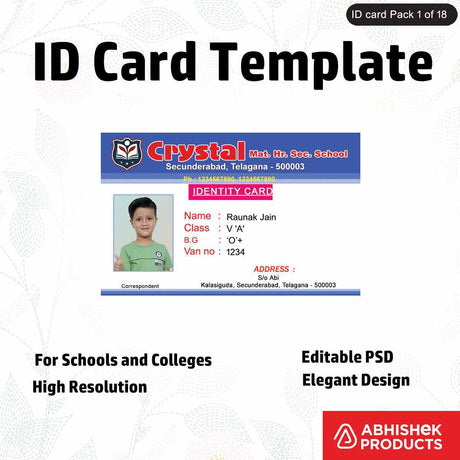
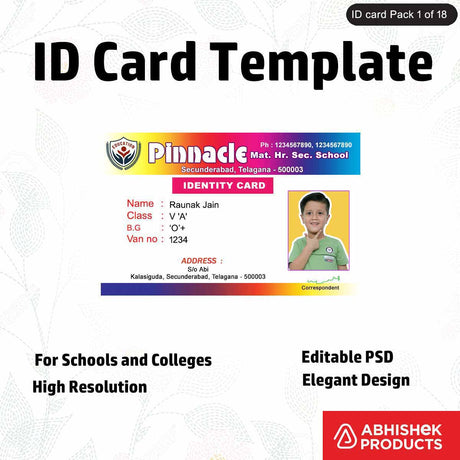
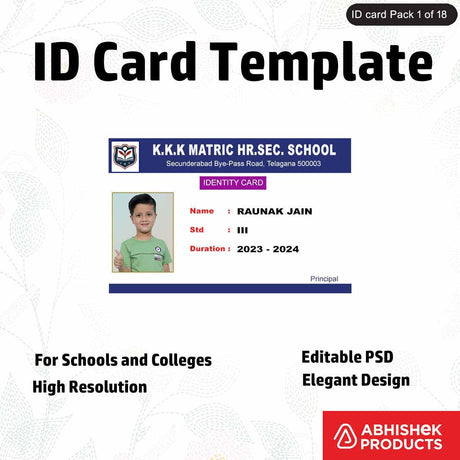
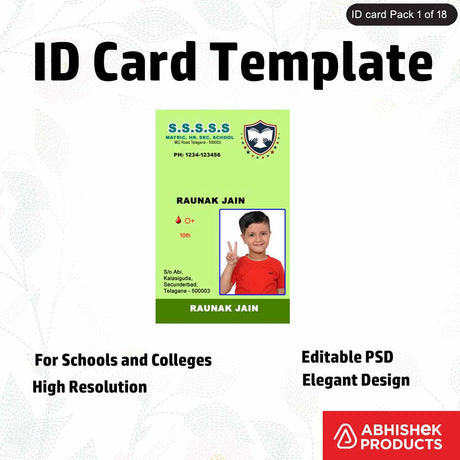
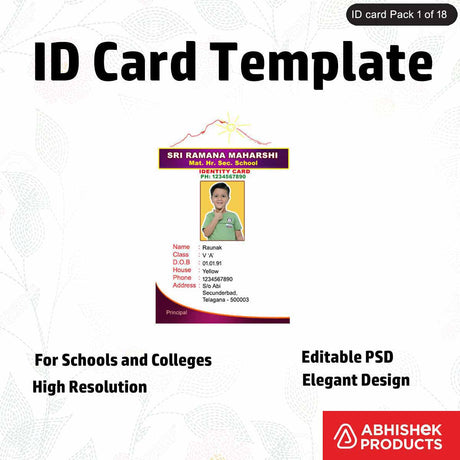
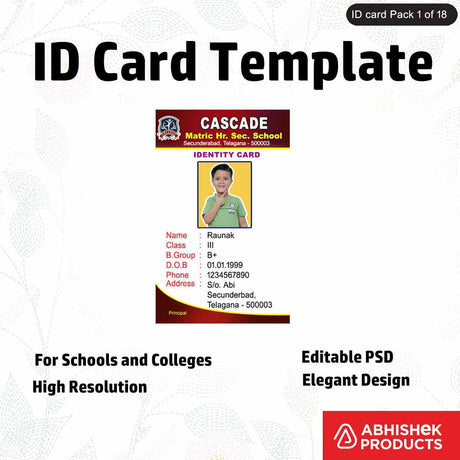
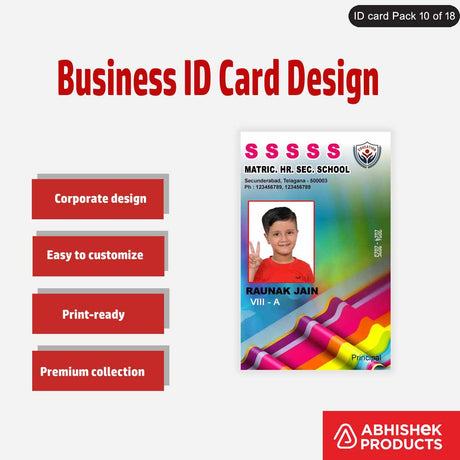
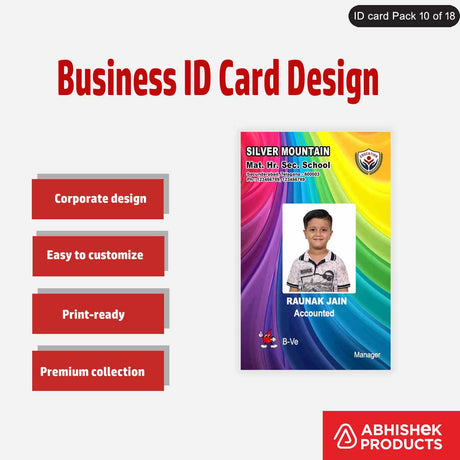
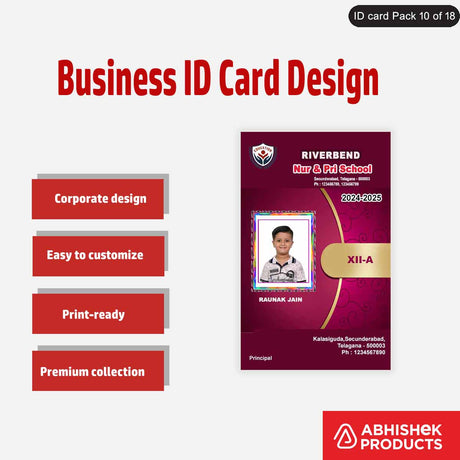
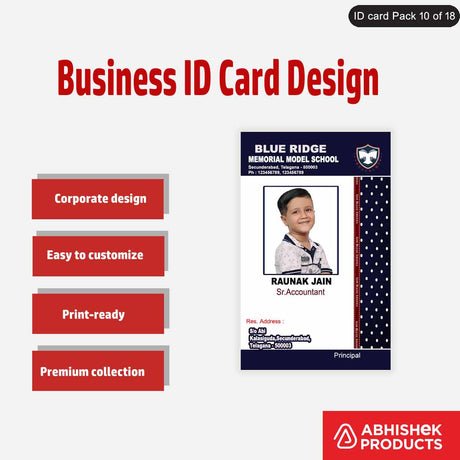
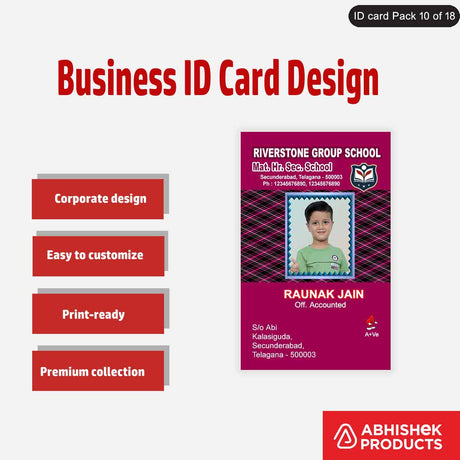
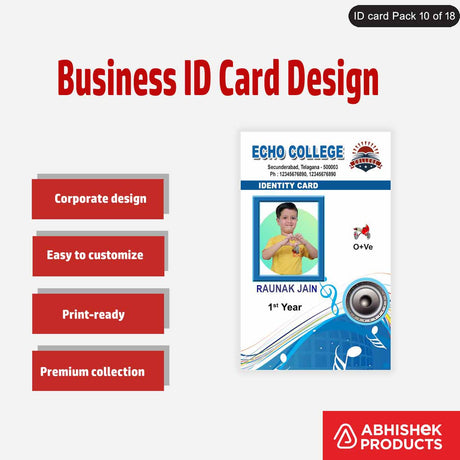
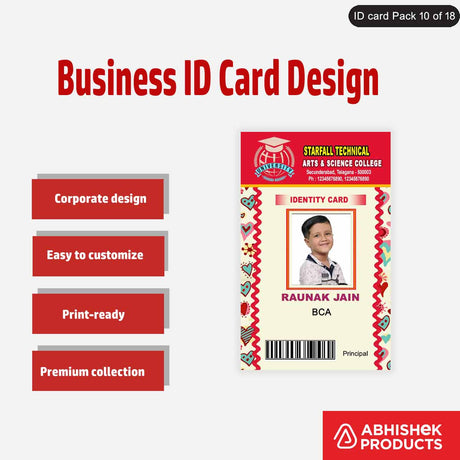
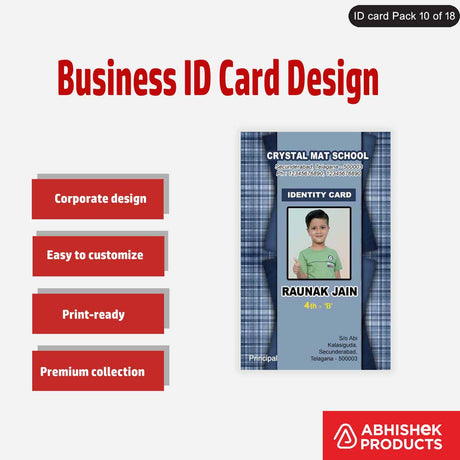
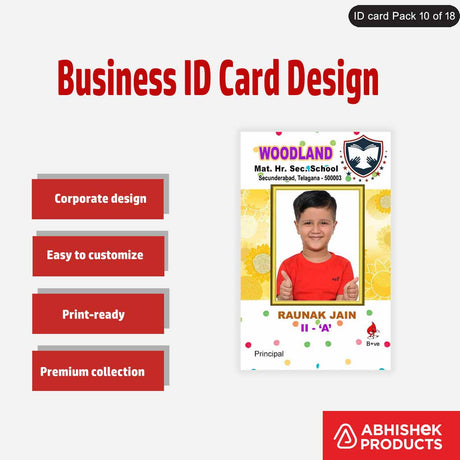
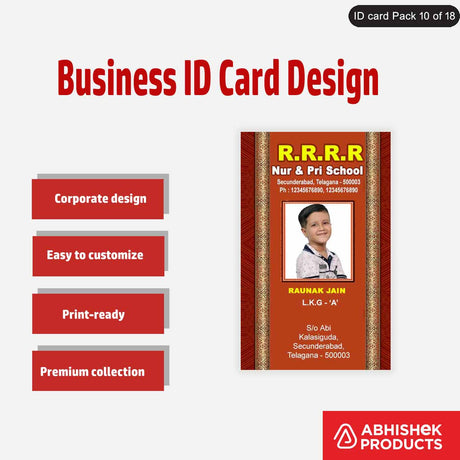
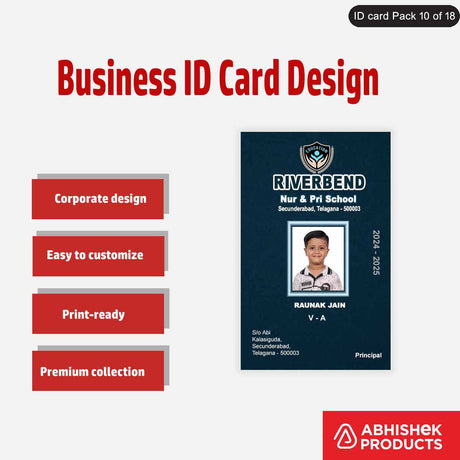
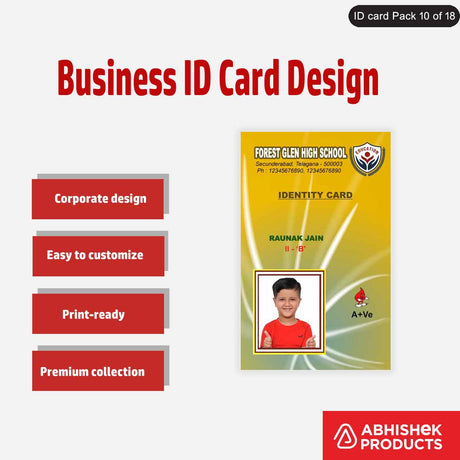
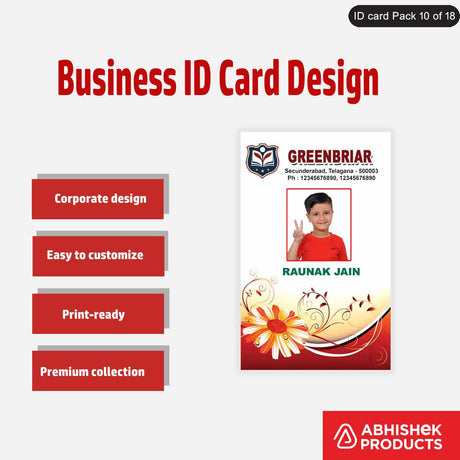
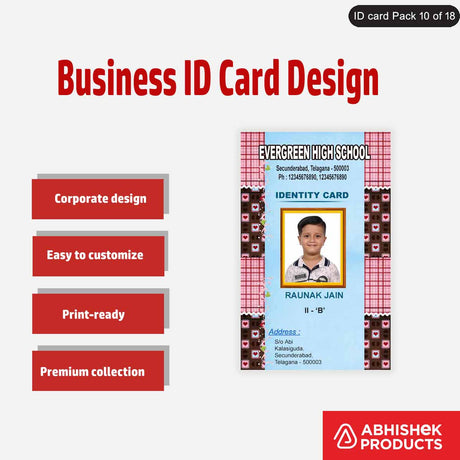
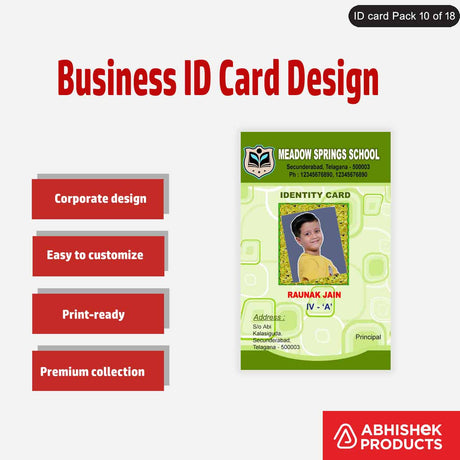
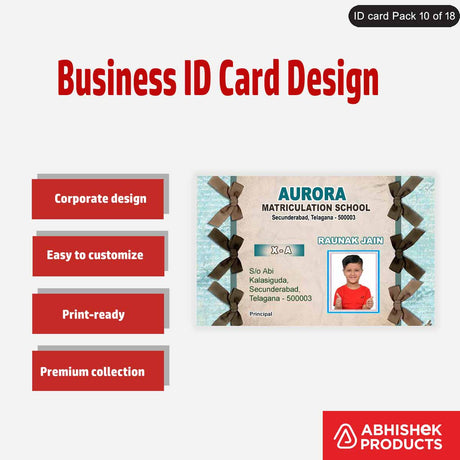
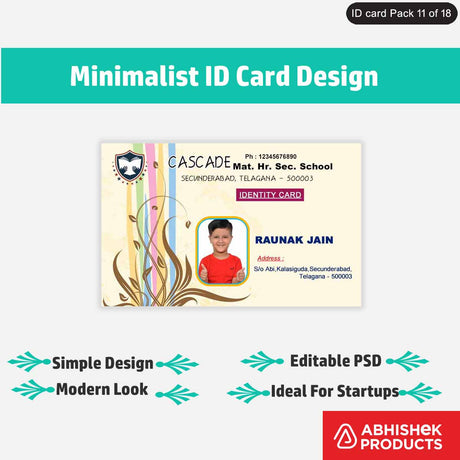
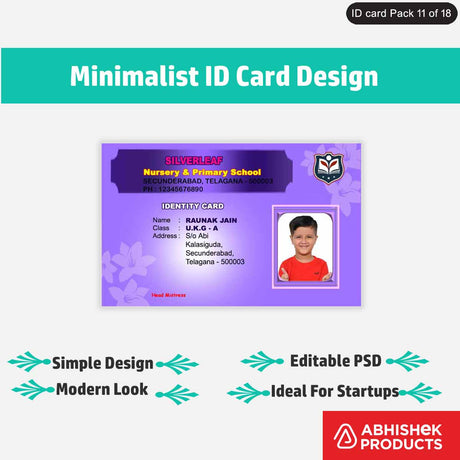
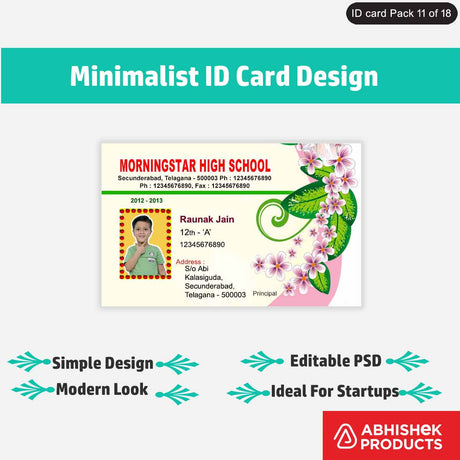
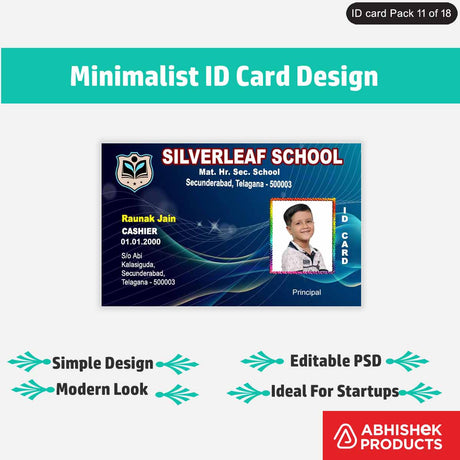
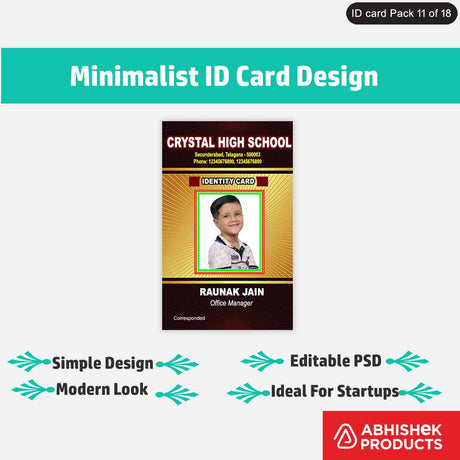
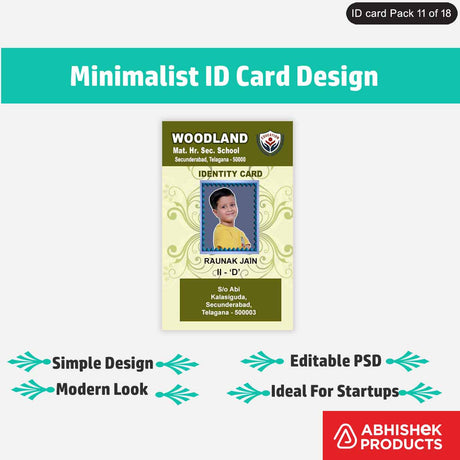
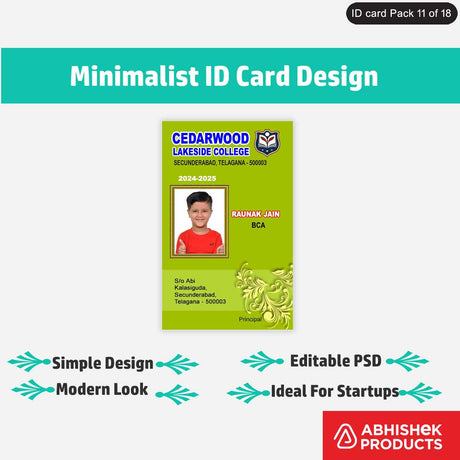
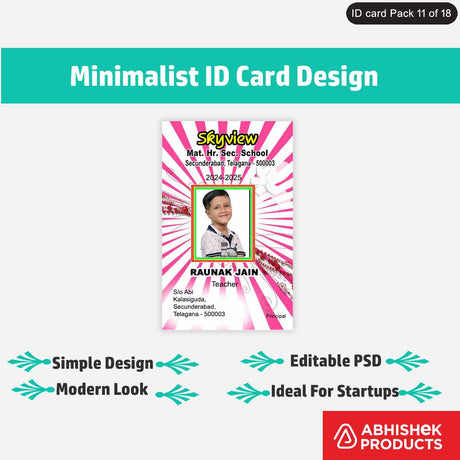
Epson Inkjet Chip cards represent a significant advancement for small businesses and ID card service providers in India. By utilizing standard Epson photo printers, users can produce high-quality, chip-enabled cards without investing in industrial-grade machinery.
Abhishek Products, located in Minerva Complex, Secunderabad, provides these specialized cards to help local businesses streamline their identification and access control systems. These cards are specifically coated to absorb inkjet ink, ensuring that the print does not smudge or peel over time.
Before you start
To use an EPSON INKJET CHIP card, you must have a compatible Epson L-series printer and a specialized PVC card tray. It is essential to ensure your printer firmware and drivers support tray-based printing before attempting to use these cards. In the Indian market, the Epson L805 is the most popular choice for this task due to its six-color ink system, which provides superior color depth on the PVC surface.
For beginners, the EPSON INKJET CHIP system is an accessible entry point into the world of smart card production. The first step is verifying your printer model; the system works exclusively with the Epson L800, L805, L810, and L850 models. Beginners must understand that these cards are not standard PVC cards. They feature a unique inkjet-receptive coating. If you try to print on a standard thermal PVC card with an inkjet printer,
⚡ Fast Answers Summary No, these cards are intended for legal and authorized use only. They are not intended for use in duplicating or forging official government or financial cards. Use them for corporate IDs, student cards, or membership badges within your own organization. Yes, you need a compatible Epson L-series printer such as the L800, L805, L810, or L850. These printers have the mechanical capability to handle a PVC card tray, which is a requirement for printing on these specific cards. Smudging usually occurs if you are using standard PVC cards instead of specialized Inkjet-coated cards. It can also happen if the printer settings are not set to 'CD/DVD' or 'Premium Glossy', which results in too much ink being applied to the surface. Yes, a tray setup is mandatory for printing on Epson Inkjet Chip cards. The printer cannot pull a single PVC card through the standard paper feeder; it requires the rigid support of a PVC card tray to guide the card under the print head. You can purchase these cards online at AbhishekID.com or visit the Abhishek Products store at Shop No. 37, Ground Floor, Minerva Complex, S.D. Road, Secunderabad, Telangana. They specialize in ID card materials and printing equipment. Yes, you can print on both sides if the card has the inkjet-receptive coating on both surfaces. You will need to print one side, wait for it to dry, flip the card in the tray, and then print the second side using your design software.Frequently Asked Questions