- How to 🖨️ Best Machine for Digital Print Shop, Xerox Shop, Start Your Printing Business | AbhishekID.com
- What is the best way to use K2qKITgE 2I
- K2qKITgE 2I guide for beginners
- K2qKITgE 2I step by step
- How does K2qKITgE 2I work
- Best Products for Digital Print Shops
- How to Setup the Roll-to-Roll Laminator: Step-by-Step
- Frequently Asked Questions
- What is the warm-up time for this laminator?
- Can I perform double-sided lamination in one pass?
- What is the difference between steel and rubber rollers?
- Does this machine support gold foiling for wedding cards?
- How does the reverse function help in a print shop?
- Where can I get support for this machine in India?
How to 🖨️ Best Machine for Digital Print Shop, Xerox Shop, Start Your Printing Business | AbhishekID.com
Starting a printing business in India requires reliable equipment that can handle diverse customer needs, from standard document protection to premium gold foiling. The Roll-to-Roll Thermal Lamination machine available at AbhishekID.com is engineered specifically for the high-demand environment of a Xerox shop or digital print center. Located in Secunderabad, Abhishek Products brings over 32 years of industry expertise to help local entrepreneurs scale their operations with professional-grade finishing tools.
How to 🖨️ Best Machine for Digital Print Shop, Xerox Shop, Start Your Printing Business | AbhishekID.com
The best machine for a digital print shop must offer versatility, speed, and ease of use. The Roll-to-Roll Thermal Laminator meets these criteria by providing a digital display for precise temperature monitoring and a lightweight plastic body for easy shop placement. This machine allows business owners to offer both single-sided and double-sided lamination by utilizing two thermal lamination rolls simultaneously—one positioned above and one below the document path.

For a Xerox shop, the ability to switch between hot and cold lamination modes is essential. This machine includes a dedicated toggle for these modes, ensuring that heat-sensitive documents are protected while standard prints receive a durable thermal bond. The inclusion of a reverse function is a critical safety and quality feature, allowing operators to clear potential jams or reposition materials without damaging the machine or the customer's original document.

What is the best way to use K2qKITgE 2I
The best way to use this roll-to-roll machine is to ensure the rollers are properly pre-heated and the film tension is balanced. Begin by fixing two thermal lamination rolls into the designated holders. Once the power switch is activated, monitor the digital display. The "READY" indicator light will turn red once the machine reaches the required operating temperature. This ensures that the thermal adhesive on the film melts uniformly, preventing the common issue of silvering or bubbles.
When feeding documents, ensure they are placed flat between the upper and lower thermal films. For digital print shops handling high volumes, maintaining a consistent speed is vital. The machine features adjustable speed settings and roller heating configurations, allowing you to customize the process based on the thickness of the paper and the type of lamination film being used. Using high-quality Thermal Lamination Rolls will result in a professional finish that enhances the color and durability of the print.
K2qKITgE 2I guide for beginners
Beginners should start by familiarizing themselves with the control panel and the two primary roller types: steel and rubber. Steel rollers are excellent for high-pressure applications and consistent heat distribution, while rubber rollers provide a more cushioned contact for delicate items. The machine's smart looks and lightweight body make it approachable for new staff members in a retail environment. Before starting a job, always check the temperature chart provided by Abhishek Products to match the heat setting to your specific film type.
To begin laminating, first assemble the stand and fit the rolls according to the provided instructions. The machine supports various finishes, including matte, gloss, and specialized Golden Thermal Foil Rolls. For beginners, it is recommended to run a test sheet to verify that the temperature and speed settings are correct. If the film is not adhering properly, increase the temperature slightly; if the film is warping, decrease the heat or increase the feed speed.
K2qKITgE 2I step by step
Following a step-by-step process ensures the longevity of the machine and the quality of the output. First, assemble the machine stands and secure the roll bars. Second, load the thermal rolls, ensuring the adhesive side is facing the correct direction toward the rollers. Third, power on the machine and set the desired temperature using the digital control panel. Fourth, wait for the red "READY" light to signal that the rollers have reached the target heat level.
Once ready, feed the document into the front of the machine. The special rollers are designed for uniform, bubble-free lamination. If you are performing gold foiling, the process is similar but requires specific Thermal Foil Colours. After the document exits the rear of the machine, allow it to cool for a few seconds before trimming. This step-by-step approach minimizes waste and ensures every customer receives a high-quality product.
How does K2qKITgE 2I work
The Roll-to-Roll Thermal Laminator works by passing a document between two heated rollers while simultaneously applying a thin layer of plastic film coated with a heat-activated adhesive. The digital display monitors the internal heating elements, ensuring the temperature remains stable throughout the production run. The machine uses a combination of heat and pressure to create a permanent bond between the film and the paper, which protects the document from moisture, tearing, and fading.
The internal mechanics include a forward and reverse function controlled by the operator. The forward function drives the rollers to pull the document through, while the reverse function allows for the immediate retrieval of a document if an error is detected. The machine can be configured for single or double roller heating, providing flexibility for different lamination styles. This technical versatility is why it is considered a staple for any serious printing business in India, from Hyderabad to Kolkata.
Best Products for Digital Print Shops
The Roll-to-Roll Thermal Laminator (Price available via WhatsApp) is ideal for Xerox shops because it features a digital display and supports both hot and cold lamination modes. It is designed for continuous use with a lightweight plastic body that fits easily on standard shop counters.
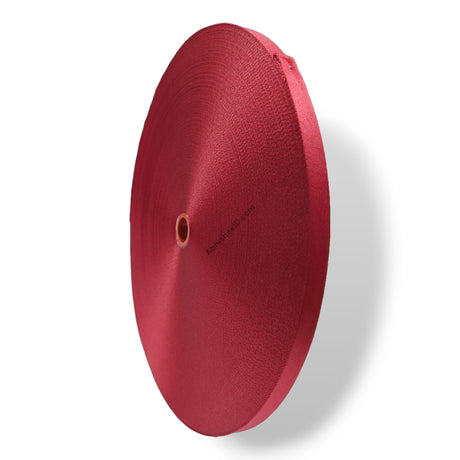
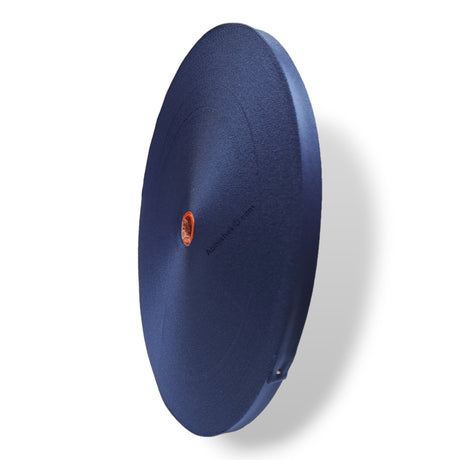
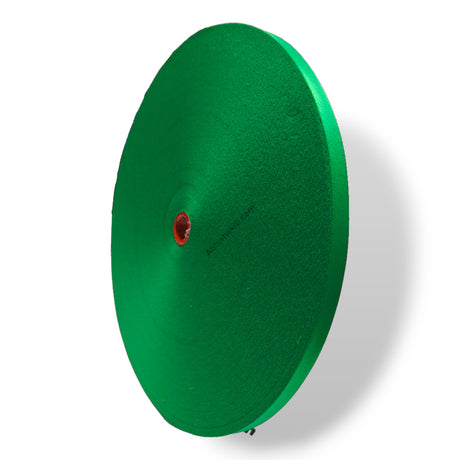
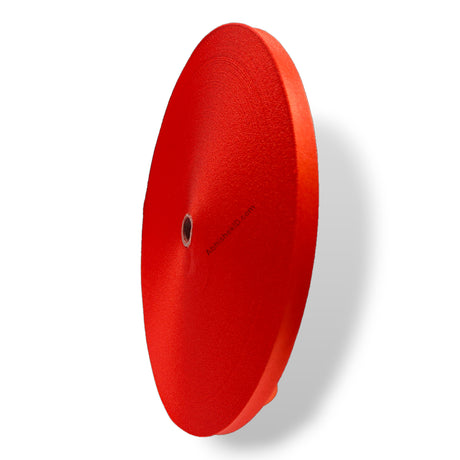
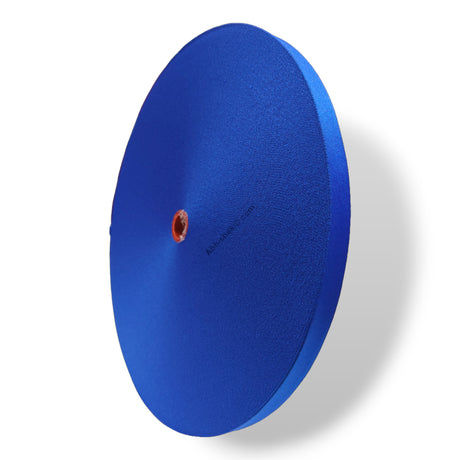
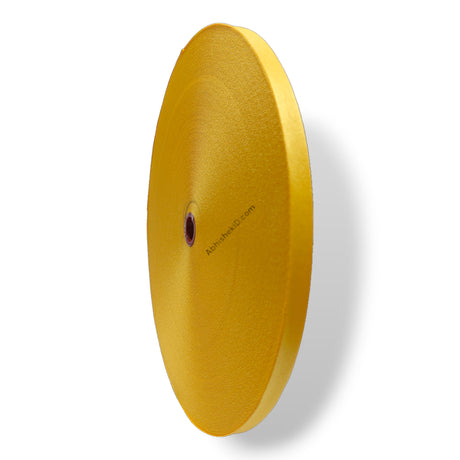
The Thermal Lamination Roll is essential for this machine as it provides the protective coating for ID cards, certificates, and documents. These rolls are available in various widths to accommodate different paper sizes used in Indian offices and schools.
The Golden Thermal Foil Roll (Price available via WhatsApp) is ideal for premium printing services because it allows the machine to apply metallic gold finishes to wedding cards and certificates. This adds a high-value service offering to any digital print shop's portfolio.
How to Setup the Roll-to-Roll Laminator: Step-by-Step
- Assemble the Stand: Fit the metal stands to the base of the machine to ensure stability during the roll-to-roll process.
- Install the Rolls: Place the first thermal roll on the top spindle and the second on the bottom spindle, ensuring the film feeds smoothly into the rollers.
- Set Temperature: Turn on the power and use the digital display to set the temperature according to the film thickness (typically between 100°C and 130°C for thermal rolls).
- Verify Ready Status: Wait for the "READY" indicator light to turn red, signifying the machine has reached the required heat.
- Feed and Laminate: Insert the document between the two films and engage the forward drive to begin the bubble-free lamination process.
Frequently Asked Questions
What is the warm-up time for this laminator?
The Roll-to-Roll Thermal Laminator is designed with a lesser warm-up time compared to traditional industrial machines. While the exact time depends on the ambient temperature and the target heat setting, the digital display and the red "READY" light indicator will notify the operator the moment the machine is prepared for use, typically within a few minutes.
Can I perform double-sided lamination in one pass?
Yes, you can perform both side lamination at the same time. By installing two thermal lamination rolls—one on the upper spindle and one on the lower spindle—the machine feeds the document between both layers of film simultaneously. This significantly increases productivity for Xerox shops handling high-volume orders for school or office documents.
What is the difference between steel and rubber rollers?
Steel rollers are primarily used for high-heat and high-pressure applications, offering extreme durability and consistent thermal conductivity. Rubber rollers are softer and provide a more uniform pressure across uneven surfaces, which helps in achieving bubble-free results on various paper thicknesses. This machine offers configurations for both to suit different business needs.
Does this machine support gold foiling for wedding cards?
Yes, this machine is highly effective for gold foiling. By using specialized Golden Thermal Foil Rolls, you can apply a metallic finish to printed designs. This is a popular service in the Indian market for wedding invitations, certificates, and premium business cards, allowing print shops to charge a premium for their services.
How does the reverse function help in a print shop?
The reverse function is a safety and quality control feature. If a document is fed incorrectly or if a film jam occurs, the operator can immediately reverse the rollers to retrieve the document. This prevents damage to the machine's internal components and saves the customer's original document from being destroyed during a feeding error.
Where can I get support for this machine in India?
Abhishek Products, located in Secunderabad, Telangana, provides lifetime free support for all their printing machines. With over 32 years of experience in the industry, they offer solutions to printing problems, quality issues, and detailed timing and temperature charts for their entire range of products, ensuring your business stays operational.
For more information on printing equipment, visit the AbhishekID.com Ecommerce Website.