How to Use Nova and Digital Plus 270 GSM Photo Paper for ID Cards
How to Use Nova and Digital Plus 270 GSM Photo Paper for ID Cards
Nova Digital and Digital Plus 270 GSM photo papers represent the premium tier of printing media for Indian businesses specializing in ID cards, photography, and corporate gifting. These papers are specifically engineered to handle high ink loads while maintaining structural integrity, making them ideal for the humid climate and heavy usage patterns typical in the Indian market. Abhishek Products in Secunderabad provides these materials to support CSC centers, photo studios, and corporate offices requiring professional-grade output.
How to
To implement the process, you must first select between Nova Digital and Digital Plus 270 GSM photo paper based on your specific finish requirements. These papers are designed for high-resolution inkjet output, ensuring that every ID card or photo print maintains sharp details and vibrant color accuracy.
The process begins with preparing your digital artwork using professional ID card software. Once the design is ready, the 270 GSM paper is loaded into a compatible inkjet printer. Because of the thickness of the 270 GSM media, it is essential to adjust your printer settings to 'Premium Glossy' or 'Photo Paper' mode to ensure the rollers handle the weight correctly without jamming. This weight is particularly popular in Secunderabad for creating sturdy ID cards that do not require immediate lamination for basic rigidity.
After printing, the media should be allowed to dry for a few seconds to let the ink bond with the specialized coating. For businesses running CSC (Common Service Centres), this paper is a cost-effective alternative to expensive PVC cards, especially when paired with waterproof inkjet technology. The final step involves cutting the printed sheet to the required dimensions using a manual or electric cutter, followed by optional lamination or binding depending on the end product, such as a corporate gift or a standard identification badge.
What is the best way to use
The best way to use involves pairing Nova Digital 270 GSM paper with high-quality color Xerox toner or specialized inkjet inks for maximum longevity. Using the correct weight of paper ensures that the final product feels professional and survives daily handling in corporate or educational environments.
In the context of Indian business operations, the most efficient use of this material is for bulk ID card production and corporate gifting. For example, when creating personalized calendars or certificates, the 270 GSM Digital Plus paper provides a premium feel that lighter papers cannot match. It is recommended to use these papers in a temperature-controlled environment to prevent moisture absorption before printing, which is a common challenge in Telangana's climate.
Furthermore, integrating this paper with equipment like electric wiro binding machines or gold foil machines can elevate the final product. If you are producing corporate gifts, the 270 GSM thickness allows for gold foiling without the paper warping under heat. For ID cards, using waterproof inkjet ID card settings ensures the print remains intact even if exposed to light moisture. Always ensure your printer's rear tray is used for 270 GSM media to avoid unnecessary bending of the paper path.
guide for beginners
For beginners, the guide starts with understanding that 270 GSM (Grams per Square Meter) refers to the weight and thickness of the paper. Nova Digital and Digital Plus are the two primary brands recommended for those starting an ID card or photo printing business in India due to their consistent coating quality.
Beginners should start by testing small batches of Nova Digital photo paper to calibrate their printer's color profile. It is a common mistake to use standard 'Plain Paper' settings, which results in dull colors and oversaturation. Instead, select the highest quality setting available in your printer driver. This ensures the inkjet nozzles dispense the precise amount of ink required for the 270 GSM coating to absorb without bleeding.
Another critical tip for beginners is the storage of digital plus photo paper. Always keep the paper in its original packaging until ready for use to protect it from dust and fingerprints. Finger oils can interfere with ink absorption, leading to spots on the final print. If you are located in Secunderabad, visiting the Abhishek Products shop in Minerva Complex can provide a hands-on demonstration of how these papers interact with different lamination and binding machines, which is vital for understanding the full production workflow.
step by step
The step-by-step workflow ensures a professional finish for every print job, whether you are making ID cards or corporate gifts. Following a standardized procedure reduces waste and improves the turnaround time for customer orders.
- Media Selection: Choose between Nova Digital or Digital Plus 270 GSM paper based on the desired gloss level and thickness required for the project.
- Printer Configuration: Set your inkjet printer to the 'Photo Paper Glossy' setting and ensure the paper thickness lever (if available) is set to the appropriate position for 270 GSM media.
- Printing: Feed the paper through the manual bypass tray or the rear tray to maintain a straight paper path, which prevents head strikes on thick 270 GSM sheets.
- Drying and Inspection: Allow the print to sit for 30-60 seconds. Inspect for color accuracy and any ink pooling, which would indicate a need to adjust printer saturation levels.
- Finishing: Use a lamination machine for ID cards to add a protective layer, or an electric wiro binding machine if the paper is being used for a corporate photo book or report.
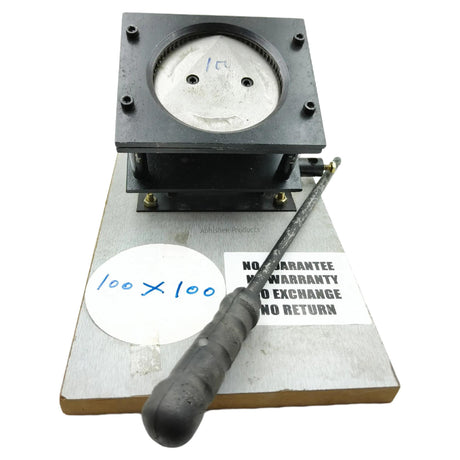
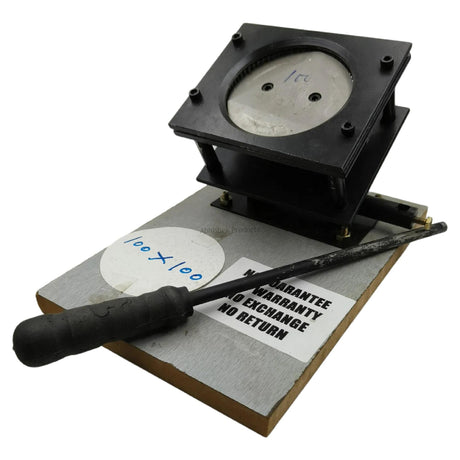
- Cutting: Use a precision die-cutter or a paper trimmer to finalize the dimensions, ensuring clean edges that do not fray the 270 GSM fibers.
How does work
works by utilizing a specialized microporous coating on the Nova and Digital Plus paper surfaces that instantly traps inkjet ink. This technology allows the 270 GSM paper to remain dry to the touch almost immediately after printing, despite the high density of the media.
The 270 GSM weight provides a rigid base that mimics the feel of a plastic card when laminated, which is why it is a staple for CSC supplies and ID card production. The 'Digital Plus' variant often features an enhanced brightness level, which works by reflecting more light through the ink layer, making colors appear more vivid. This is particularly useful for corporate gifting products where visual impact is a priority.
Technically, the paper works by balancing ink absorption with surface smoothness. If the paper were too porous, the ink would spread, causing blurriness. If it were too smooth, the ink would smudge. Nova Digital 270 GSM paper is engineered to find the middle ground, providing high D-max (density) values for deep blacks and a wide color gamut for skin tones in ID photography. This mechanical and chemical balance is what makes it a reliable choice for professional printing shops in Secunderabad.
Best Products for Photo Printing and ID Cards
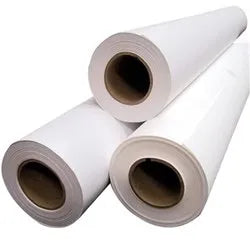
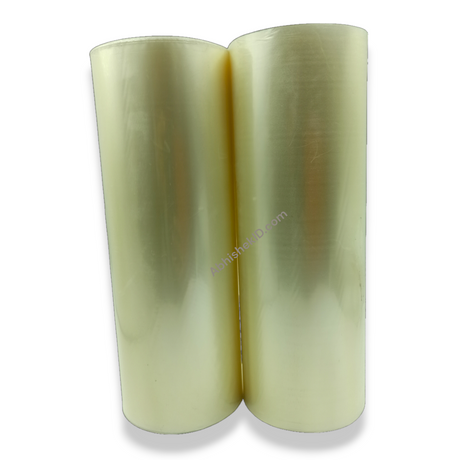
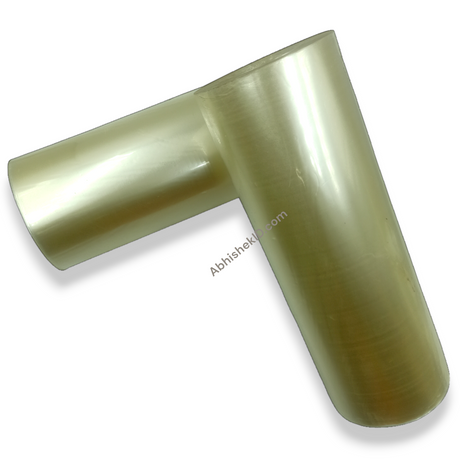
The Nova Digital Photo Paper (270 GSM) is ideal for professional ID card printing because its heavy weight provides durability and a premium feel without the need for expensive PVC equipment.
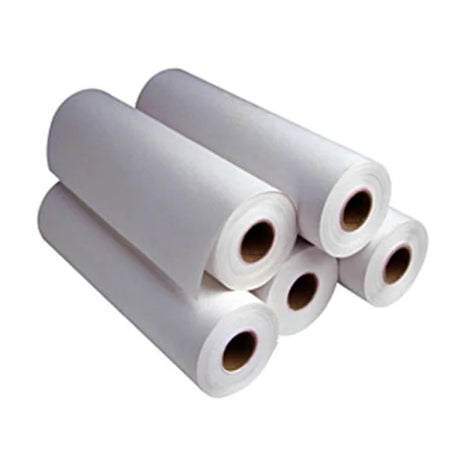
The Digital Plus Photo Paper (270 GSM) is ideal for corporate gifting and high-end photography because it features a high-brightness coating that enhances color vibrancy for marketing materials.
The 270 GSM Photo Paper is ideal for CSC supplies and government document printing because it offers a cost-effective balance between professional thickness and inkjet compatibility.
Frequently Asked Questions
⚡ Fast Answers Summary
- The best GSM for ID card printing is 270 GSM, as seen in Nova Digital and Digital Plus papers.
- You can buy Nova Digital photo paper at Abhishek Products, located at Shop No.
- Yes, 270 GSM photo paper can be used in most modern inkjet printers, provided you use the rear feed or manual bypass tray.
The best GSM for ID card printing is 270 GSM, as seen in Nova Digital and Digital Plus papers. This weight provides sufficient rigidity to handle daily use while remaining thin enough to pass through standard lamination machines. Lighter papers often feel flimsy and unprofessional, while 270 GSM mimics the thickness of standard commercial identification cards.
You can buy Nova Digital photo paper at Abhishek Products, located at Shop No. 37, Ground Floor, Minerva Complex, S.D. Road, Secunderabad, Telangana. They stock a wide range of digital plus photo papers, 270 GSM media, and related printing accessories like lamination and binding machines for local businesses and CSC operators.
Yes, 270 GSM photo paper can be used in most modern inkjet printers, provided you use the rear feed or manual bypass tray. Standard bottom-loading trays may struggle with the thickness of 270 GSM media. Always select the 'Photo Paper' or 'Heavyweight' setting in your printer software to ensure the feed mechanism and ink delivery are optimized.
Nova Digital and Digital Plus are both high-quality 270 GSM papers, but they often differ in their surface coating and brightness levels. Digital Plus is typically optimized for higher color vibrance and is preferred for corporate gifting and professional photography, while Nova Digital is a versatile workhorse for ID cards and general CSC supplies.
To create waterproof inkjet ID cards, you need waterproof inkjet-compatible paper like the 270 GSM options from Abhishek Products and a standard inkjet printer. For full waterproofing, it is recommended to laminate the printed paper using a high-quality lamination machine, which seals the edges and protects the ink from environmental moisture.
A complete ID card setup requires 270 GSM photo paper, an inkjet printer, a lamination machine, and a die-cutter. For more advanced operations, Abhishek Products recommends adding ID card software for template management, an electric wiro binding machine for booklets, and a gold foil machine for premium corporate branding and gifting items.