✨ Featured Products

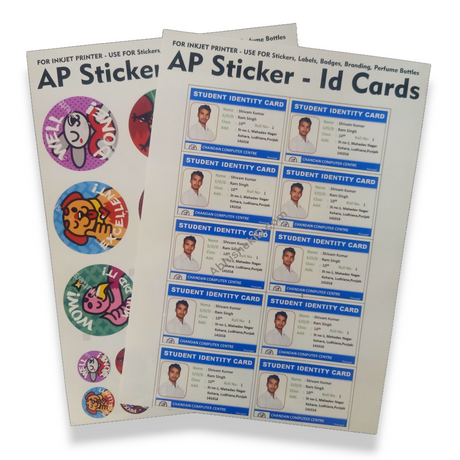
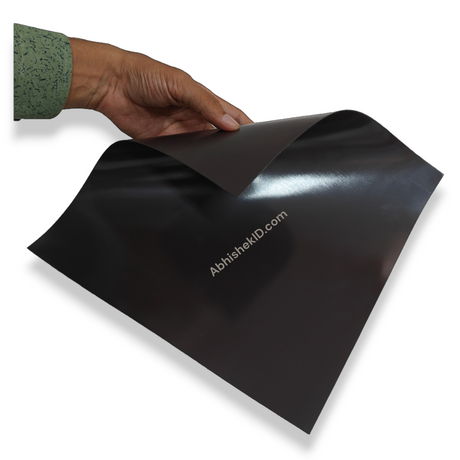
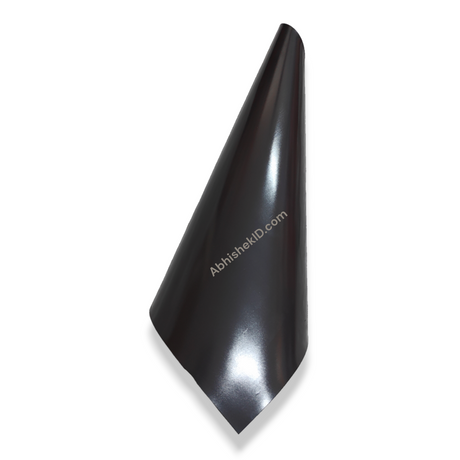
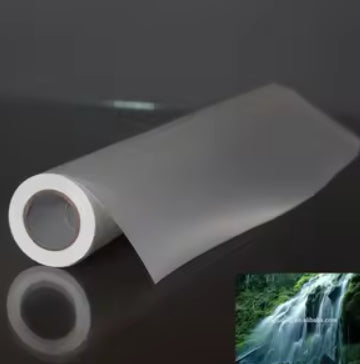
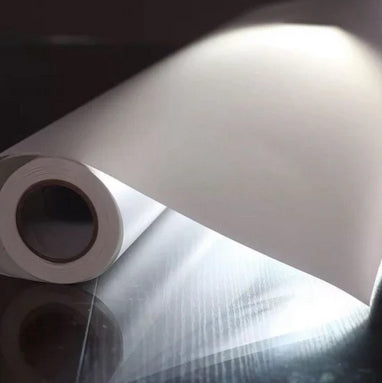
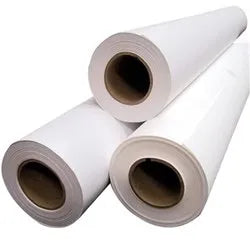
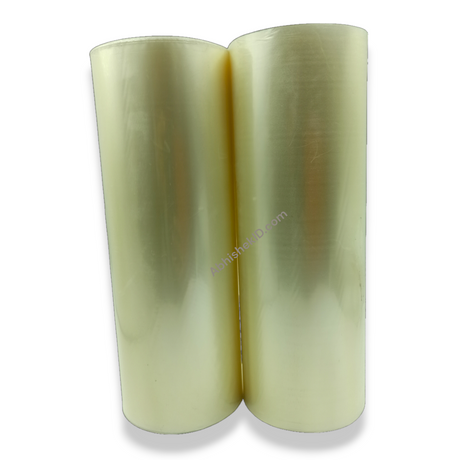
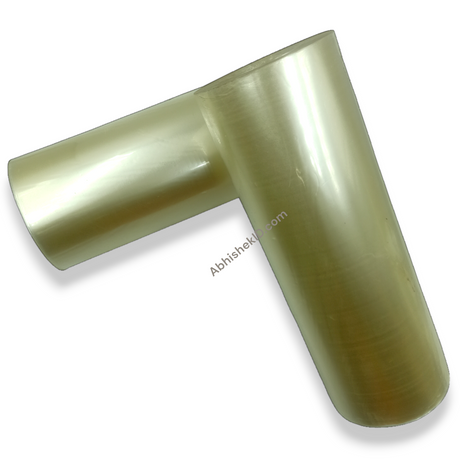
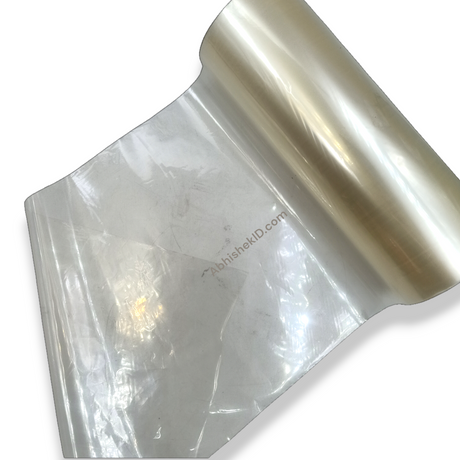
A4 Ap Sticker 130 Mic Id Card High Glossy Waterproof Non Tearable

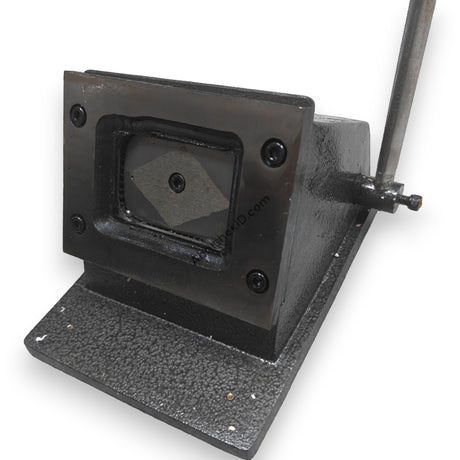
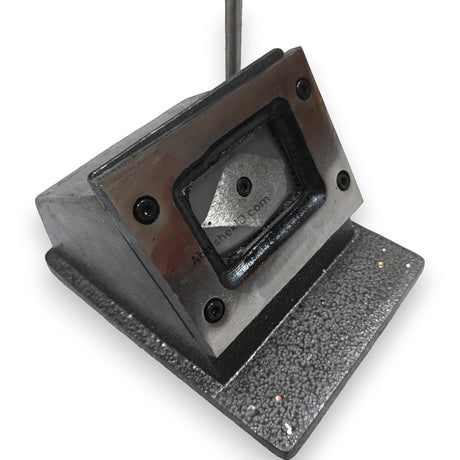
48x72mm U Shape Sticker Id Card Cutter For Pasting Id Cards - Indian Grade Parthu Cutter

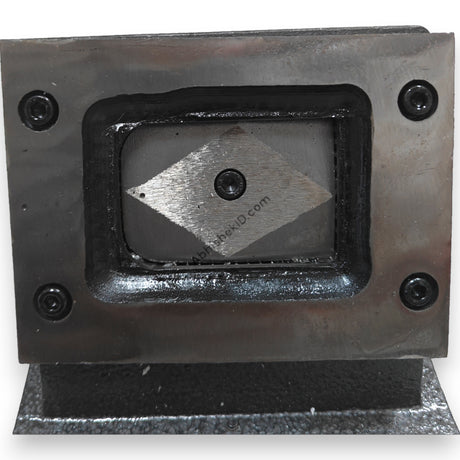
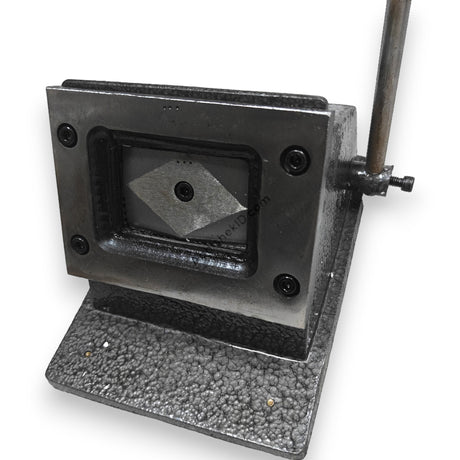
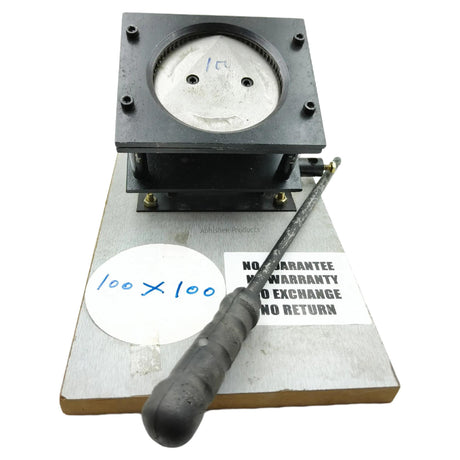
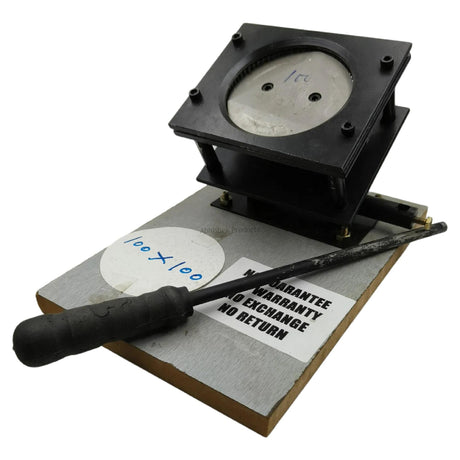
48x72mm ⏹️Square Shape Sticker Id Card Cutter For Pasting Id Cards - Indian Grade
48x72mm ⏹️Square Shape Sticker Id Card Cutter For Pasting Id Cards - Indian Grade
How to make ID cards using sticker paper and inkjet printers?
How to make ID cards using sticker paper and inkjet printers?
TL;DR: To make professional ID cards, print your designs onto A4 Ap Sticker 130 Mic Id Card High Glossy Waterproof Non Tearable paper using a standard inkjet printer. Use a 48x72mm die cutter to achieve precise dimensions and paste the sticker onto a PVC base. This method is cost-effective for Indian businesses requiring waterproof and durable identification solutions.
Creating ID cards with sticker paper involves printing high-resolution designs onto specialized adhesive media and cutting them to size. This process is popular in India for small-scale employee ID production and school projects because it eliminates the need for expensive thermal card printers. You simply need a high-quality inkjet printer, 130-micron sticker paper, and a manual die cutter.
Before you start
The quality of the final card depends heavily on the thickness of the sticker. Using the A4 Ap Sticker 130 Mic Id Card High Glossy Waterproof Non Tearable ensures that the card does not peel or tear easily. Once printed, the sticker is aligned in a 48x72mm cutter to produce a uniform shape with professional edges, suitable for insertion into standard ID holders.
For beginners starting an ID card printing business, the most important factor is material selection. Standard sticker paper is often too thin and prone to tearing. Instead, choose a 'Non-Tearable' and 'Waterproof' variant like the 130 Mic High Glossy A4 sheets. This thickness provides a premium feel and ensures the card survives daily wear and tear in schools or offices.
Setup steps
1. Design and layout
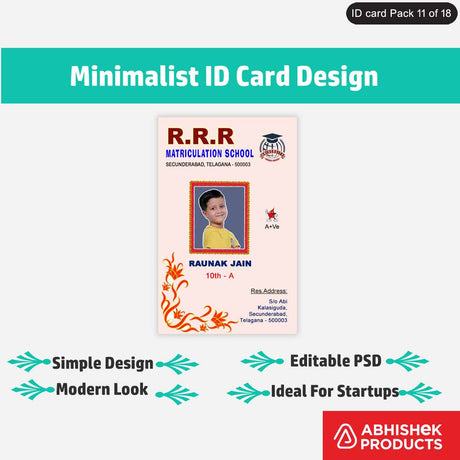
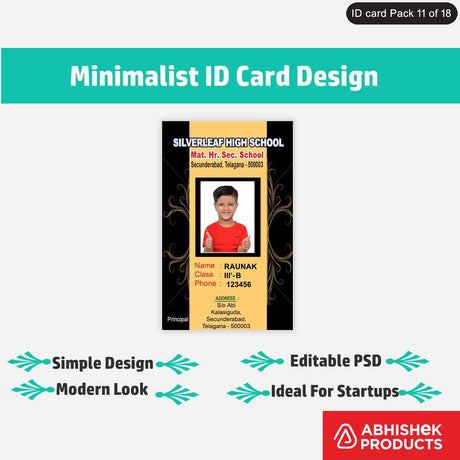
Begin by designing your ID card layout in software like CorelDraw or Photoshop, ensuring the dimensions match the 48x72mm output of your cutter. Print multiple IDs on a single A4 sheet to minimize waste.
2. Printer configuration
The best way to use sticker paper for ID cards is to ensure your printer settings are optimized for high-gloss media. Set your inkjet printer to 'High Quality' or 'Photo Paper' mode to ensure the ink bonds correctly with the 130-micron surface. This prevents smudging and ensures the waterproof properties of the paper are maintained during handling in humid Indian climates.
How to use the printer and cutter
Pasting process
The pasting process requires precision to avoid air bubbles and misalignment. Follow these steps for a professional result:
- Print your ID design on A4 Ap Sticker 130 Mic paper using an inkjet printer.
- Insert the printed sheet into a 48x72mm U Shape Sticker Id Card Cutter and press the handle firmly.
- Peel the backing off the cut sticker carefully from one corner.
- Align the sticker with the edge of your PVC base or card and press down slowly to avoid trapping air.
Operating the die cutter
An ID card sticker cutter works on a die-punch mechanism. You slide the printed A4 sticker sheet into the slot of the machine, aligning the printed design within the viewing window. When you pull the lever, a metal die shaped in either a U-shape or Square-shape punches through the paper, creating a perfect 48x72mm cutout. This is much faster and more accurate than manual cutting.
The 48x72mm Square Shape Sticker Id Card Cutter is specifically engineered for Indian grade materials, meaning it can handle the 130-micron thickness of high-glossy stickers without dulling the blade. These cutters are built for durability and are essential for maintaining a consistent size across hundreds of ID cards for large corporate or school orders.
Troubleshooting or common issues
After printing, allow the ink to dry completely before using a 48x72mm U Shape Sticker Id Card Cutter. Manual cutting with scissors often leads to uneven edges, which can make the ID card look unprofessional. A dedicated die cutter provides a clean, 48x72mm finish every time, which is the standard size for most pasting-based ID card workflows in Secunderabad and across India.
Related products
- A4 Ap Sticker 130 Mic Id Card High Glossy Waterproof Non Tearable (₹Contact for price) - Ideal for creating long-lasting IDs because it features a 130-micron thickness that is both waterproof and non-tearable.
- 48x72mm U Shape Sticker Id Card Cutter For Pasting Id Cards - Indian Grade Parthu Cutter (₹Contact for price) - Ideal for professional finishing because it provides a specific U-shape corner cut that fits standard Indian ID holders perfectly.
- 48x72mm Square Shape Sticker Id Card Cutter For Pasting Id Cards - Indian Grade (₹Contact for price) - Ideal for high-volume manual production because its Indian Grade construction ensures the blade stays sharp even when cutting thick 130 Mic glossy stickers.
Frequently Asked Questions
⚡ Fast Answers Summary
- Yes, you can use any standard inkjet printer with A4 Ap Sticker 130 Mic paper.
- The A4 Ap Sticker 130 Mic is specifically manufactured to be waterproof and non-tearable.
- The difference lies in the corner finish of the 48x72mm cut.
Yes, you can use any standard inkjet printer with A4 Ap Sticker 130 Mic paper. The high-glossy coating is designed to absorb inkjet ink effectively, providing vibrant colors and sharp text. For the best results, ensure your printer settings are set to 'Glossy Photo Paper' and 'High Quality' to prevent ink bleeding.
The A4 Ap Sticker 130 Mic is specifically manufactured to be waterproof and non-tearable. Once the ink has dried on the high-glossy surface, it resists moisture, making it suitable for ID cards used in outdoor environments or high-humidity areas in India. This durability ensures the ID card remains legible for a long duration.
The difference lies in the corner finish of the 48x72mm cut. The U Shape Sticker Id Card Cutter creates a rounded, smooth corner often preferred for employee IDs. The Square Shape cutter produces sharp 90-degree corners. Both are 48x72mm, which is the standard size for pasting onto ID card bases.
Typically, you can fit 8 to 10 ID cards on a single A4 sheet of A4 Ap Sticker 130 Mic paper, depending on your layout and margins. Using a 48x72mm cutter allows you to maximize the space on the sheet while ensuring each card is cut to the exact dimensions required for professional use.
A lamination machine is not strictly required because the A4 Ap Sticker 130 Mic is already waterproof and non-tearable. However, some users choose to add a thin cold lamination film for extra scratch resistance. For most standard applications in schools and offices, the 130-micron thickness and glossy finish provide sufficient protection.
Indian Grade cutters, like the 48x72mm Square Shape Sticker Id Card Cutter, are built to handle the specific thickness of local materials. They are often more robust and easier to service locally in India. These cutters are designed for heavy-duty manual operation, ensuring a clean cut through 130 Mic stickers without fraying the edges.