- The Challenge: Manual Cropping is a Time Sink for Print Shops
- Introducing Face Crop Studio: Your Ultimate Batch Photo Cropper
- How it Works: A Seamless Workflow
- The "Local Browser Batch" Advantage: Privacy and Performance
- Addressing Our "Honest SEO Debt" with a Purpose-Built Solution
- Beyond Basic Cropping: Advanced Features for Professional Use
- Conclusion: Empowering Indian Print Shops with Efficiency
- Frequently Asked Questions
- Shop These Products
- References
✨ Featured Products
Why We Built Face Crop Studio for Print Shops
Why We Built Face Crop Studio for Print Shops
Quick Summary
Face Crop Studio was developed to address the critical need for efficient, high-volume photo cropping in Indian print shops and photo studios. It offers local browser batch processing, ensuring data privacy and speed, and supports custom shapes for diverse client needs.
- **Batch Processing:** Crop hundreds of photos simultaneously.
- **Local & Private:** All processing happens in your browser, no uploads.
- **Customizable:** Supports custom SVG outlines for unique crop shapes.
Why We Built Face Crop Studio for Print Shops
The Challenge: Manual Cropping is a Time Sink for Print Shops
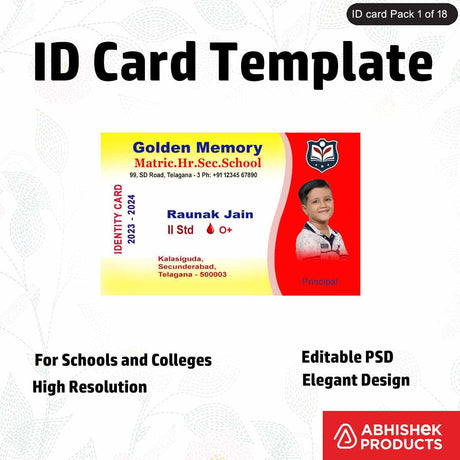
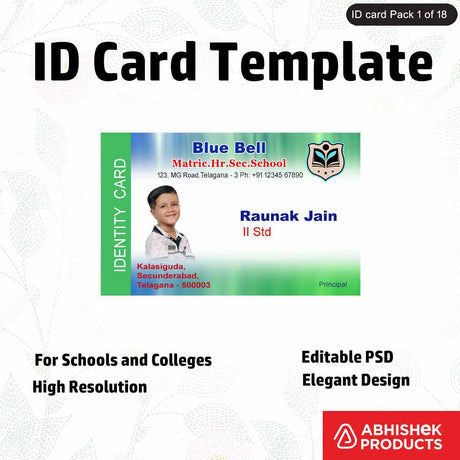
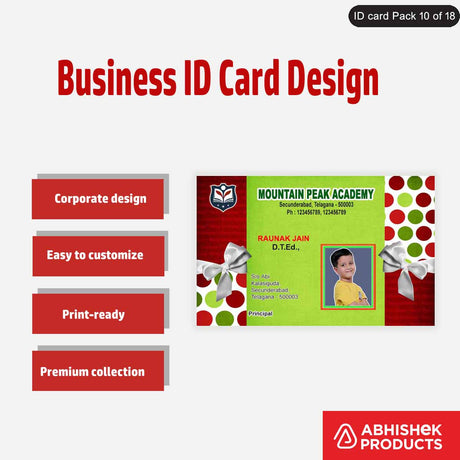
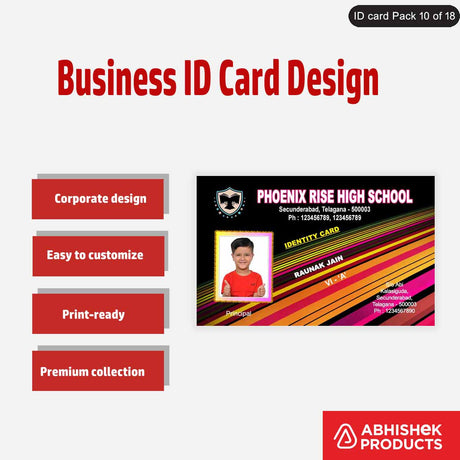
Every print shop owner in India knows the drill: a client needs ID cards, a school requires student database photos, or a photo studio has a massive wedding album to process. Each of these scenarios involves countless portrait photos that need precise cropping. Traditionally, this meant opening each image individually, manually adjusting the crop, and saving it – a tedious, time-consuming, and error-prone process. This manual effort directly impacts productivity, turnaround times, and ultimately, your bottom line.

We heard these frustrations from our partners and customers across India. The demand for a reliable, efficient, and private solution for batch photo cropping was clear. That's why we embarked on building Face Crop Studio - Unlimited Use Batch Photo Cropper for 1 Year.
Introducing Face Crop Studio: Your Ultimate Batch Photo Cropper
Face Crop Studio - Unlimited Use Batch Photo Cropper for 1 Year is a powerful, web-based application designed to revolutionize how print shops, photo studios, and businesses manage portrait photo cropping. Our goal was simple: provide a tool that automates the most laborious part of photo preparation, allowing you to focus on delivering quality prints and services.How it Works: A Seamless Workflow
- Launch the App: Simply open the Face Crop Studio application in your web browser. There's no heavy software to install, making it accessible from any compatible device.
- Upload Images: Drag and drop or browse to upload multiple portrait photos. The application supports common formats like PNG, JPG, and WEBP.
- Choose Your Crop Shape: Select from predefined shapes like Circle, Square, Rounded, Egg, Heart, Star, Hexagon, or Curved Hex. Need something unique? You can even add custom SVG vector outlines for bespoke client requirements.
- Set Centering Preference: Face Crop Studio intelligently detects faces. You can choose whether the cropping boundary should center on the entire Face, the Eyes, or the Nose, ensuring consistent results for various applications like ID photos.
- Adjust Margins: Use a simple slider to increase or decrease the crop margin around the detected face.
- Run Batch Crop: With a single click, process all your uploaded files simultaneously.
- Inspect and Fine-tune: For any image that needs a slight adjustment, click the edit icon on individual results to manually adjust the crop by panning or zooming (using your mouse scroll wheel).
- Download Output: Click "Download All (.zip)" to get your perfectly cropped photos. The downloaded folder contains transparent .png files, with "-cropped" appended to their original filenames for easy identification.
For a visual guide, watch our detailed walkthrough: RVG476UKZu0.
The "Local Browser Batch" Advantage: Privacy and Performance
One of the core principles behind Face Crop Studio - Unlimited Use Batch Photo Cropper for 1 Year is its commitment to privacy and performance. Unlike many online tools that require uploading your sensitive client photos to external servers, Face Crop Studio processes everything directly within your local web browser. This means:
- Enhanced Privacy: Your client's images never leave your computer, eliminating concerns about data breaches or unauthorized access. This is crucial for businesses handling sensitive personal data, such as ID card photos or student records.
- Blazing Speed: Processing happens instantly on your machine, without the delays associated with uploading and downloading large files over the internet. This significantly speeds up your workflow, especially with high volumes of images.
- Offline Capability (Partial): While an internet connection is needed for initial license activation, the core batch processing can often run even with intermittent connectivity once the application is loaded.
This local processing model is a game-changer for Indian print shops, offering peace of mind and unparalleled efficiency.
Addressing Our "Honest SEO Debt" with a Purpose-Built Solution
At AbhishekID.com, we're always striving to provide the best tools and supplies for the Indian printing and crafting community. We recognized an "honest SEO debt" – a gap in our offerings where a truly effective solution for batch photo cropping was missing, despite the clear demand. Our existing articles, such as "Essential Printing and Lamination Products for Print Shops, Photo Studios, and More" and those discussing various lamination machines for photo studios, highlighted the need for efficient photo preparation before printing or laminating.
Face Crop Studio - Unlimited Use Batch Photo Cropper for 1 Year fills this crucial gap. It's not just another tool; it's a direct response to the operational needs of our customers, designed to integrate seamlessly into their existing workflows.Beyond Basic Cropping: Advanced Features for Professional Use
While the core function of Face Crop Studio is batch cropping, we've incorporated features that cater to the nuanced demands of professional print shops and photo studios:
- Custom Shapes for Unique Projects: Imagine a client needs photos cropped into a specific logo shape for a promotional event, or a school requires a unique outline for student IDs. With the ability to import custom `.svg` vector outlines (designed in CorelDRAW or Adobe Illustrator), the possibilities are endless. This flexibility sets Face Crop Studio - Unlimited Use Batch Photo Cropper for 1 Year apart.
- Multi-Device and Multi-Location Use: Your business isn't confined to one desk. Once you purchase and activate your license key for Face Crop Studio - Unlimited Use Batch Photo Cropper for 1 Year, you can run the tool on multiple tabs, devices, and even across different office locations simultaneously. This ensures your team can maintain productivity wherever they are.
- Resolution and Margin Control: We understand that not all source images are perfect. If you encounter images with low resolution that result in larger blank margins after initial processing, Face Crop Studio allows for easy correction. The manual edit tool lets you fine-tune individual images, ensuring every output is perfect.
Conclusion: Empowering Indian Print Shops with Efficiency
Face Crop Studio - Unlimited Use Batch Photo Cropper for 1 Year is more than just a software; it's a solution crafted with the specific needs of Indian print shops and photo studios in mind. By offering a powerful, private, and flexible batch photo cropper, we aim to eliminate a significant bottleneck in your workflow, allowing you to save time, reduce errors, and increase your overall output.Invest in efficiency and elevate your service offerings with Face Crop Studio. Experience the difference that smart, localized processing can make for your business.
Frequently Asked Questions
📋 Questions Covered
- What is Face Crop Studio?
- How does Face Crop Studio ensure data privacy?
- Can I use custom crop shapes with Face Crop Studio?
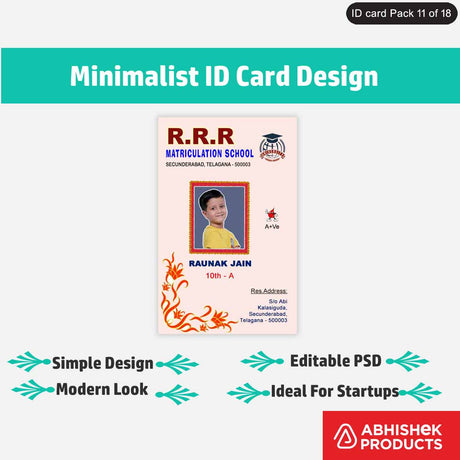
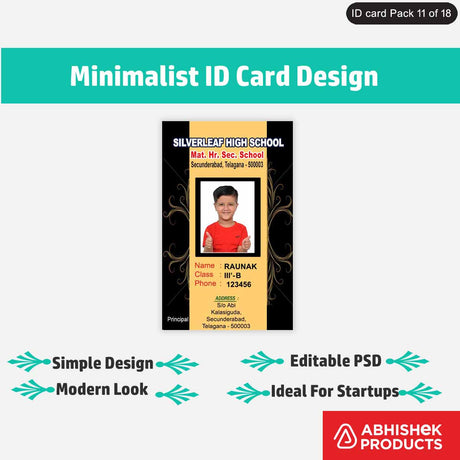
- Is Face Crop Studio suitable for ID card printing?
- Can I use my Face Crop Studio license on multiple devices?
- What if an image has low resolution after cropping?