Can You Make Stamps with an Inkjet Printer?
Can You Make Stamps with an Inkjet Printer?
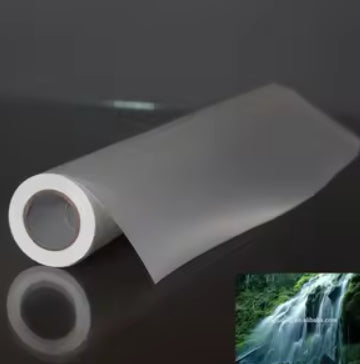
TL;DR: You can create professional rubber stamps using standard Inkjet and EcoTank printers with specialized Inkjet Stamp Exposing Sheets. These A4 transparent sheets are water-resistant, fast-drying, and designed for high-volume stamp production in the Indian market.
- Compatible with Epson, Canon, and HP Inkjet printers.
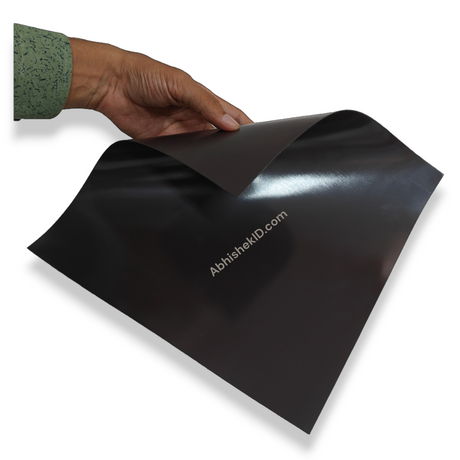
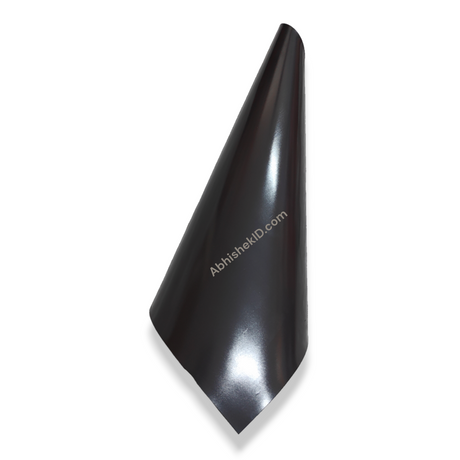
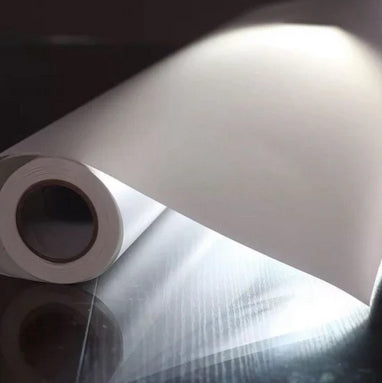
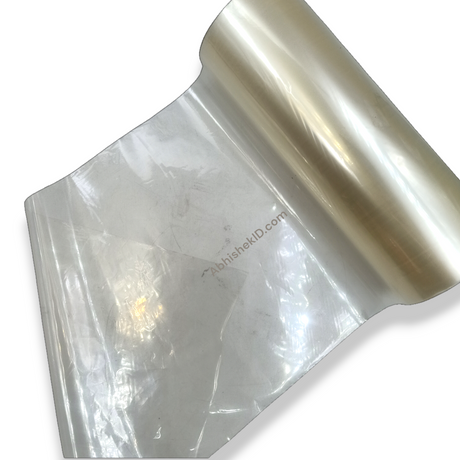
- Transparent A4 sheets that are water-resistant and quick-drying.
- Stackable design allows for bulk printing without sheets sticking together.
To make a stamp using an inkjet printer, you must use a specialized Inkjet Stamp Exposing Sheet. This product allows you to print high-resolution stamp designs directly from any standard EcoTank or Inkjet printer, such as those from Epson, Canon, or HP.
The process involves printing your stamp design onto the transparent A4 sheet. Because the sheet is designed for stamp exposing, it holds the ink precisely, ensuring that the UV light during the exposing process creates a sharp and durable rubber stamp.
This method is highly popular among small business owners in India because it eliminates the need for expensive laser printers. You can use your existing office Inkjet printer to start a stamp-making business with minimal investment.
Before you start
The best way to use an inkjet printer for stamp making is to utilize the stackable A4 Inkjet Stamp Exposing Sheets. These sheets are engineered to be fed into the printer one after another without the risk of them sticking together in the tray.
For the highest quality results, ensure your printer settings are set to high-resolution or "Best" quality. Since the sheets are transparent and water-resistant, the ink dries almost instantly, which is critical for the exposing stage of stamp production.
Using an EcoTank printer is recommended for this process. The low cost per print combined with the precision of the exposing sheet makes it the most cost-effective solution for local stamp vendors in Secunderabad and across India.
If you are a beginner, the first step is to acquire the correct A4 Inkjet Stamp Exposing Sheets from AbhishekID.com. These sheets are different from regular transparency films because they are specifically coated to handle inkjet ink without smudging.
Beginners should start by designing their stamp layout on a computer, ensuring that the text is clear and the borders are well-defined. You can fit multiple stamp designs on a single A4 sheet to maximize efficiency and reduce waste.
Once printed, the sheet acts as a negative for the stamp-making process. The transparency of the sheet allows UV light to pass through the non-printed areas, while the printed ink blocks the light, creating the physical impression on the stamp polymer.
Setup steps
Step 1: Prepare your stamp design
Prepare your stamp design on your computer using any standard design software. Ensure the design is sized correctly for the stamp mount you intend to use.
Step 2: Load the sheet
Load the Inkjet Stamp Exposing Sheet into your Epson, Canon, or HP Inkjet printer. Ensure the printable side is facing the correct direction according to your printer's manual.
Step 3: Print the design
Print the design using the highest quality setting. The sheet is designed to be water-resistant and will dry quickly, making it ready for immediate use in your exposing machine.
How to use the printer
- Place the printed sheet over your stamp polymer or exposing material. The transparency of the sheet ensures that the UV light reacts perfectly with the polymer to form the stamp character.
- After exposing, wash the polymer. The sheet's water-resistant properties mean it won't degrade if it comes into contact with moisture during the cleaning or preparation phases.
Inkjet Printer Banno works by using a specialized coating on the A4 exposing sheet that traps inkjet ink. Unlike standard plastic sheets, this material is porous enough to absorb ink quickly but transparent enough to allow UV light through.
The sheet serves as a bridge between digital design and physical stamp production. When you print your design, the black ink creates an opaque barrier. During the exposing process, this barrier prevents UV light from hardening the polymer underneath it.
This product is also versatile enough to be used for screen printing applications. Its ability to dry fast and resist water damage makes it a reliable choice for various industrial printing needs in the Indian market.
Related products
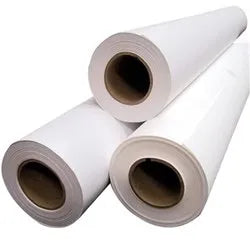
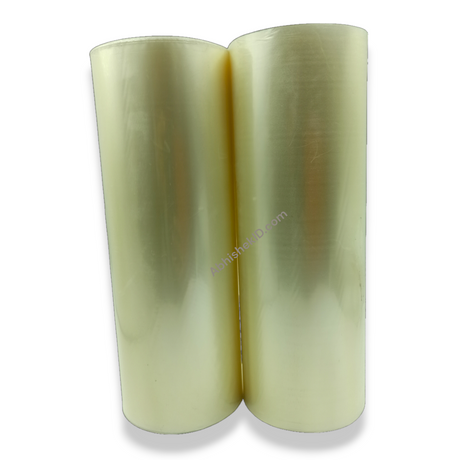
The Inkjet Stamp Exposing Sheet (A4 Size) is ideal for creating rubber stamps because it is compatible with all major EcoTank printers and features a non-stick, stackable design.
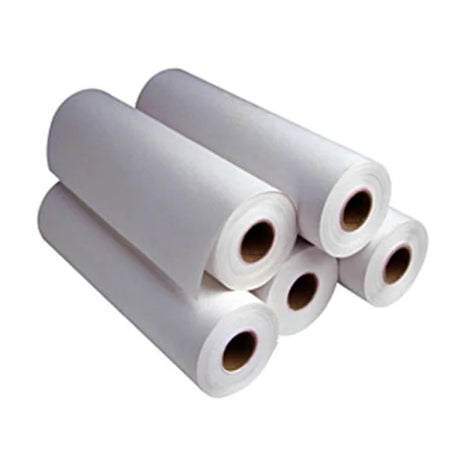
The Screen Printing Transparent Sheet is a similar product used for creating stencils. It is highly durable and remains stable even when exposed to the moisture common in printing environments.
Frequently Asked Questions
⚡ Fast Answers Summary
- Yes, these Inkjet Stamp Exposing Sheets are fully compatible with any standard Epson EcoTank printer.
- The sheets are highly water-resistant and designed to dry very quickly after printing.
- No, these sheets are specifically designed to be stackable.
Yes, these Inkjet Stamp Exposing Sheets are fully compatible with any standard Epson EcoTank printer. They are also designed to work with Canon and HP inkjet models. The sheets are standard A4 size, making them easy to load into any home or office printer tray without special modifications.
The sheets are highly water-resistant and designed to dry very quickly after printing. While you should not submerge them for long periods, they will not be ruined by moisture or damp hands. This feature is particularly useful during the stamp-making process where water is often used for cleaning.
No, these sheets are specifically designed to be stackable. You can place multiple sheets in your printer's paper tray at once. They are engineered with a surface that prevents them from sticking to each other, allowing for smooth, continuous printing for high-volume business orders.
While the Inkjet Stamp Exposing Sheet is primarily for stamp making, it is very similar to sheets used for screen printing. Both are transparent and water-resistant. However, the exposing sheet is optimized for the specific UV light frequencies used in rubber stamp exposing machines to ensure a sharp finish.
Yes, you can print as many stamp designs as will fit on a single A4 sheet. This is the most efficient way to use the product. By nesting your designs closely together, you can significantly reduce your cost per stamp, which is ideal for competitive pricing in the Indian market.
You can purchase these sheets directly from AbhishekID.com. We provide high-quality printing supplies and equipment across India. You can also scan the QR code provided in our video tutorials to visit the product page directly and place your order for fast delivery.