✨ Featured Products


How to Waterproof ID Cards with Epson L11050 Inkjet?
How to Waterproof ID Cards with Epson L11050 Inkjet?
Waterproofing ID cards with the Epson L11050 is achieved by printing on specialized waterproof inkjet media rather than standard PVC. This method allows small businesses to produce durable, moisture-resistant badges using standard inkjet technology. Key components include waterproof sticker-type media and precise printer settings to ensure ink adhesion.
- Epson L11050 supports high-quality inkjet printing on waterproof badge materials.
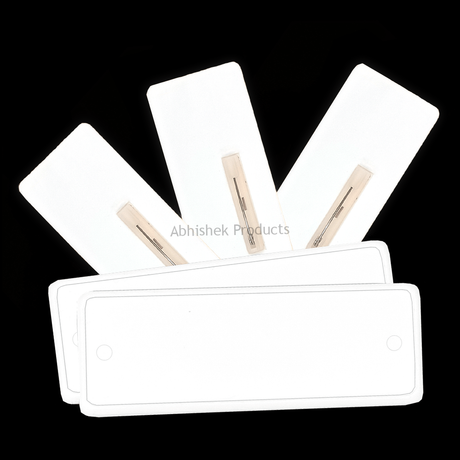
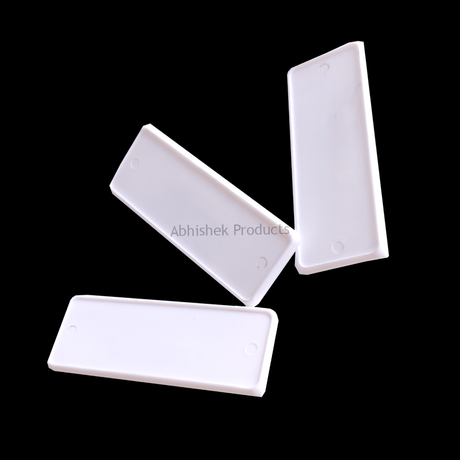
- Sticker-type badges (22x71mm and 29x84mm) provide a practical solution for student and employee ID needs.
- Waterproof cards are essential for the Indian climate to prevent ink bleeding during monsoons.
How to Waterproof Cards with Epson L11050 Inkjet Printer: To waterproof cards with an Epson L11050, you must use inkjet-compatible waterproof media instead of standard paper. The process involves using the printer's precision ink delivery system to bond ink with a synthetic, water-resistant surface layer. This ensures that the final product does not smudge or degrade when exposed to moisture or humidity.
Before you start
The Epson L11050 is a versatile inkjet printer that handles various media thicknesses. In the Indian market, this is a cost-effective alternative to expensive thermal retransfer printers. By selecting the correct media type in the printer driver settings, users can achieve professional-grade results that withstand daily wear in schools and offices
⚡ Fast Answers Summary To waterproof cards with the Epson L11050, you must use specialized inkjet-compatible waterproof media. Standard paper will absorb moisture and smudge, but waterproof media features a microporous coating that locks the ink in place. Simply load the media into the printer and select the high-quality glossy or matte photo paper setting in the driver to ensure proper ink density and adhesion. Yes, you can use the standard ink provided with the Epson L11050, provided you are printing on waterproof-coated media. The waterproofing property comes from the media's surface coating, which protects the ink from water once it has dried. However, for the best results in outdoor conditions, pigment-based inks are often preferred over dye-based inks for their superior UV and water resistance. The best way to use waterproof cards with sticker badges is to print the design directly onto the sticker media and then apply it to a rigid substrate like plastic or metal. This creates a durable, multi-layered badge. Using products like the 22x71mm sticker badges allows for quick assembly without the need for a lamination machine, making it a highly efficient process for bulk orders. The 22x71mm badges are highly suitable for school students because they are lightweight and durable. The sticker-type application means they can be easily attached to various backing materials. Because they are waterproof when printed with the Epson L11050 on the correct media, they can withstand the daily rigors of school life, including exposure to water and sweat. The 22 mm Sticker Oval Shape Nylon Thread Retractable Yo-Yo attaches to an ID card via a clip or a loop, while the yo-yo itself features a 22 mm area for a customized waterproof sticker. This allows for branding or identification to be placed directly on the retractable mechanism. The nylon thread provides a smooth extension for swiping cards at access control points. You can purchase a specialized cutter for round badges from AbhishekID.com. The Sticker Cutter Round Dia Cutters 70MM For Button Badge & Ribbon Badges Abhishek Products is designed to provide clean, circular cuts for your printed media, ensuring a professional look for your 35x35 mm round badges or other circular identification products.Frequently Asked Questions