New Bigger Size Gold Foil Roll for Laser Printer Toner Reactive Printing
New Bigger Size Gold Foil Roll for Laser Printer Toner Reactive Printing
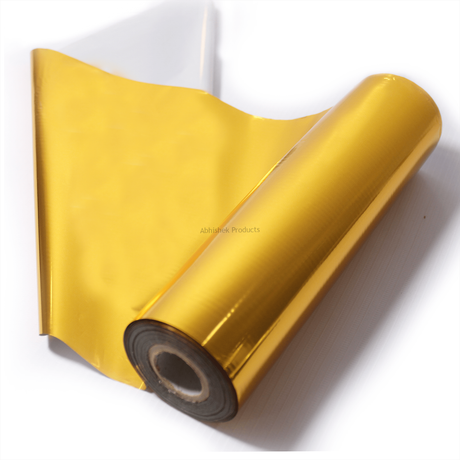
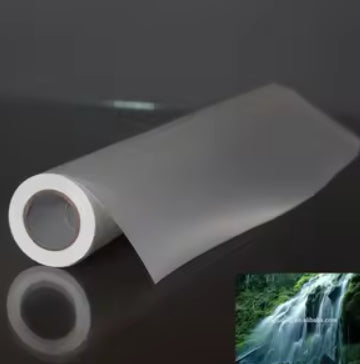
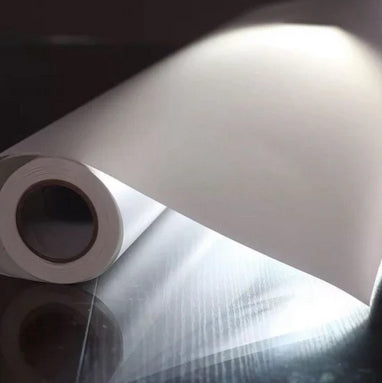
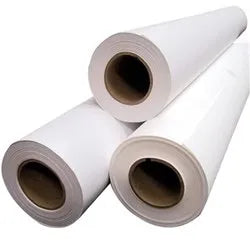
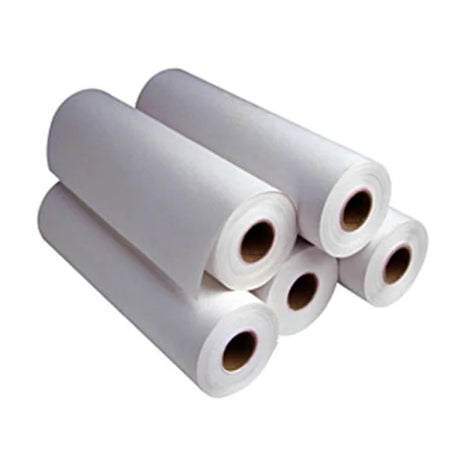
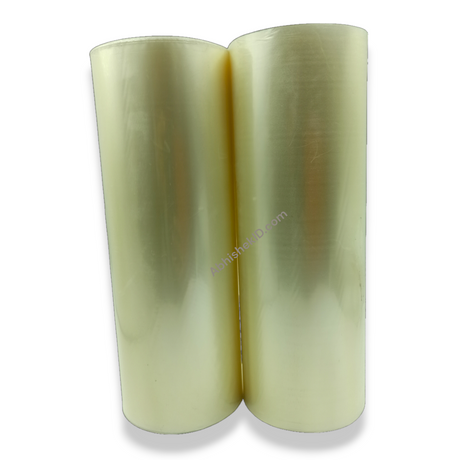
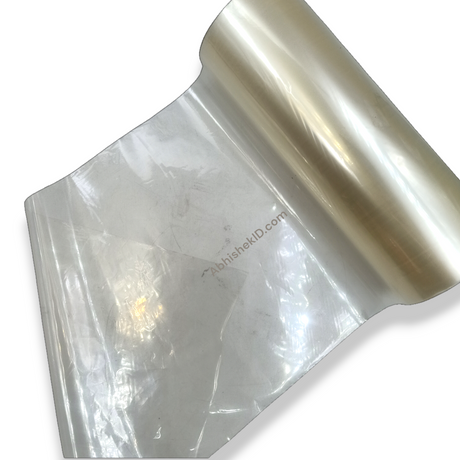
Abhishek Products, based in Secunderabad, introduces the premium New Bigger Size Gold Foil Roll designed specifically for professional printing environments. This innovative gold foil for laser printers allows businesses to add a touch of elegance to their stationery without the need for expensive traditional die-stamping equipment. By utilizing toner reactive technology, this foil bonds directly to the dry ink from a laser printer, making it a versatile tool for creating high-end lamination projects and premium packaging.
Before you start
For those new to the world of toner reactive printing, the New Bigger Size guide for beginners starts with understanding that this foil only works with laser printers, not inkjet printers. Inkjet ink does not contain the plastic resin (toner) required to bond with the foil. Beginners should start by designing simple, bold graphics in black and white. Once the design is printed, a piece of the gold foil roll is placed over the printed area and passed through a hot laminator. The result is a stunning gold foil printing effect that looks like professional hot stamping.
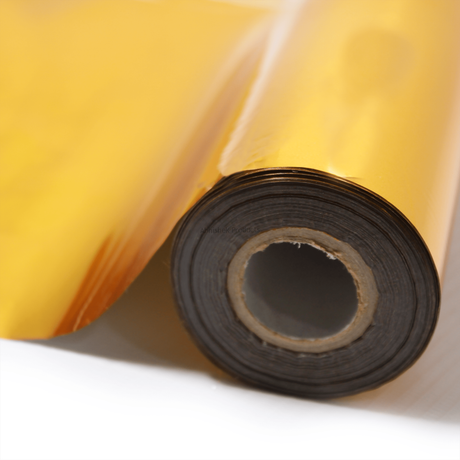
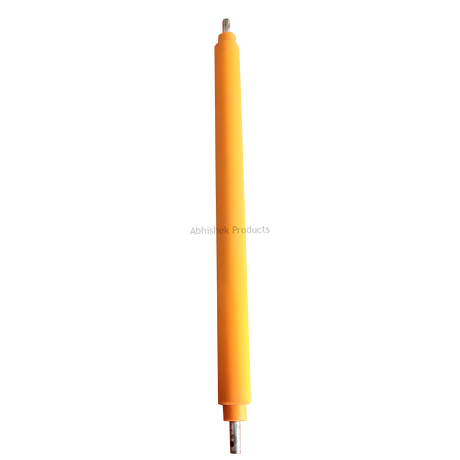
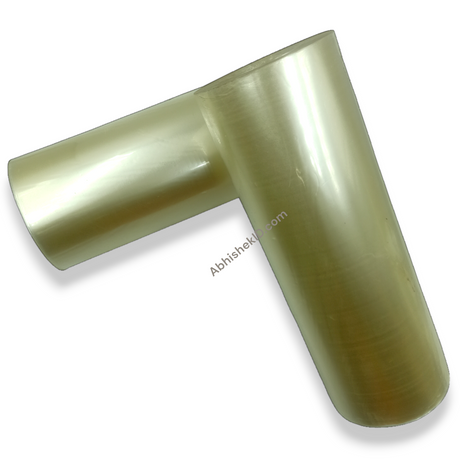
Understanding how New Bigger Size work involves the science of thermal transfer. The gold foil roll consists of a thin layer of metallic pigment on a polyester carrier. When this foil passes through a laminator in contact with laser toner, the heat from the rollers reaches the toner's melting point. The melted toner becomes tacky and chemically bonds with the metallic layer of the foil. As the paper cools, the bond solidifies, and when the carrier sheet is peeled away, the gold remains only where the toner was present. This is why it is called "toner reactive" printing.
This technology is a game-changer for small to medium printing businesses in India because it removes the need for expensive metal dies. The New Bigger Size roll provides a larger surface area for this reaction to occur, making it suitable for larger certificates and packaging designs. AbhishekID.com ensures that their gold foil printing roll supplies are of the highest quality, meaning the foil releases cleanly from the carrier sheet without leaving "foil dust" on the non-printed areas of your project. This results in sharp, crisp edges that are essential for professional-grade ID cards and high-end stationery.
Setup steps
Printer and media settings
The best way to use the New Bigger Size gold foil roll is to ensure your laser printer is set to its highest toner density or "Best Quality" mode. A thick, solid layer of black toner provides the best surface for the gold foil to grip. For Indian businesses specializing in wedding cards or corporate awards, using a high-quality inkjet media or smooth cardstock is essential, as textured papers may result in incomplete foil transfer. Always perform a test strip to verify that the heat and speed settings on your lamination tool are synchronized with the thickness of your media.
Laminator preparation
When implementing the New Bigger Size roll into your workflow, ensure your lamination machine is preheated to the specific temperature recommended by Abhishek Products. Because this foil is toner reactive, the heat from the laminator melts the toner, which then acts as an adhesive for the gold foil. This process creates a mirror-like gold finish that is perfect for ID cards and professional stationery. AbhishekID.com provides a detailed timing and temperature chart to help you achieve consistent results on various paper stocks.
How to use the printer
To use the New Bigger Size gold foil roll effectively, you must first print your design using a standard laser printer with pure black toner. The "New Bigger Size" refers to the increased width and length of the roll, which allows for larger format projects like A3 certificates or bulk runs of wedding invitations. In the Indian printing market, efficiency is key, and these larger rolls reduce the frequency of roll changes during high-volume production cycles at your print shop.
- Create your artwork in a program like CorelDraw or Photoshop, ensuring all areas intended for gold are 100% black.
- Print this design using a laser printer.
- Cut a piece of the gold foil from the roll that is slightly larger than your printed area.
- Place the foil with the gold side facing up over the toner.
- Feed the assembly through your lamination machine at the temperature specified in the Abhishek Products timing chart.
- Once it exits the machine, allow it to cool for a few seconds before peeling the foil away to reveal the gold design.
For more complex projects like ID cards or certificates, the step-by-step approach remains the same, but precision in alignment becomes more critical. The New Bigger Size roll is particularly useful here because it covers the entire surface of an A4 or larger sheet in one pass. This eliminates the need for multiple small strips of foil, which can leave visible seams. Whether you are working on high-end lamination or simple greeting cards, following these steps ensures a professional, durable finish that won't flake or peel easily.
Troubleshooting or common issues
- Foil wrapping: Use a carrier sheet or a protective folder if you are foiling small or delicate items. This prevents the foil from wrapping around the laminator rollers and ensures even pressure across the entire surface.
- Dust and particles: Abhishek Products, with over 32 years of experience in the industry, suggests that maintaining a clean environment free of dust is crucial, as any particles on the toner will create small gaps in the gold finish.
- Spotting or adhesion issues: If you encounter issues like "spotting" or foil not sticking, the team at Shop No. 37, Minerva Complex can guide you through troubleshooting your heat settings.
As a beginner, it is important to utilize the lifetime free support offered by Abhishek Products. Starting with the bigger size roll is actually more economical for beginners as it provides more material to practice with while offering better value per square inch.
Related products
The New Bigger Size Gold Foil Roll is ideal for professional printing businesses because it offers a larger surface area for toner reactive gold foil techniques on certificates and invitations.
Abhishek Products also provides professional lamination tools that are essential for achieving the correct heat and pressure required for this gold foil for laser printer applications.
Frequently Asked Questions
⚡ Fast Answers Summary
- No, you cannot use this gold foil with an inkjet printer.
- The ideal temperature for gold foiling typically ranges between 100°C and 150°C, depending on your laminator model and paper thickness.
- Yes, the gold foil roll is excellent for adding premium gold accents to ID cards.
No, you cannot use this gold foil with an inkjet printer. This specific gold foil roll is toner reactive, meaning it requires the plastic resin found in laser printer toner to create a bond. Inkjet inks are water or pigment-based and do not melt when heated, so the foil will not have anything to stick to.
The ideal temperature for gold foiling typically ranges between 100°C and 150°C, depending on your laminator model and paper thickness. Abhishek Products provides a detailed timing and temperature chart with your purchase to help you find the perfect setting for consistent results.
Yes, the gold foil roll is excellent for adding premium gold accents to ID cards. You must print the design on a laser-compatible substrate first. Many Indian businesses use this foil to create high-end membership cards or VIP passes with durable gold finishes.
The New Bigger Size roll offers greater versatility and cost-efficiency. It allows you to foil larger items like A3 certificates without seams and reduces the cost per square inch, helping you maintain higher profit margins for your printing shop.
You do not need a specialized foiling machine, but you do need a high-quality hot laminator and a laser printer. The laminator must provide consistent heat and pressure across the rollers to properly melt the toner and bond the foil.
If the gold foil isn't sticking, it is usually due to insufficient heat, low toner density, or uneven pressure. Ensure your printer is set to high density and your laminator is fully heated. Using smooth paper is also critical for a complete transfer.