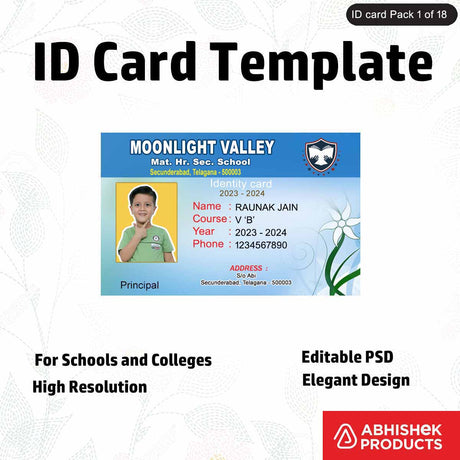
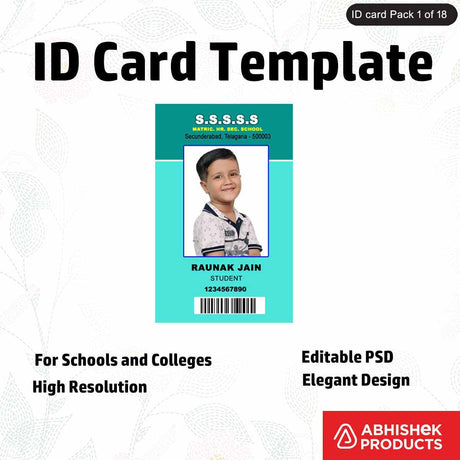
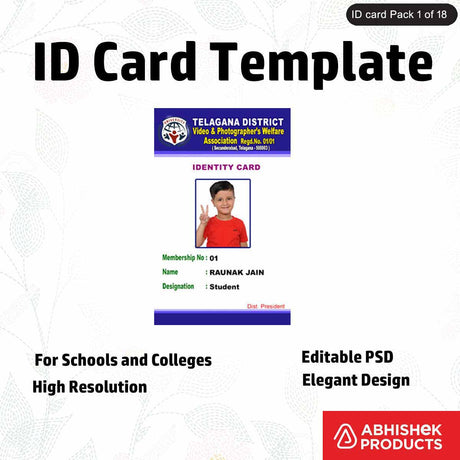
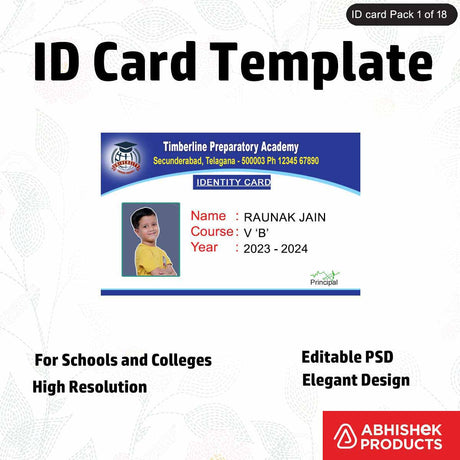
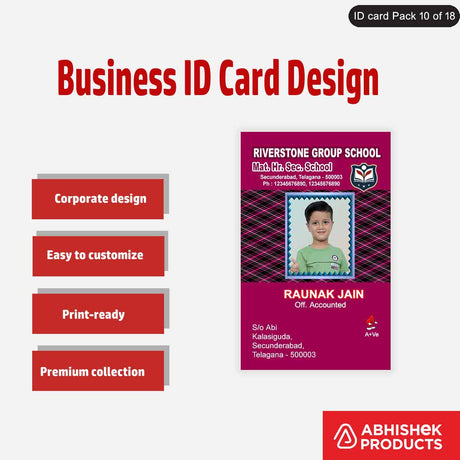
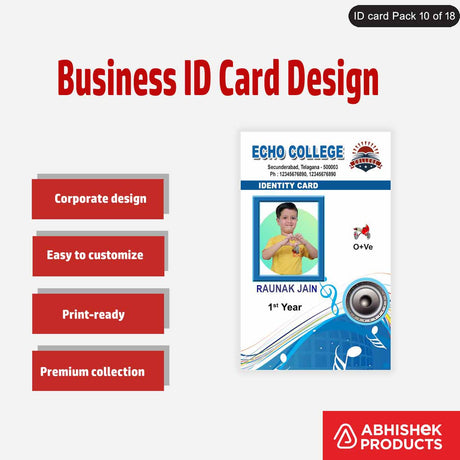
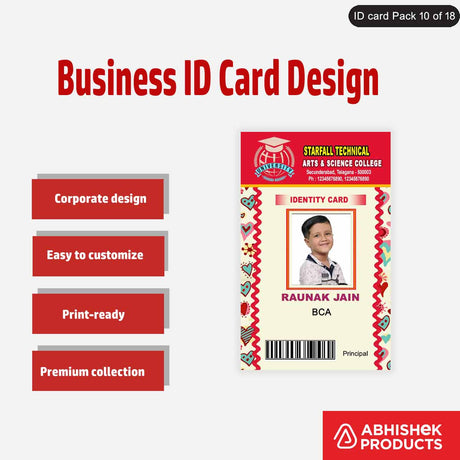
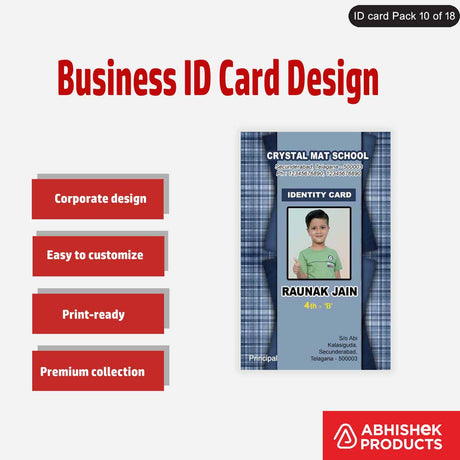
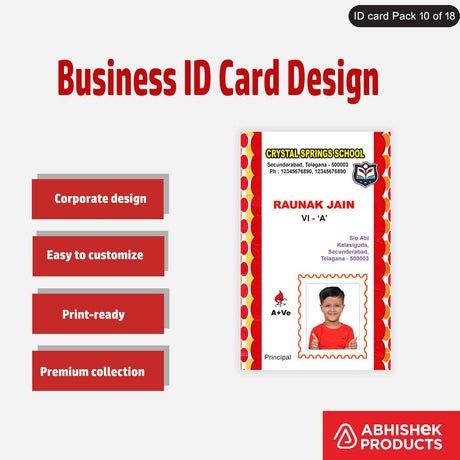
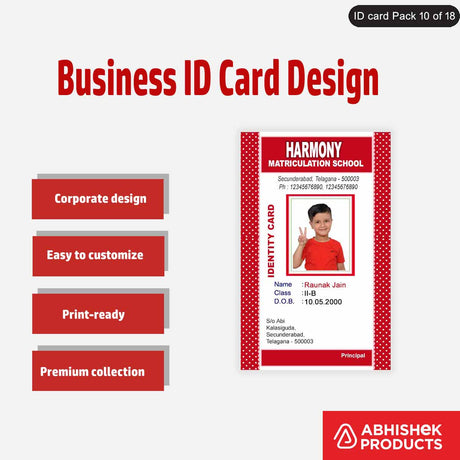
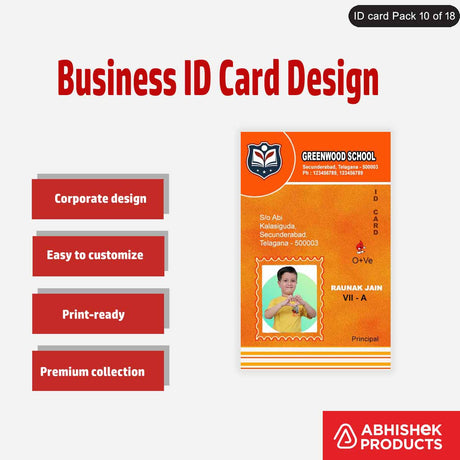
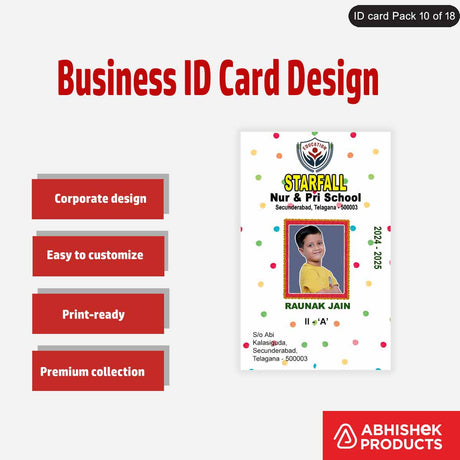
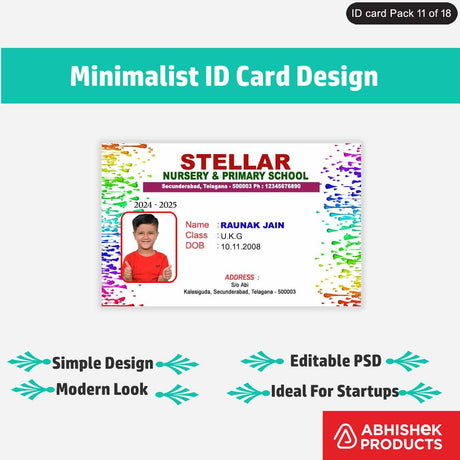
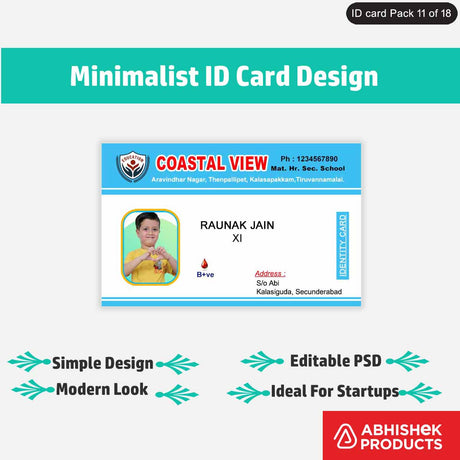
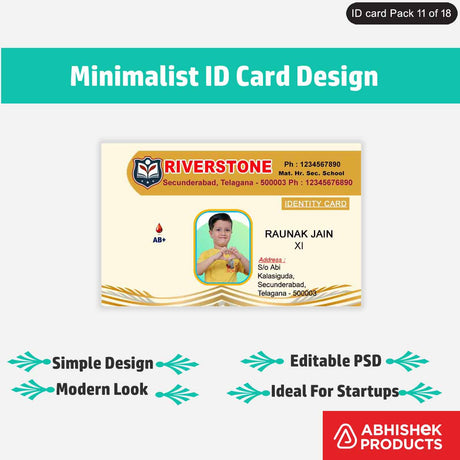
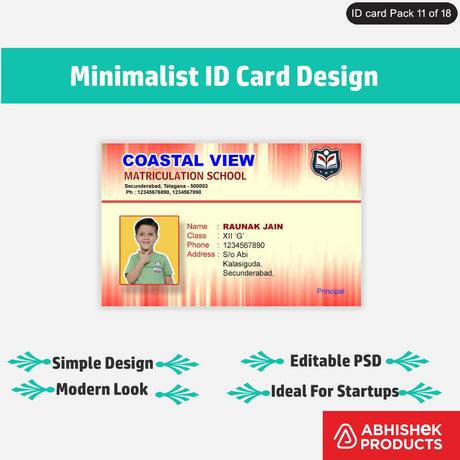
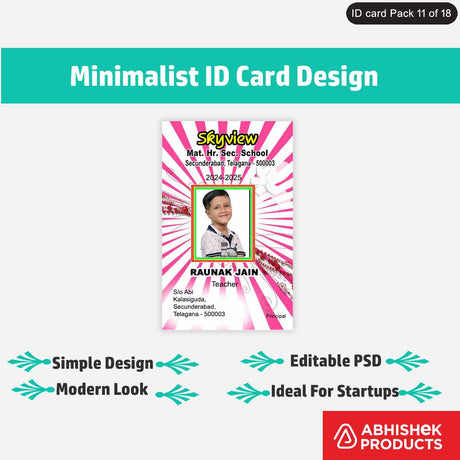
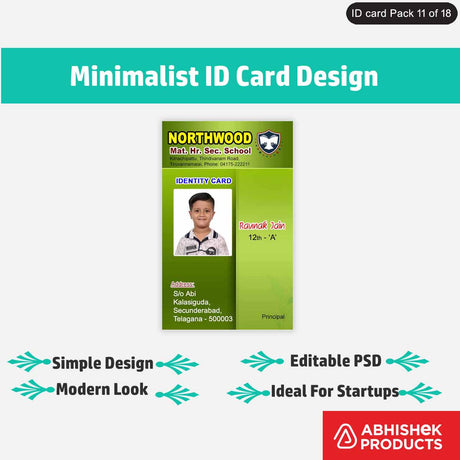
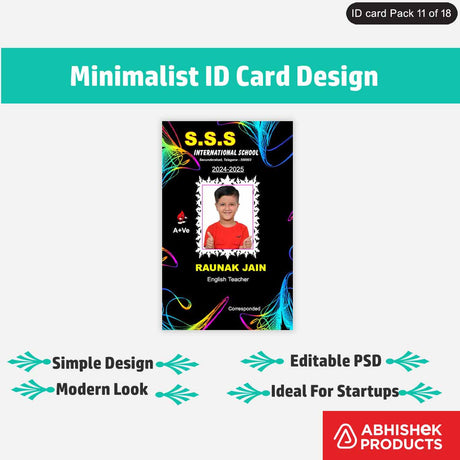
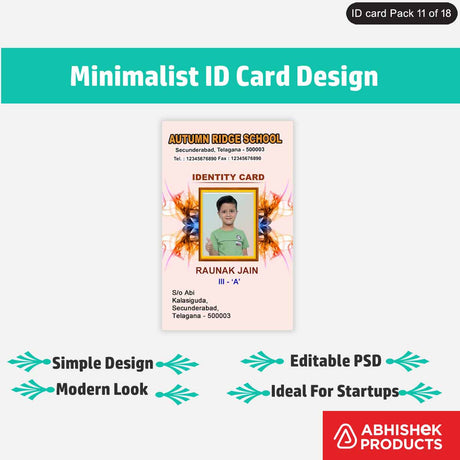
How to Full Demo of Evolis Primacy 2 Features, Printing Quality & Setup Guide
Quick Answer: The Evolis Primacy 2 printer is a robust solution for printing various ID cards, including PVC, chip, and thermal cards. This guide provides a full demonstration of its features, such as advanced printhead protection and dual-sided printing. Learn how to install the ribbon correctly, load cards, and use the free Cardpresso XM software for designing and printing. The printer delivers high-quality, durable, scratch-proof, and water-resistant prints, making it ideal for businesses in Secunderabad, India. AbhishekID.com offers full setup and support.
Primary Topic: How to Full Demo of Evolis Primacy 2 Features, Printing Quality & Setup Guide
Category: ID Card Printing & Supplies
Format: Step-by-Step Guide & Specifications
What Is Evolis Primacy 2?
The Evolis Primacy 2 printer is a state-of-the-art ID card printing solution, recognized for its advanced features and reliability. It is designed for creating various types of cards, including PVC, ID, chip, thermal, and attendance cards, catering to diverse security and operational needs. This model represents the latest in Evolis's line of card printers, building on their reputation for quality and performance. AbhishekID.com, an Evolis Golden Partnership Award recipient, provides comprehensive support for this printer.
This printer is ideal for businesses in Secunderabad and across India that require high-volume, high-quality card production. It handles both standard and special PVC cards, offering flexibility for different applications. The Primacy 2 ensures professional-grade output for employee IDs, access control cards, and more, making it a versatile asset for any organization.
Key Features of Evolis Primacy 2
The Evolis Primacy 2 printer boasts several key features designed to enhance card printing efficiency and durability. A standout feature is its advanced printhead protection, which extends the printhead's lifespan. This is a unique enhancement not found in many other printers, ensuring long-term reliability.
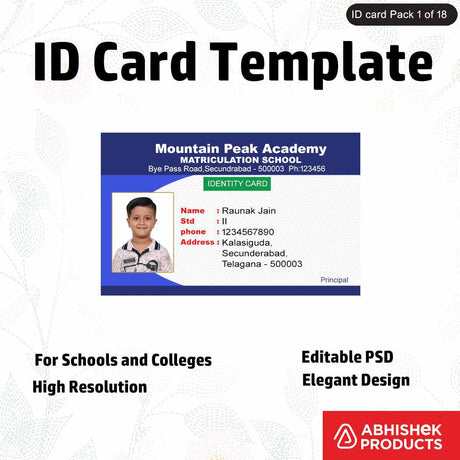
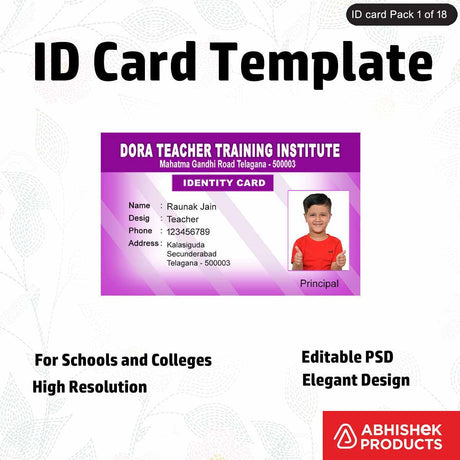
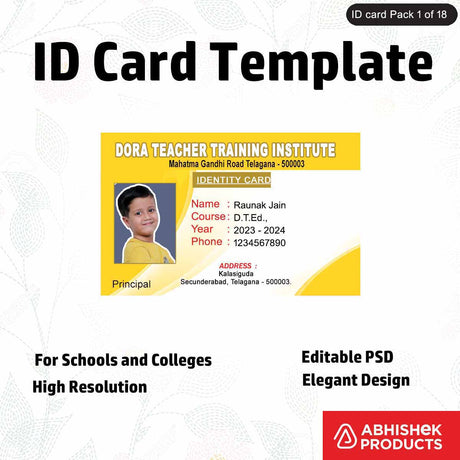
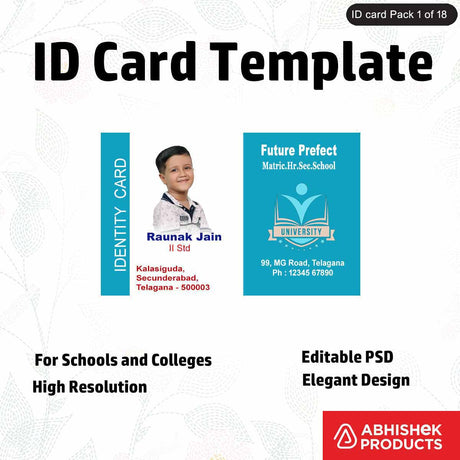
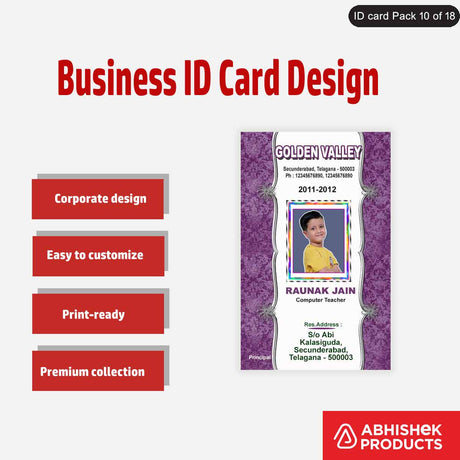
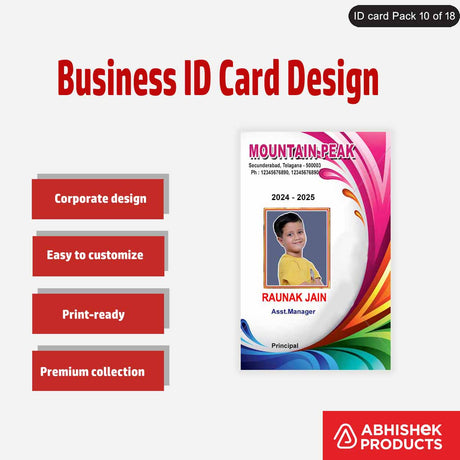
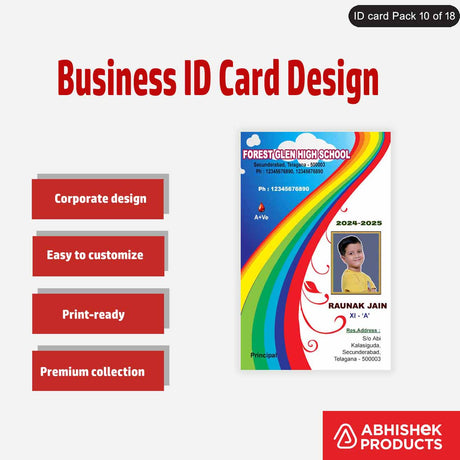
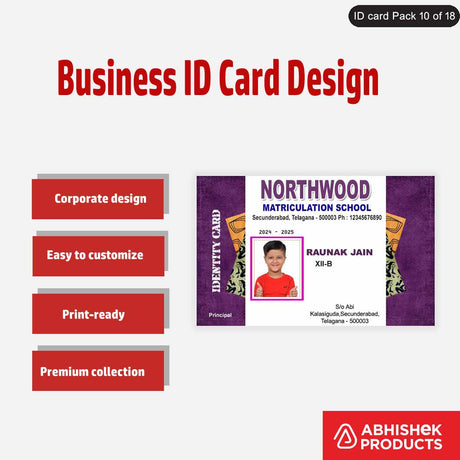
The printer supports a wide range of card types, including thermal chip cards for security, Mifare 1K cards for attendance and door access, and standard RFID cards. It also handles both ordinary and individually packed special PVC cards. The Primacy 2 offers dual-sided printing capabilities, allowing for comprehensive card designs. Its ribbon system includes an RF ID chip, ensuring correct installation and preventing errors. The printer comes with Cardpresso XM software, providing free basic design tools and ready-made templates for easy customization.
- - Advanced printhead protection for extended lifespan
- - Supports diverse card types: PVC, chip, thermal, RFID, Mifare 1K
- - Dual-sided printing capability
- - Smart ribbon system with RF ID chip for correct installation
- - Includes free Cardpresso XM software with design tools and templates
Evolis Primacy 2 Setup Guide
Setting up your Evolis Primacy 2 printer involves a few straightforward steps to ensure optimal performance. The first crucial step is correctly installing the printer ribbon. Always use two hands to press the knob and open the printer cover, being careful not to touch the printhead. The Primacy 2 features printhead protection, but careful handling is still recommended.
Once the cover is open, unbox the Evolis Primacy 2 YMCKO 300 Impressions Thermal Ribbon. This ribbon has an RF ID chip that must align with the printer's right-hand side. Insert the ribbon into the cassette, ensuring it's in the correct direction; the printer will reject it if inserted incorrectly. Close the top cover with two hands. Next, load your PVC cards into the input hopper. The printer can hold up to 100 ordinary PVC cards at once. For printing, use the free Cardpresso XM software to design or select a template, then send the print command. Remember to keep the hopper covers closed during operation to prevent dust entry.
- - Open printer cover using two hands, avoiding the printhead.
- - Insert the Evolis Primacy 2 YMCKO ribbon, ensuring the RF ID chip aligns correctly.
- - Close the printer cover securely with two hands.
- - Load PVC cards into the input hopper (up to 100 cards).
- - Design your card using Cardpresso XM software or select a template.
- - Send the print command from the software.
- - Keep hopper covers closed to prevent dust.
Printing Quality & Best Practices
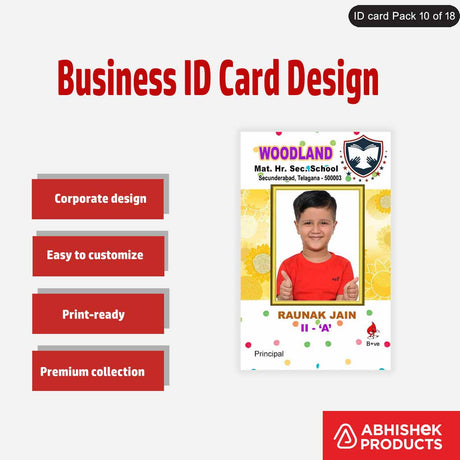
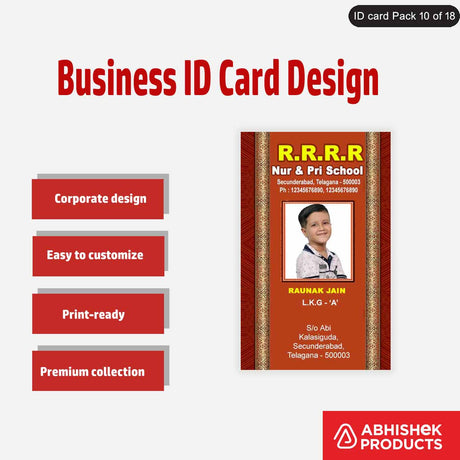
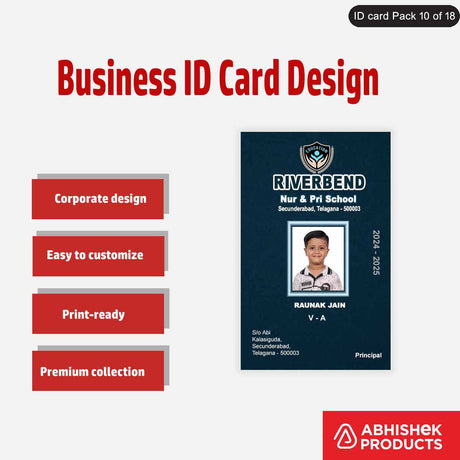
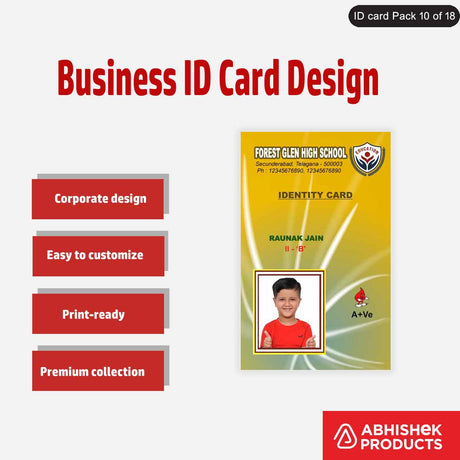
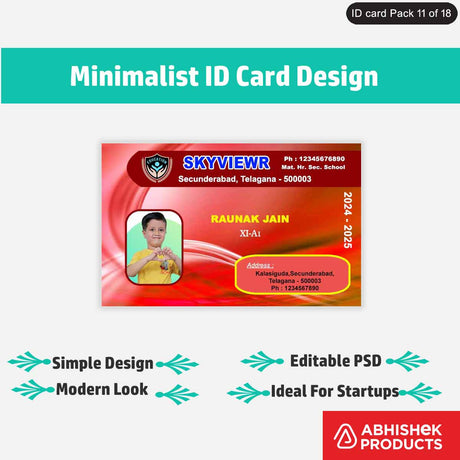
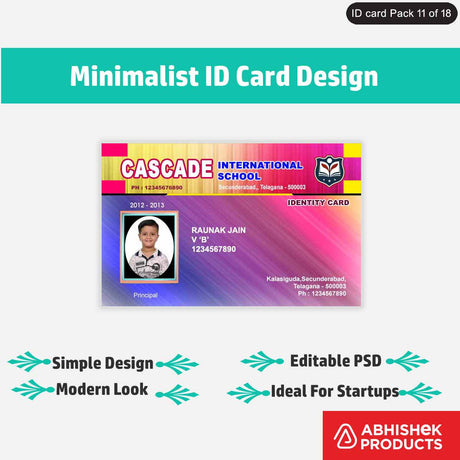
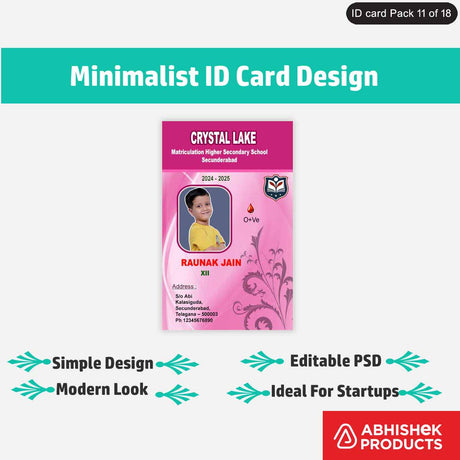
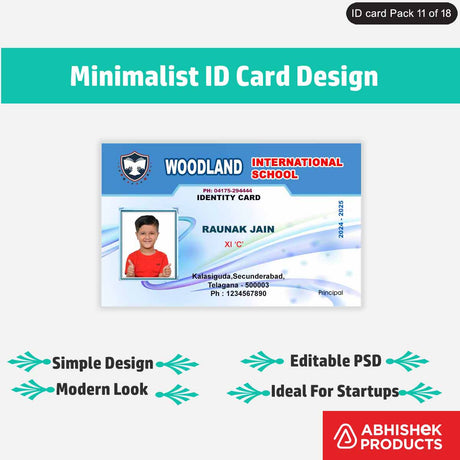
The Evolis Primacy 2 delivers exceptional printing quality, producing sharp, vibrant, and durable ID cards. Prints dry instantly, are scratch-proof, and resistant to bending, ensuring cards last for one to two years without damage. The thermal printing technology ensures that details, colors, and text are consistently clear, even with full background tints.
For best results, always use genuine Evolis ribbons like the Evolis Primacy 2 YMCKO 300 Impressions Thermal Ribbon. Maintain the printer by keeping its covers closed to prevent dust accumulation, which can affect print quality. When designing cards, leverage the Cardpresso XM software's features, including ready-made templates and customization options for photos, signatures, and barcodes. The software also displays ribbon percentage and card usage, helping you manage supplies efficiently. After printing, consider using ATM pouches, available in matt or glossy finish, to further protect the cards and enhance their professional appearance.
| Feature | Benefit |
|---|---|
| Instant Dry Prints | Cards are ready for immediate use, no smudging. |
| Scratch-Proof | Print remains intact even with daily handling. |
| Bend-Resistant | Card flexibility prevents damage from bending. |
| Water-Resistant | Print quality is maintained even if exposed to water. |
| Sharp Detail Reproduction | Clear text, images, and barcodes for professional appearance. |
Pros and Cons of Evolis Primacy 2
The Evolis Primacy 2 offers numerous advantages for businesses requiring reliable ID card printing. Its advanced features, such as enhanced printhead protection and dual-sided printing, contribute to its efficiency and longevity. The included Cardpresso XM software simplifies card design, making it accessible even for users with basic computer knowledge. The printer's ability to produce highly durable, scratch-proof, and water-resistant cards ensures a long lifespan for printed IDs, reducing replacement costs.
However, like any specialized equipment, there are considerations. While the Cardpresso XM software is free and user-friendly, advanced design needs might still require integration with professional software like Photoshop or CorelDraw. Initial setup requires careful attention to ribbon installation to avoid errors, though the printer's intelligent system helps prevent incorrect loading. The cost of genuine Evolis ribbons, while ensuring quality, is a recurring expense to factor into operational budgets.
- - **Pros:**
- - Advanced printhead protection extends printer life.
- - Produces highly durable, scratch-proof, and water-resistant cards.
- - Free, user-friendly Cardpresso XM software included.
- - Supports a wide range of card types and dual-sided printing.
- - **Cons:**
- - Requires genuine Evolis ribbons, which are a recurring cost.
- - Advanced design may still benefit from external software.
- - Initial ribbon installation needs careful attention.
Evolis Primacy 2 vs. Alternatives
When considering the Evolis Primacy 2, it's useful to compare its capabilities against alternative card printing solutions, including older models like the Evolis Primacy 1. The Primacy 2 stands out with its latest features, such as enhanced printhead protection, which is a significant upgrade compared to previous generations. This feature directly contributes to a longer operational life and reduced maintenance.
While other printers might offer basic card printing, the Primacy 2's integrated Cardpresso XM software provides a comprehensive, free design solution, making it a more complete package. Its ability to handle diverse card types—from basic PVC to advanced thermal chip and Mifare 1K cards—offers greater versatility than many entry-level alternatives. The consistent high print quality, instant drying, and durability features like scratch and water resistance often surpass those of lower-cost or older models, making the Primacy 2 a superior choice for long-term, professional ID card production in India.
Frequently Asked Questions
⚡ Fast Answers Summary
- The Evolis Primacy 2 printer can print a wide variety of cards, including standard PVC cards, ID cards, chip cards, thermal cards, attendance cards, Mifare 1K cards, and regular RF ID cards.
- Yes, the Evolis Primacy 2 printer comes with Cardpresso XM software free of cost.
- Cards printed with the Evolis Primacy 2 are highly durable.