Evolis Primacy 2: How to Use & Get the Best Print Quality?
Evolis Primacy 2: How to Use & Get the Best Print Quality?
The Evolis Primacy 2 is the latest professional ID card printing solution from AbhishekID.com, a certified Evolis Golden Partner in India. This printer is designed to handle high-volume card production for schools, offices, and security firms in the Indian market.
This guide provides a comprehensive walkthrough of the Evolis Primacy 2 (), covering everything from initial ribbon installation to advanced card designing using the included Cardpresso XM software. Whether you are printing standard PVC cards or advanced Mifare 1K security cards, this machine offers thermal technology that ensures scratch-proof and water-resistant results.
What is the best way to
The best way to use the Evolis Primacy 2 () is to integrate the Cardpresso XM software with high-quality YMCKO ribbons for professional-grade thermal printing. This setup allows businesses to create durable ID cards, attendance cards, and security-grade chip cards with ease.
To achieve the best results, users should utilize the dual-sided printing capability and the unique printhead protection feature. This ensures that the printer remains operational for years, even in high-dust environments common in Indian business districts. For those moving from older systems, understanding the basic of PVC ID card printer Evolis Primacy models is essential for maximizing efficiency.
The printer supports various card types, including thermal chip cards for driving licenses and Mifare 1K cards for attendance systems. By using the correct EP-2 ribbon, the printer automatically detects the media type via an internal RF ID chip, optimizing the print settings for sharp text and vibrant colors.
guide for beginners
For beginners, the Evolis Primacy 2 () is designed with user-friendly hardware components, including a high-capacity input hopper and a convenient output hopper. The input hopper allows you to load up to 100 cards at a time, making it ideal for bulk printing tasks like student IDs or employee badges.
A critical feature for new users is the printhead protection system. Unlike older models, the Primacy 2 includes a mechanical lock that prevents accidental contact with the printhead during ribbon changes. This feature significantly extends the life of the machine and reduces maintenance costs for small business owners.
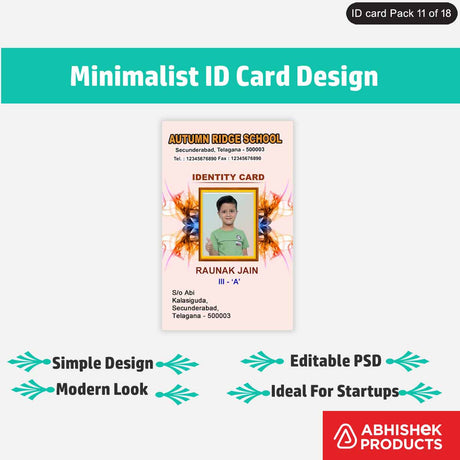
When starting, it is recommended to use the 62 free templates provided in the Cardpresso software. These templates cover various industries, including healthcare, retail, and education. Beginners can simply double-click text fields to update names, designations, or discount percentages without needing advanced graphic design skills.
step by step
Setting up the Evolis Primacy 2 () involves a specific step-by-step process to ensure the hardware and software are synchronized. First, the ribbon cassette must be installed using both hands to press the release knobs, ensuring the RF ID chip on the ribbon aligns with the printer's internal sensor.
Once the ribbon is installed, load your chosen PVC cards into the input hopper. You can choose between ordinary PVC cards, which come in 100-piece bundles, or special variety PVC cards that are individually packed for higher quality. After loading, the printer status will update on your connected computer via the Cardpresso interface.
The final steps involve designing and printing. Using the Cardpresso XM software, you can drag and drop elements like photos, signatures, and barcodes. If you require advanced barcode management, you might also consider mastering custom barcode labels with BarTender software for more complex database integrations.
How does work
The Evolis Primacy 2 () works using advanced thermal transfer technology. It uses a YMCKO ribbon (Yellow, Magenta, Cyan, Black, and Overlay) to apply colors onto PVC cards. The heat from the printhead transfers the ink from the ribbon directly onto the card surface, creating a bond that is resistant to scratches and water damage.
The printer features an internal RF ID chip reader that communicates with the ribbon cassette. This allows the printer to display the exact percentage of ribbon remaining on the user's screen. For example, if 35% of the ribbon is left, the software will notify the user, preventing mid-job interruptions.
During the printing process, the card is pulled from the input hopper, passed under the printhead for color application, and then ejected into the output hopper. The Primacy 2 is capable of printing on both sides of the card automatically, which is a significant upgrade for creating professional-looking ID cards with terms and conditions on the reverse side.
Best Products for ID Card Printing
The Evolis Primacy 2 Card Printer Full SETUP (₹Contact for price) is ideal for businesses needing a complete out-of-the-box solution because it includes 200 dark print cards and a full panel ribbon with installation support. View Product
The Evolis Primacy 2️⃣ YMCKO 300 Impressions Thermal Ribbon (₹Contact for price) is ideal for high-volume color printing because it provides 300 full-panel impressions per roll and includes the necessary RF ID chip for printer synchronization. View Ribbon
The Evolis Primacy 1️⃣ YMCKO 300 Impressions Thermal Ribbon (₹Contact for price) is ideal for users of the first-generation Primacy printers who require consistent color quality and thermal durability for their ID cards. View Legacy Ribbon
Detailed Cardpresso XM Software Features
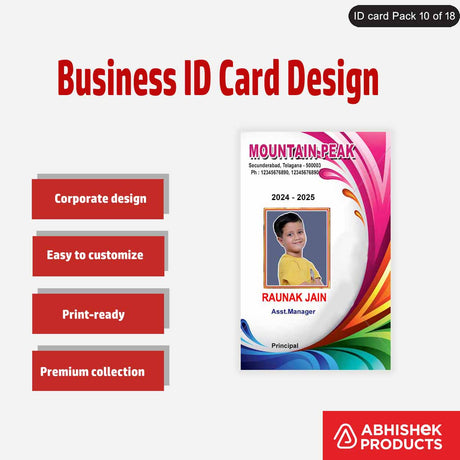
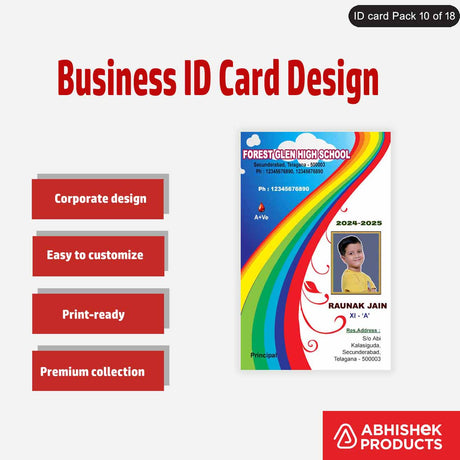
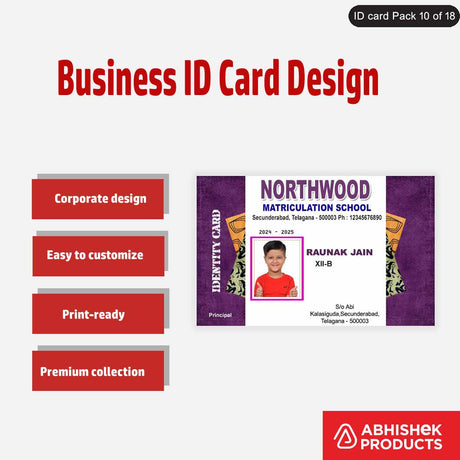
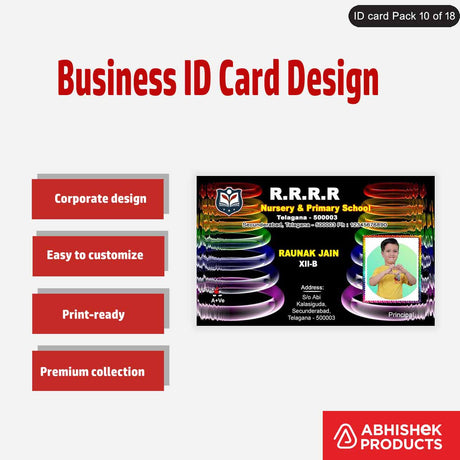
The Cardpresso XM software provided with the Evolis Primacy 2 offers creative freedom for Indian business owners. It includes specific tools for item positioning, shape creation, alignment, and rotation. Users can easily insert photos for employee IDs or hospital patient cards by simply dragging the image file into the workspace.
One of the most practical features is the automatic barcode and QR code generator. By typing a sequence like '123456789', the software automatically creates a scannable barcode. This is essential for librarians, HR managers, and retail store owners who use scanners for inventory or attendance tracking.
The software also allows for manual data entry of names, roll numbers, and emergency contact details. If you have existing designs in Photoshop or CorelDraw, you can import them as JPG files into Cardpresso to use as a background, ensuring your brand identity remains consistent across all printed materials.
Card Durability and Post-Printing Protection
Cards printed with the Evolis Primacy 2 are designed for longevity. The thermal technology ensures that the print does not remove when scratched and remains intact even if the card is bent. This makes them suitable for use over one to two years in daily environments.
For added protection, AbhishekID.com offers ATM pouches in both matt and glossy finishes. Inserting the printed PVC card into these pouches provides an extra layer of defense against physical wear. These pouches are particularly popular for customer loyalty cards and membership IDs that are frequently handled.
Testing shows that these cards are also waterproof. Even when dipped in water, the print quality does not degrade, and the colors do not bleed. This durability is a key reason why the Primacy 2 is the preferred choice for driving licenses and security-grade RF ID cards in India.